EasyManua.ls Logo

Tandy TRS-80 - Page 60

Tandy TRS-80
104 pages
Print Icon
To Next Page IconTo Next Page
To Previous Page IconTo Previous Page
Loading...
TRIMMING THE FAT OUT OF
DIRECT ACCESS
Now let's
look
at the
"Fielded INPUT
Program:'
Notice
we
used
a FIELD
line. RUN
the
program
without line
20 and see
what
happens
. .
.
Without a
FIELD
line,
the
Computer
does not
know
where
the
two
fields are.
Whenever you
input
FIELDed
records,
use a
FIELD line in
your
input
program.
Can you
guess
what
the
Computer
would do if you
tried
to LSET a
long string,
such
as
"123456789,"
into
one of
the
fields?
LOAD
Program
7,
change
line 30,
and RUN the
program.
(First,
SAVE the
"Fielded
INPUT
Program"
with line 20
reinstated.):
30
LSET A*
=
"lZGaSGTSa"
Now
load
and
RUN
the
"Fielded
INPUT
Program."
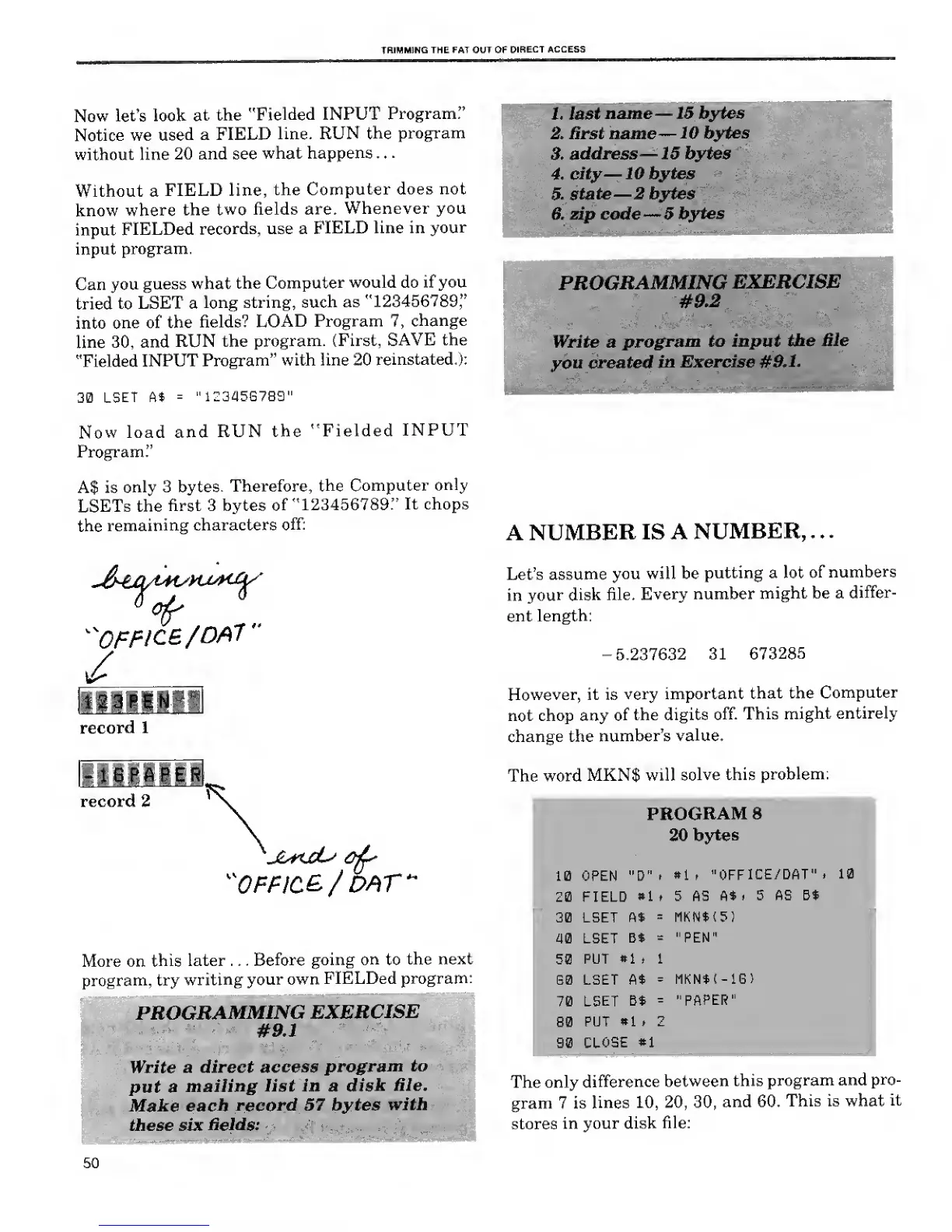
A$ is
only 3 bytes.
Therefore,
the
Computer
only
LSETs the
first 3 bytes
of
"123456789."
It chops
the
remaining
characters
off:
^OFFICE
/OA7"
/
Mmm
record
1
record
2
"OFF/C&/
DAT
More on
this
later . . .
Before
going
on
to
the next
program,
try
writing
your own
FIELDed
program:
PROGRAMMING
EXERCISE
#9.1
Write
a direct
access
program
to
put a
mailing
list in a
disk
Hie.
Make
each
record
57 bytes
with
these six
fields:
1. last
name
15 bytes
2. first name
10 bytes
3.
address
15 bytes
4.
city
10 bytes
5.
state
2 bytes
6. zip code
5
bytes
^£3§§§i^
:
.\lVjl ;
"
'
'.-.
:
'
-
PROGRAMMING
EXERCISE
#9.2
Write a
program
to input the
file
you
created
in
Exercise #9.1.
ascs-ffira-afi
A
NUMBER
IS
A NUMBER, .
.
.
Let's
assume
you will be
putting a
lot of
numbers
in
your disk
file.
Every
number
might be a
differ-
ent
length:
-5.237632 31
673285
However, it is
very
important
that the
Computer
not chop
any of
the digits
off. This
might
entirely
change the
number's
value.
The word
MKN$
will
solve this
problem:
PROGRAM
8
20
bytes
10 OPEN "D"
t
»1
p
"OFFICE/DAT"
t
10
20 FIELD
*l t 5 AS
A*
, 5
AS Bt
30 LSET
ft*
=
MKNt<5)
40 LSET
B*
=
"PEN"
50
PUT
*1
p 1
60 LSET At
=
MKN$t-iG)
70
LSET
Bt
=
"PAPER"
80
PUT
*1
> 2
90
CLOSE
»1
The only
difference
between
this
program
and
pro-
gram 7 is
lines
10, 20, 30,
and 60.
This is what
it
stores
in your disk
file:
50

Related product manuals