27
Table 4.1 Configuration instructions
Screen
Buttons
Screen Description
Button effects
Calibration gas
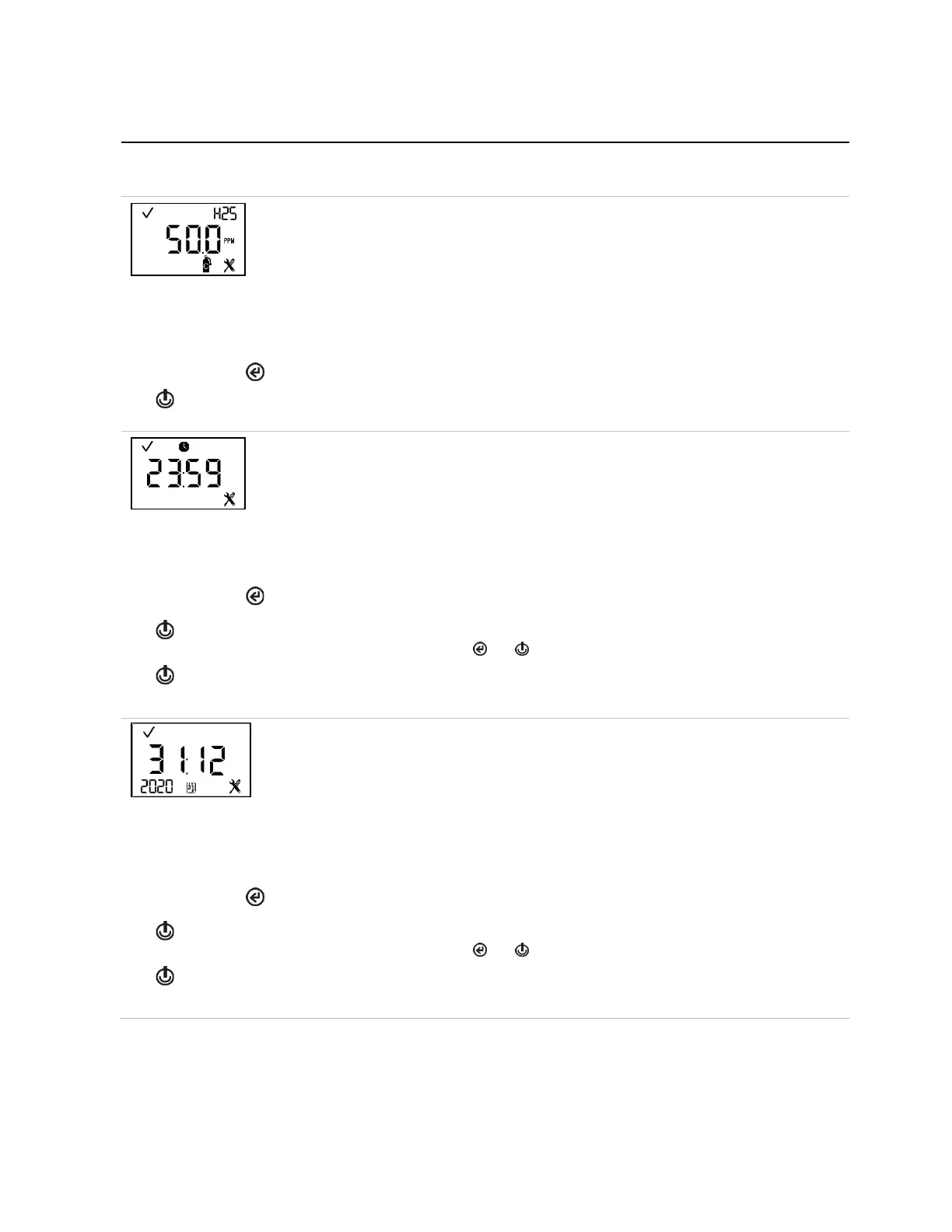
This screen features the status, sensor-type, configuration, and calibration icons, with the
current calibration gas setting in the main area.
This setting reflects the concentration of calibration gas that the instrument expects to read
when calibrated; it should be edited to match the cylinder's gas concentration.
Value range: within the sensor measurement range
Value increment: sensor measurement resolution
See Table 1.5 for the measurement range and resolution for each sensor type.
Increments the value; hold to speed the increment pace.
One press saves the displayed value; a second activates the next configuration-mode screen.
This screen features the status, clock, and configuration icons, with the current time setting.
The instrument's clock uses a 24-hour time format. Its settings are edited in this order using
these values:
Hours: 00 to 24
Minutes: 00 to 59
Value increment: 1
The first press activates the first value to be edited. Continued presses increment the value;
hold to speed the increment pace.
One press saves the displayed value and activates the next value to be edited.
Continue to use the buttons, and , to edit and save the values, respectively.
After all values are saved, one press activates the next configuration-mode screen.
Date
This screen features the status, configuration, and calendar icons, with the current date
setting. The year is displayed in the lower left corner. In the main display, the first two digits
represent the date and the second two digits represent the month. The settings are edited in
this order using these values:
Year: 2012 to 2099
Day: 00 to 31
Month: 00 to 12
The first press activates the first value to be edited. Continued presses increment the value;
hold to speed the increment pace.
One press saves the displayed value and activates the next value to be edited.
Continue to use the buttons, and , to edit and save the values, respectively.
After all values are saved, one press activates the next configuration-mode screen.



 To Next Page