28
Table 4.1 Configuration instructions
Screen
Buttons
Screen Description
Button effects
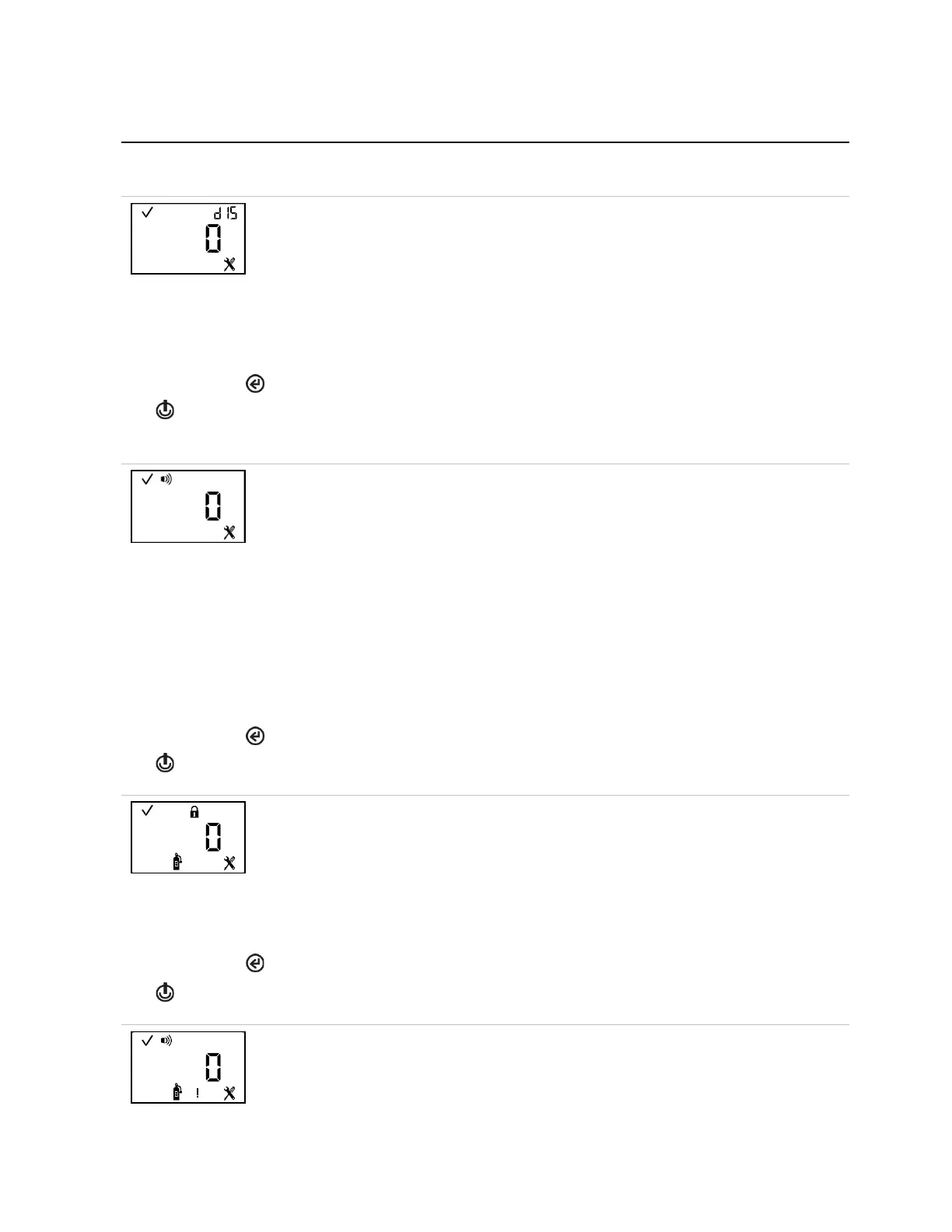
This screen features the status, “dIS”, and configuration icons, with the selected setting value
displayed in the main area. This setting allows the technician to choose the display style for
the home screen. A numeric display will feature the numeric gas reading and the sensor type
icon. A text display will feature the sensor type in place of the numeric gas reading (see
"Operation" for sample display styles).
Values:
0 = Numeric display
1 = Text display
One press saves the displayed value and activates the next configuration-mode screen.
This screen features the status, alarm, and, configuration icons, with the selected setting
value displayed in the main area. The technician can disable or enable the indicator and
choose the indicator type.
When enabled, the unit will emit the selected signal every 60 seconds in operation mode.
Note: When options 1, 2, or 3 are selected, the expected battery life will be reduced. For
applications requiring compliance with certificate PFG 23 G 002 X. See Workplace
Atmosphere Gas Performance.
Values:
0 = disabled
1 = audible chirp enabled
2 = blue LED flash enabled
3 = audible chirp and blue LED flash enabled
One press saves the displayed value and activates the next configuration-mode screen.
This screen features the status, lock, configuration, and bump test icons, with the selected
setting value displayed in the main area. The technician can enable or disable this operation
mode feature.
When enabled, the instrument operator can bump test the unit from operation mode.
Values:
0 = disabled
One press saves the displayed value and activates the next configuration-mode screen.
This screen features the status, alarm, configuration, warning, and bump test icons. The
technician can disable or enable the warning and choose the warning type.



 To Next Page