56
window will pop up. The first time you do
this in a session, you will need to check
the “Learn from MIDI’ box. Now simply
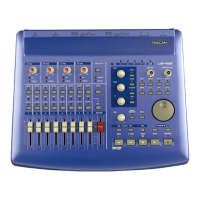
move the US-428 control you want to
use (fader, knob, button) and Reason
will automatically identify it and map it to
the Reason control the you previously
selected. You can select “OK” and now
Reason’s screen will show the channel
number and controller/note number over
the newly-mapped screen control.
Once we have set-up all the controls,
you can uncheck Options/Edit MIDI
Remote Mapping (which will leave the
screen cleaner). You can also save this
set-up file and use it as a template for
other projects.



 To Next Page