5-14
Operation on the Machine > Application
Deactivating Applications
1
Display the screen.
[System Menu/Counter] key > [Application]
2
Deactivate the application.
Select the desired application to exit > [Deactivate]
Uninstalling Applications
1
Display the screen.
[System Menu/Counter] key > [Application]
2
Deactivate the application.
1 Select the application you want to delete > [Delete]
You can view detailed information on the selected application by selecting [Detail].
2 Select [Yes].
If the user authentication screen appears, enter your login user name and login password
and select [Login]. For this, you need to login with administrator privileges. The factory
default login user name and login password are set as shown below.
Select [x] on the screen if you want to exit the already activated application.
The procedure for exiting some applications may differ.
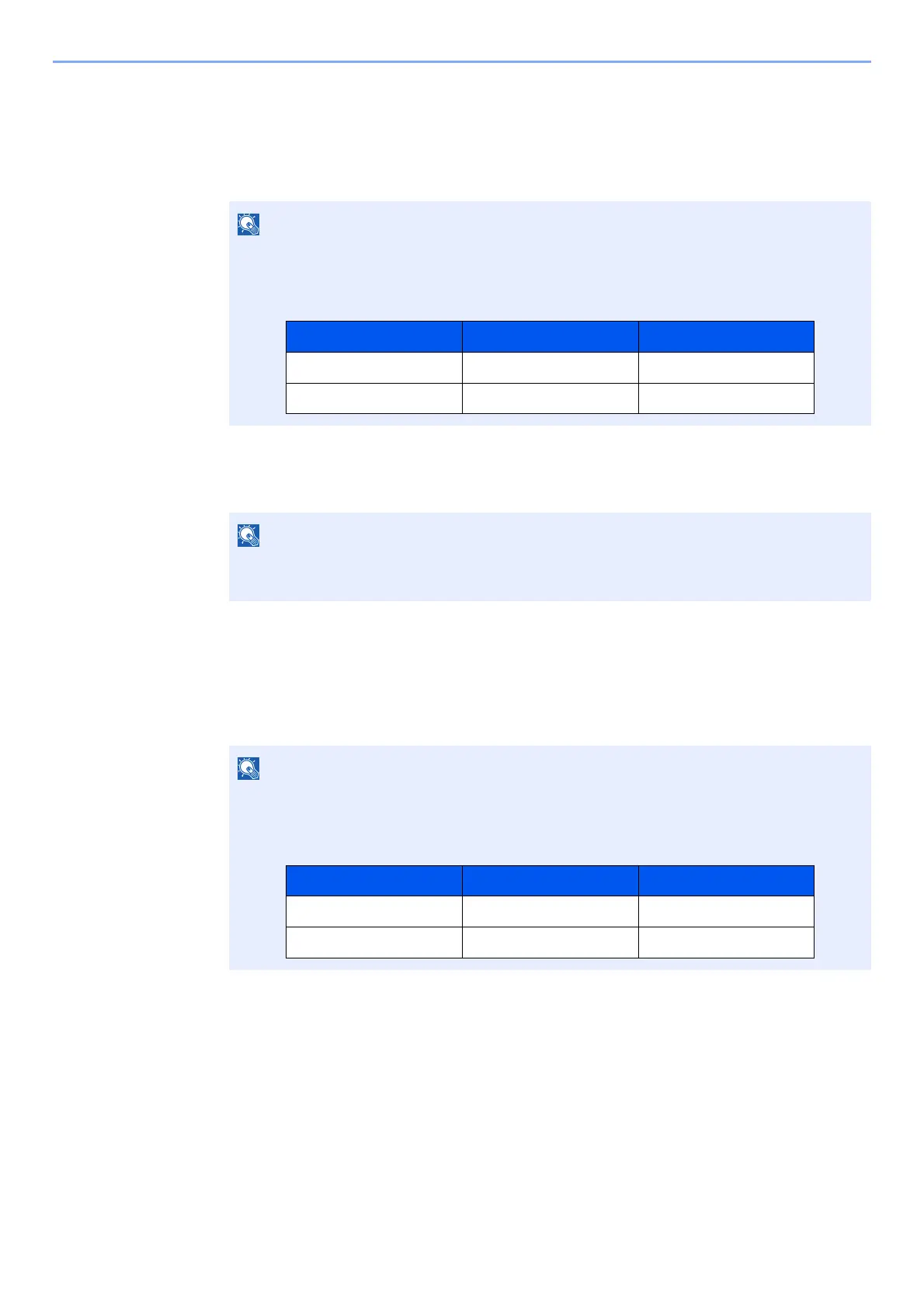
If the user authentication screen appears, enter your login user name and login password
and select [Login]. For this, you need to login with administrator privileges. The factory
default login user name and login password are set as shown below.
Model Name Login User Name Login Password
TASKalfa 3011i 3000 3000
TASKalfa 3511i 3500 3500
Model Name Login User Name Login Password
TASKalfa 3011i 3000 3000
TASKalfa 3511i 3500 3500



 To Next Page