9-38
User Authentication and Accounting (User Login, Job Accounting) > Job Accounting (Local)
Editing an Account
1
Display the screen.
1 [System Menu/Counter] key > [User Login/Job Accounting]
2 "Job Accounting Settings" [Next] > "Job Accounting (Local)" [Next] > "Accounting List"
[Add/Edit]
2
Edit an account.
1 Select [Detail] for the account name you wish to edit.
2 Select the account information to be changed and change the account information.
3 [Save] > [Yes]
The account information is changed.
If the login user name entry screen appears during operations, enter a login user name
and password, and select [Login]. For this, you need to login with administrator
privileges.
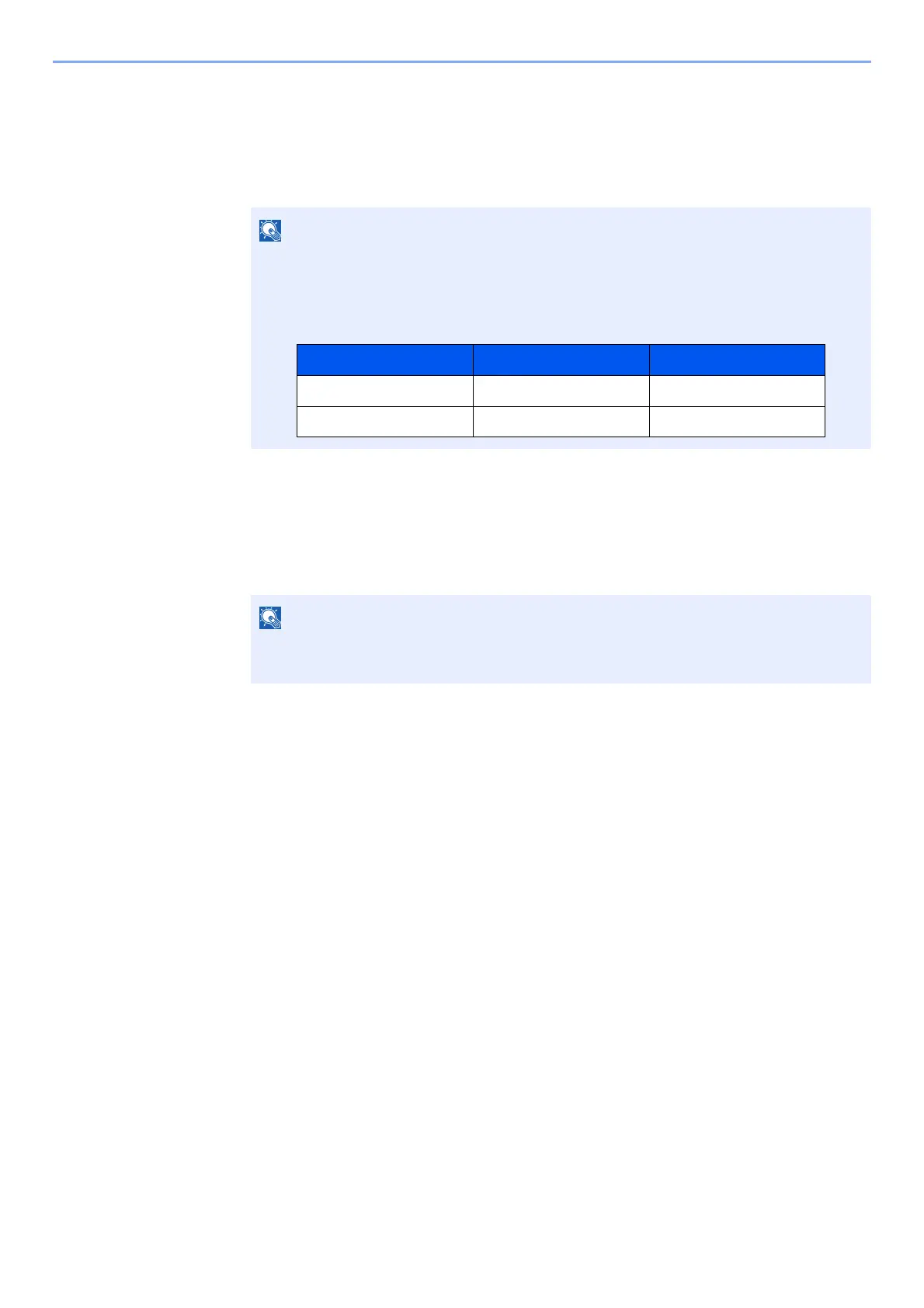
The factory default login user name and login password are set as shown below.
•Select [Name] or [ID] from the "Sort" to sort the account list.
•Select [Search(Name)] or [Search(ID)] to search by account name or account ID.
Model Name Login User Name Login Password
TASKalfa 3011i 3000 3000
TASKalfa 3511i 3500 3500



 To Next Page