9-53
User Authentication and Accounting (User Login, Job Accounting) > Unknown User Settings
Registering Information for a User whose ID is
Unknown
If you register user information for a user whose ID is unknown, you can check information on the Job Status or Job
History screens. In addition, you can restrict available functions.
1
Display the screen.
1 [System Menu/Counter] key > [User Login/Job Accounting]
2 "Unknown User Setting" [Next] > [User Property].
2
Enter the user information.
Enter the user information > [OK]
This function is displayed when [Unknown ID Job] is set to [Permit].
If the login user name entry screen appears during operations, enter a login user name
and password, and select [Login]. For this, you need to login with administrator
privileges.
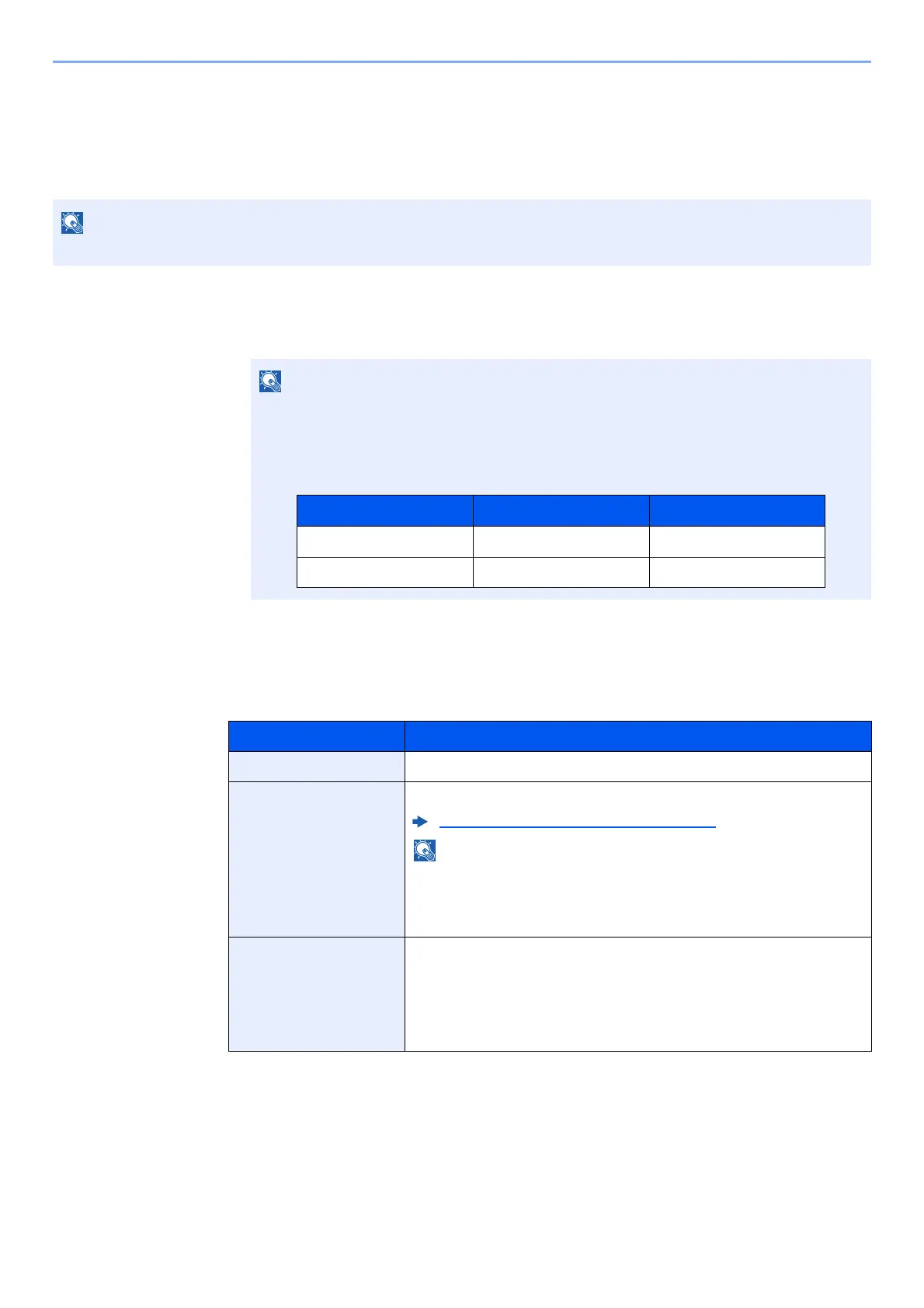
The factory default login user name and login password are set as shown below.
Item Descriptions
User Name Enter the name displayed on the user list (up to 32 characters).
Account Name Register an account for a user whose ID is unknown.
Overview of Job Accounting (page 9-33)
• Select [Name] or [ID] from the "Sort" to sort the account list.
• Select [Search(Name)] or [Search(ID)] to search by account
name or account ID.
Authorization Rules Set usage authority.
The following restriction items are available:
Print Restriction:
Select whether or not use of the print function of the printer is
prohibited.
Model Name Login User Name Login Password
TASKalfa 3011i 3000 3000
TASKalfa 3511i 3500 3500



 To Next Page