9-18
User Authentication and Accounting (User Login, Job Accounting) > Setting User Login Administration
Local Authorization
Select whether or not to use Local Authorization.
1
Display the screen.
1 [System Menu/Counter] key > [User Login/Job Accounting]
2 "User Login Setting" [Next] > "Local Authorization" [Change]
2
[Off] or [On] > [OK]
When using Local Authorization, the user authentication type must be set to [Local Authentication].
Enabling User Login Administration (page 9-3)
If the login user name entry screen appears during operations, enter a login user name
and password, and select [Login]. For this, you need to login with administrator
privileges.
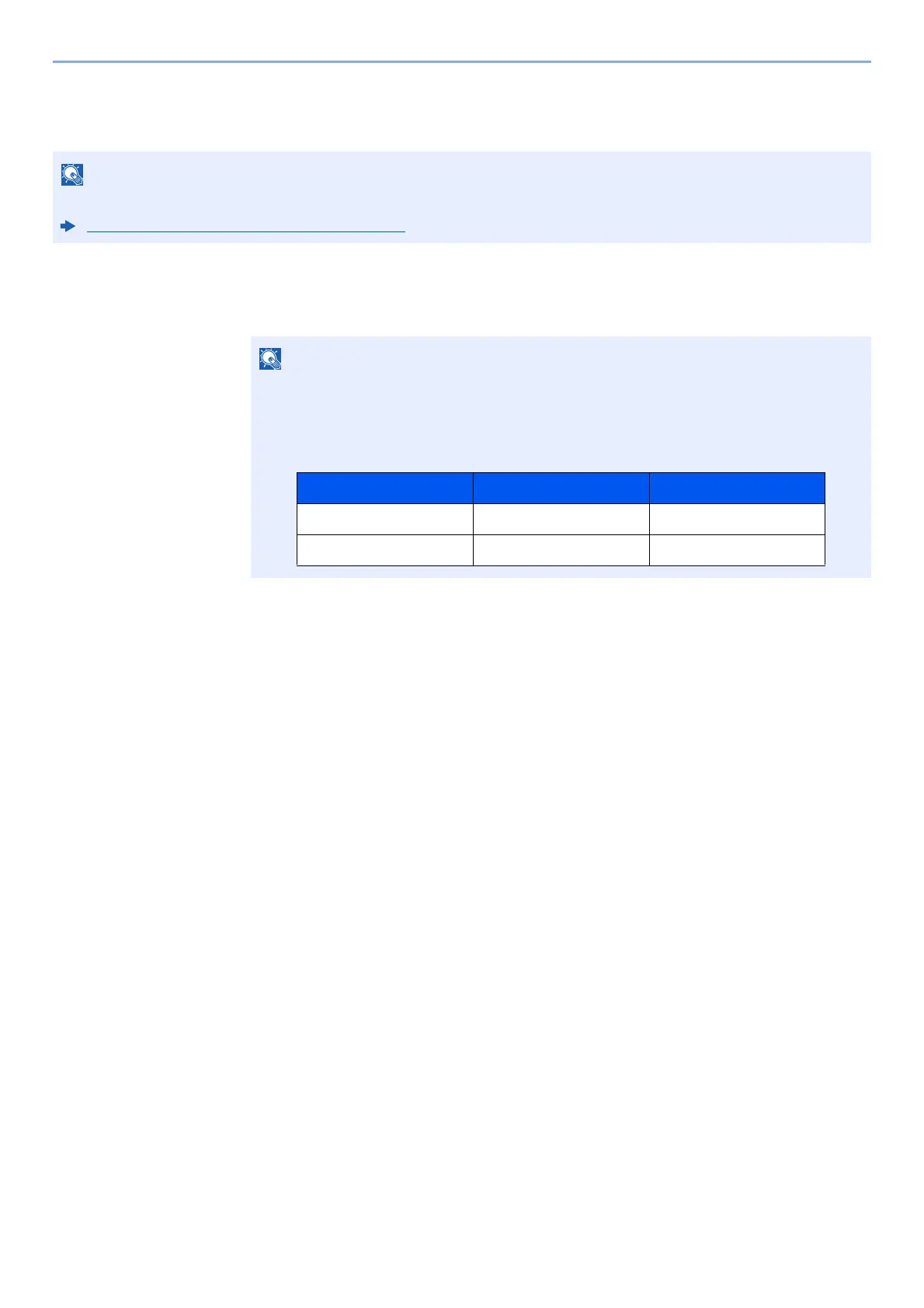
The factory default login user name and login password are set as shown below.
Model Name Login User Name Login Password
TASKalfa 3011i 3000 3000
TASKalfa 3511i 3500 3500



 To Next Page