8-17
Setup and Registration (System Menu) > System Menu
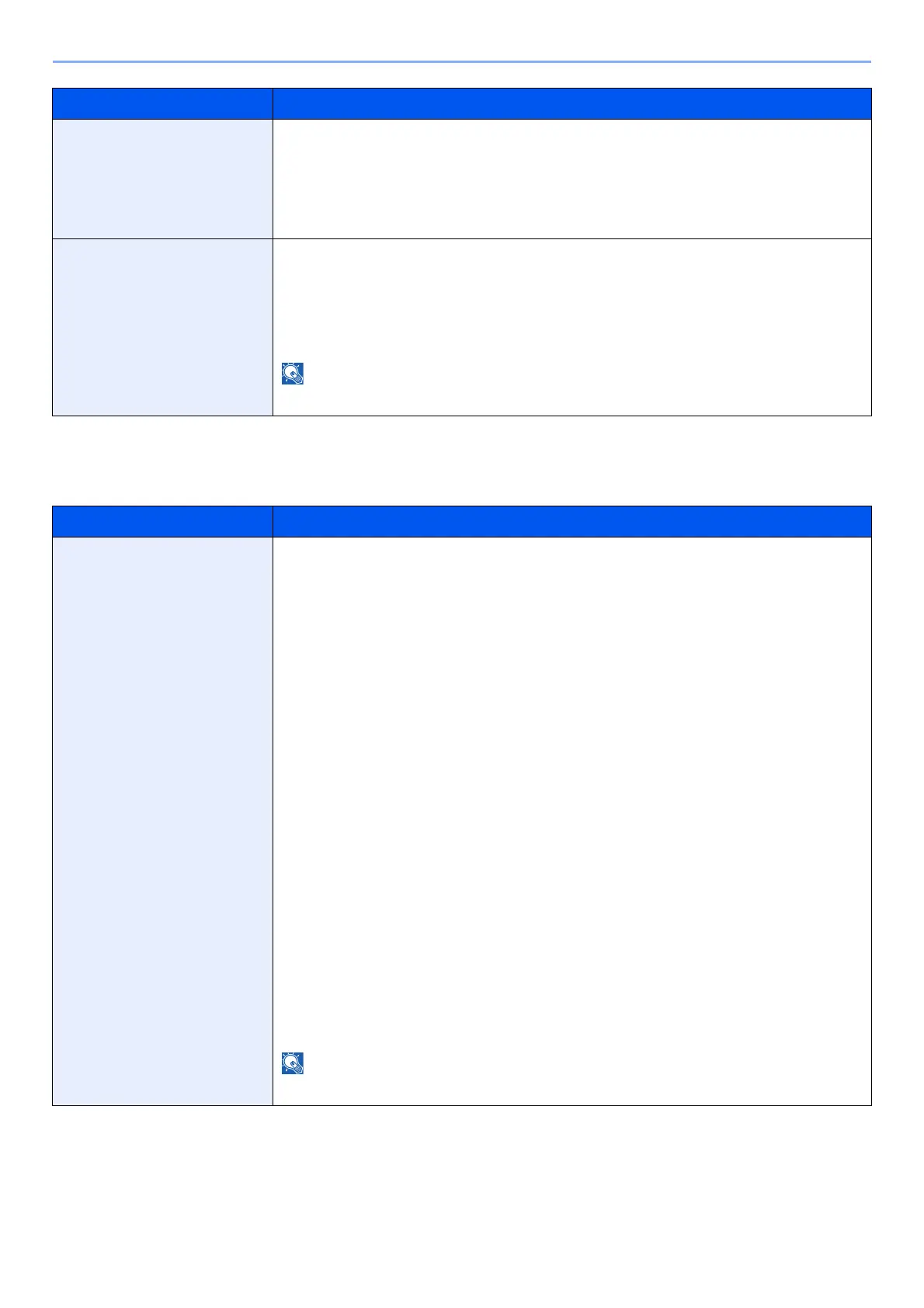
Paper Output
[System Menu/Counter] key > [Common Settings] > [Paper Output]
Inserted Paper Mismatch Set what to do when it is detected that the multipurpose tray paper size setting does
not match the actual paper size that is fed.
Value
Ignore: The setting is ignored and the job is printed.
Display Error: Message to cancel printing is displayed.
Paper Jam before Staple The page from which printing is resumed when a paper jam occurs during a job with
stapling can be selected.
Value
Resume at Top of Page: Resume printing from the first page of the document.
Resume at Jammed Page: Resume printing from the page where the jam occurred.
Requires the optional Document Finisher.
Item Description
Paper Output Select the output tray respectively for copy jobs, print jobs from Document Box,
computers, and FAX RX data.
Value:
• Inner Tray: Outputs to the Inner Tray of the machine
• Job Separator Tray: Delivery to the Job Separator.
with optional 1,000-Sheet Finisher
• Job Separator Tray: Delivery to the Job Separator.
• Finisher Tray: Delivery to the Finisher Tray of the optional Document
Finisher.
with optional 3,000-Sheet Finisher
• Job Separator Tray: Delivery to the Job Separator.
• Tray A: Delivery to the Tray A of the optional Document
Finisher
• Tray B: Delivery to the Tray B of the optional Document
Finisher
with optional Mailbox
• Job Separator Tray: Delivery to the Job Separator.
• Tray A: Delivery to the Tray A of the optional Document
Finisher
• Tray B: Delivery to the Tray B of the optional Document
Finisher
• Tray 1 to 7: Delivery to tray 1 to 7 (tray 1 is the uppermost tray) of
the optional Mailbox
FAX RX data output can be specified when the optional FAX Kit is installed.
Item Description



 To Next Page