8-49
Setup and Registration (System Menu) > System Menu
LAN Interface
Wi-Fi Direct Settings
[System Menu/Counter] key > [System/Network] > [Network] > [Wi-Fi Direct Settings]
Set Wi-Fi Direct.
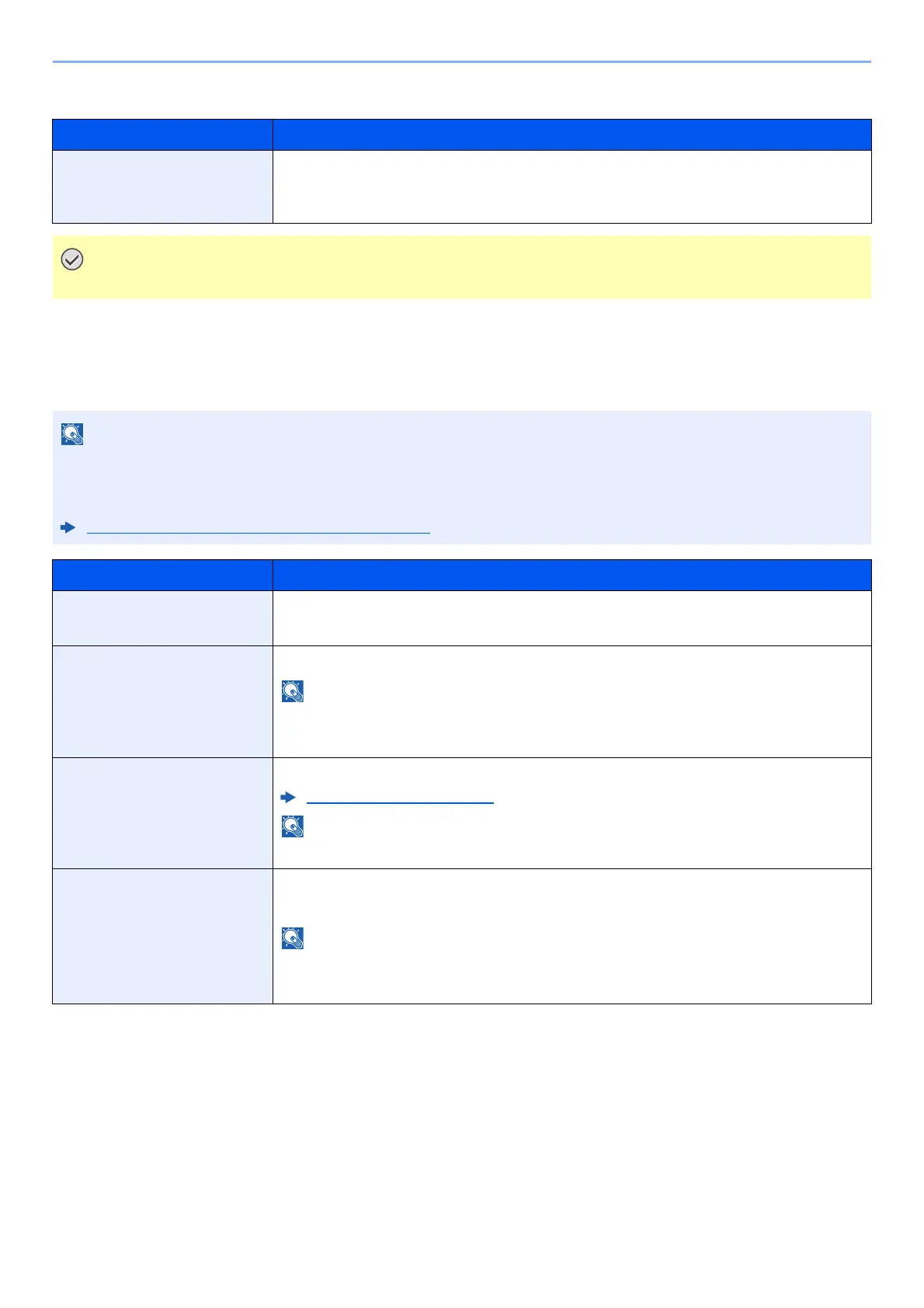
Item Description
LAN Interface Specify the settings for the LAN interface to be used.
Value:
Auto, 10BASE-T Half, 10BASE-T Full, 100BASE-TX Half, 100BASE-TX Full,
1000BASE-T
After changing the setting, restart the network or turn the machine OFF and then ON.
This function is displayed when the Wireless Network Interface Kit (IB-35) is installed.
The Wireless Network Interface Kit is an option for some models. Contact your dealer or our sales or service
representatives for detail.
IB-35 "Wireless Network Interface Kit" (page 11-5)
Item Description
Wi-Fi Direct Select whether to use Wi-Fi Direct.
Value: Off, On
Device Name Specify the device name.
• Up to 32 characters can be entered.
• This function is displayed when [Wi-Fi Direct] is set to [On].
IP Address Check the IP address of the machine.
TCP/IP Setting (page 8-47)
This function is displayed when [Wi-Fi Direct] is set to [On].
Auto Disconnect Automatically disconnect devices connected through Wi-Fi Direct.
Value: Off, On
• If you select [ON], set the waiting time for automatic disconnection.
• This function is displayed when [Wi-Fi Direct] is set to [On].



 To Next Page