10-34
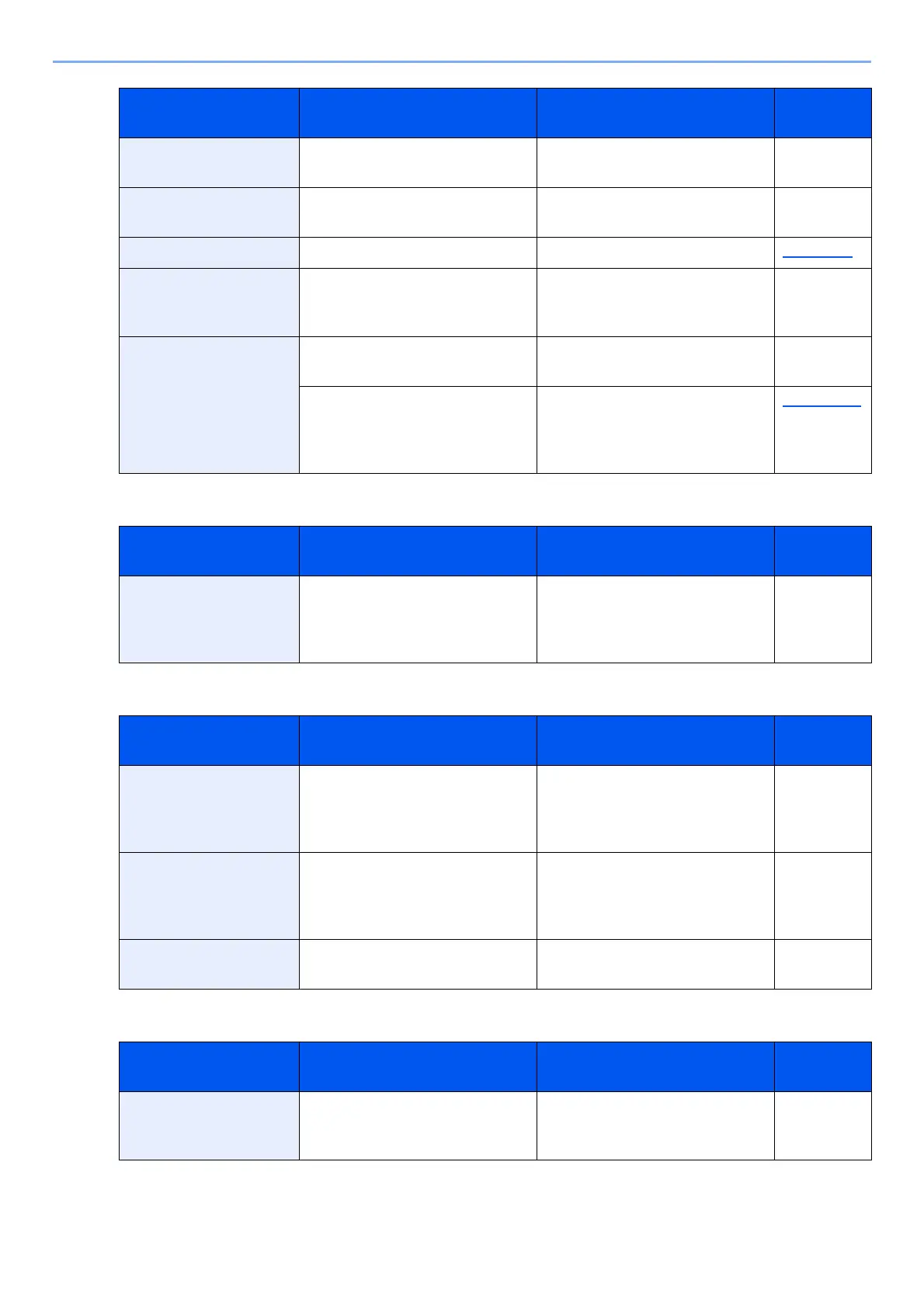
Troubleshooting > Troubleshooting
U
W
Y
Time for maintenance
soon. #####
— Call service. —
Toner container is not
installed.
— Install the toner container. —
Toner is empty. — Replace the toner container. page 10-4
Toner is low. (Replace
when empty.)
— It is almost time to replace the
toner container. Obtain a new
toner container.
—
Tray # is full of paper. Is the acceptable storage
capacity exceeded?
Remove the paper. Printing then
resumes.
—
Is the paper curled? Check the checkpoints of
"Printouts are curled." in Solving
Malfunctions and take the
corrective actions.
page 10-17
Message Checkpoints Corrective Actions
Reference
Page
Unknown Toner
Installed. PC
Does the installed toner
container's regional
specification match the
machine's?
Install the specified container. —
Message Checkpoints Corrective Actions
Reference
Page
Warning for high
temperature. Adjust
the room temperature.
― Print quality may be
deteriorated. Adjust the
temperature and the humidity of
your room.
―
Warning for low
temperature. Adjust
the room temperature.
— Print quality may be
deteriorated. Adjust the
temperature and the humidity of
your room.
—
Warning low memory. — Cannot start the job. Try again
later.
—
Message Checkpoints Corrective Actions
Reference
Page
You cannot use this
box.
— You cannot use the specified
box. Job is canceled. Select
[End].
—
Message Checkpoints Corrective Actions
Reference
Page



 To Next Page