HM10 Home AC Charger Mobile Application (APP) User Guide
2. General Setup before Using the Charger
TCHARGE
®
HM10 home AC charger is specifically designed to charge private-owned electric
vehicles (EVs) in residential settings. It must be configured through the TCHARGE
®
home
charging mobile APP before use.
2.1 Download the APP
To download the TCHARGE
®
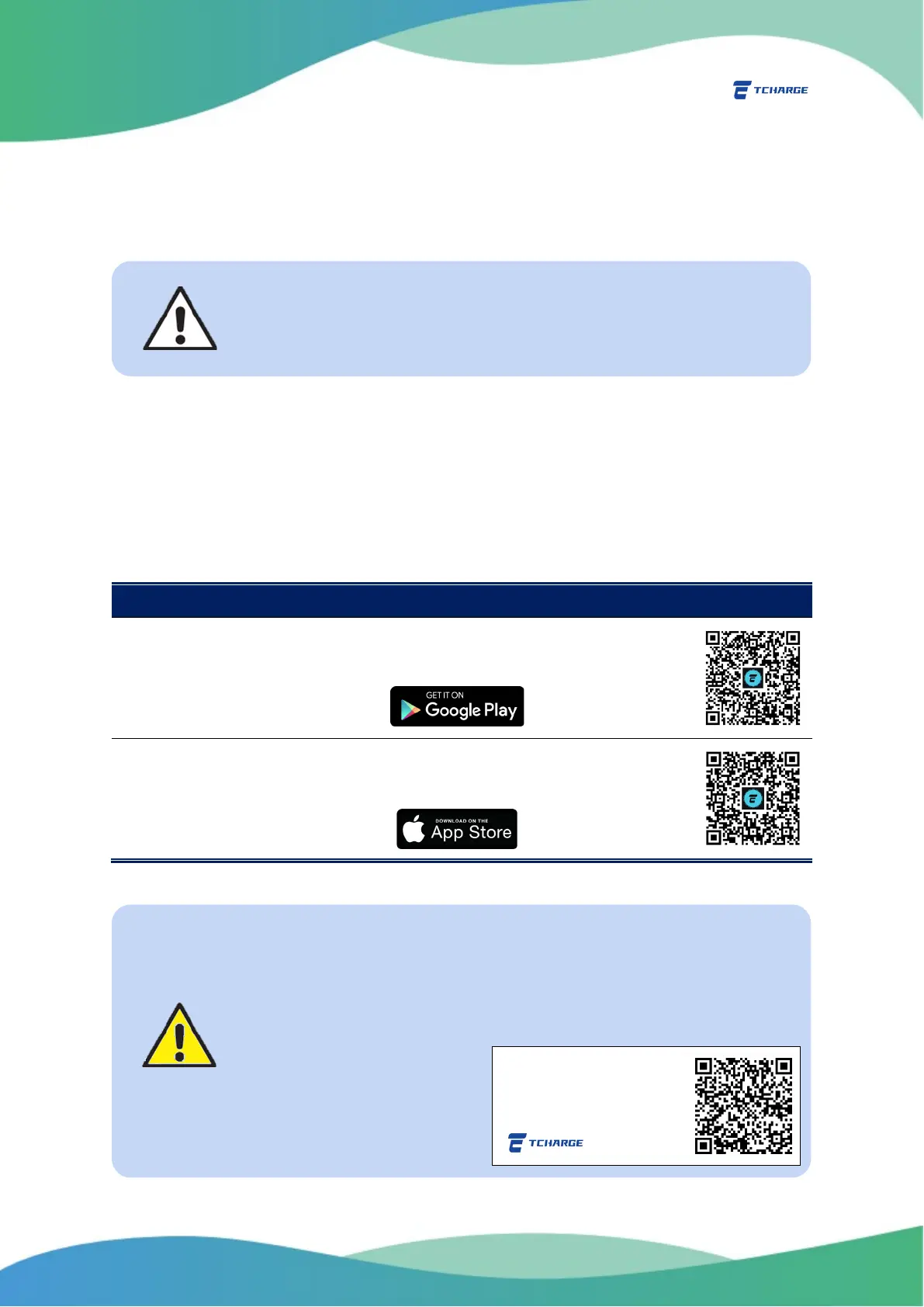
home charging APP, search for “TCharge” in either Google Play store
(for Android devices) or Apple Store (for iOS devices).
You may also scan the following QR codes to access the downloading links directly:
Device Type Instructions
Android
Devices
Search
“TCharge”
in Google Play or scan the QR code to the right to install
the home charging APP on your Android device.
iOS Devices Search
“TCharge”
in APP Store or scan the QR code to the right to install the
home charging APP on your Apple device.
For guides on hardware installation of the TCHARGE
®
HM10 charger,
please see the TCHARGE
®
HM10 Charger Installation Manual document
packed together with the product.
Important Note
Since the mobile application is frequently updated, you may find
designs and functions in the TCHARGE
®
home charging APP different
from descriptions in this guide. If you want to see the most recently
updated version, please scan this QR code here:
Scan this QR code to download
the
latest version of this home


 To Next Page