HM10 Home AC Charger Mobile Application (APP) User Guide
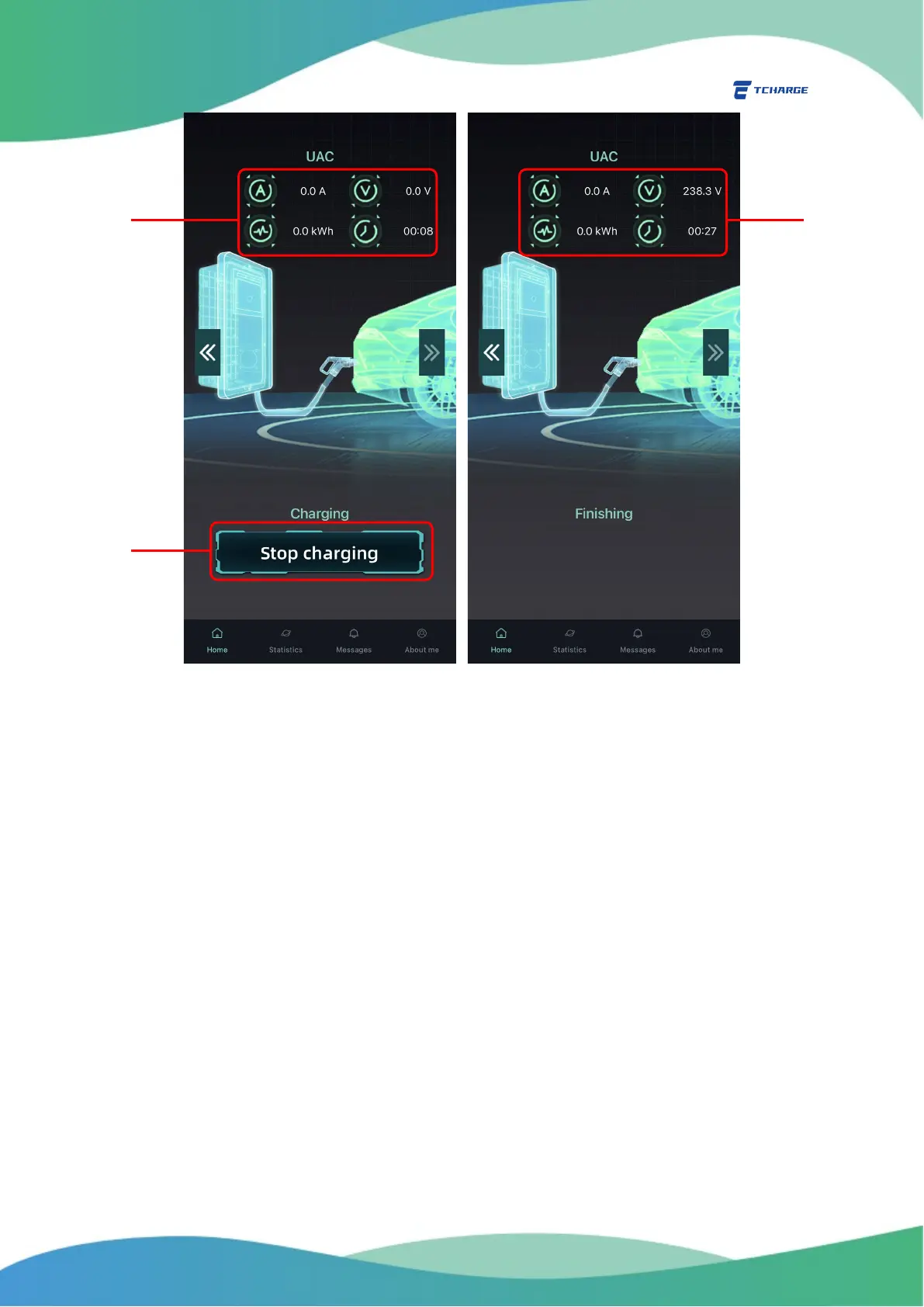
Figure 5.2 Charging In Progress Page and Finishing Charging Screen
6. Account and Charging Settings
Account and charging setting functions for TCHARGE
®
home charging APP are mostly found under
“About me” tab.
6.1 Change Your Account Password
To change the sign-in password for your account:
1) Choose “Change Password” on “About me” tab (A in Figure 6.1) to open change
password page (Figure 6.1 right).
2) Enter your old and new password (B), then click on “Confirm” button to finish password
setting (C).


 To Next Page