18
Basic Operation 2
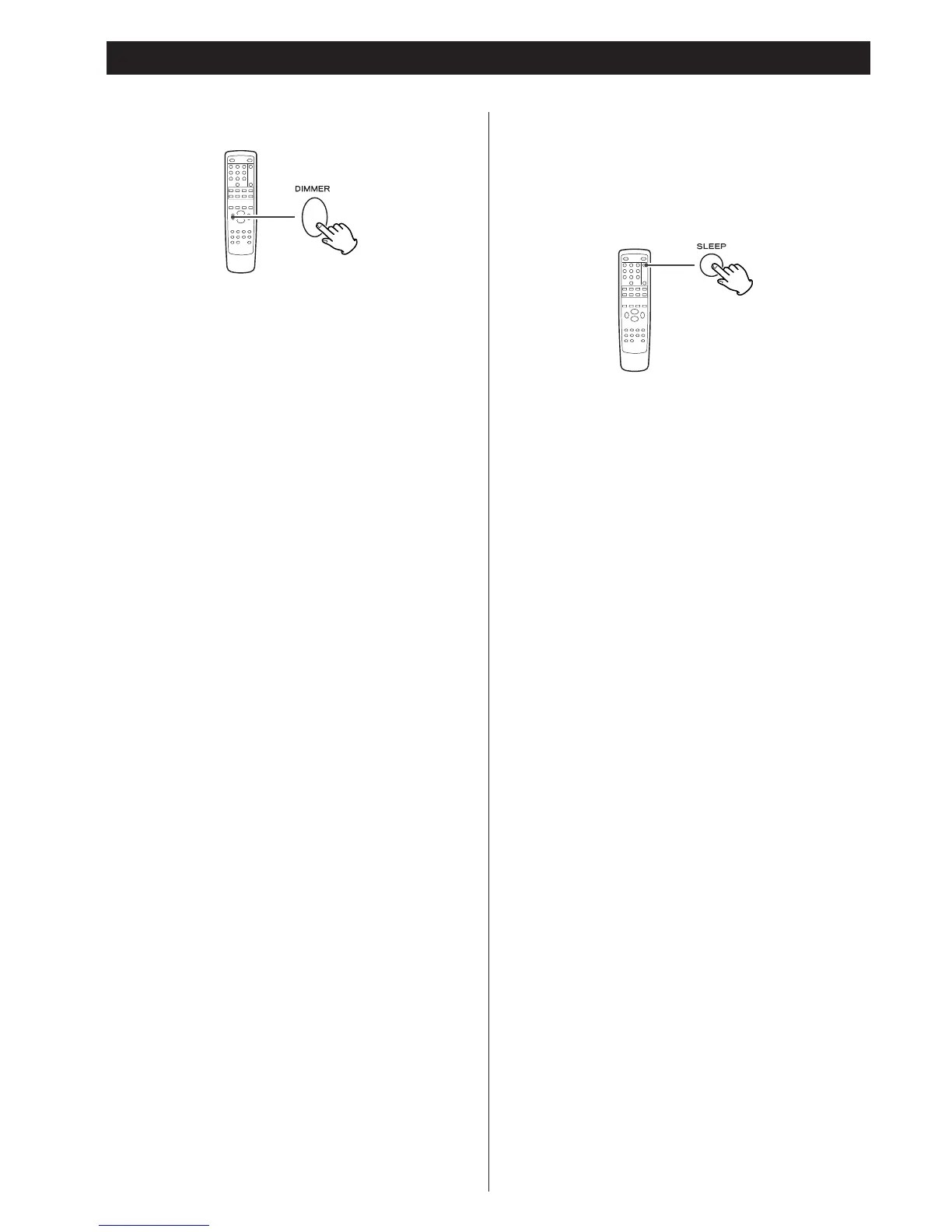
Dimmer
You can dim or turn off the front panel’s display by pressing
the DIMMER button.
< When the display is turned off, pressing any button will turn
the display on.
< This function will be canceled when the STANDBY/ON button
or the POWER switch is pressed.
< When you set the sleep timer, the display is dimmed
automatically.
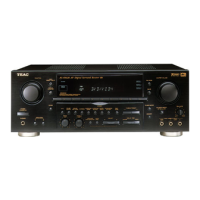
Sleep Timer
The power can be switched off after a specified amount of
time.
Press the SLEEP button repeatedly until desired time appears
on the display.
SLEEP 10 (20, 30, 40, 50, 60, 70, 80, 90):
The power will be switched off 10 (20, 30, 40, 50, 60, 70,
80 or 90) minutes later.
Normal display:
The sleep timer is off.
When you set the sleep timer, the display is dimmed, and the
remaining time is displayed.



 To Next Page