24
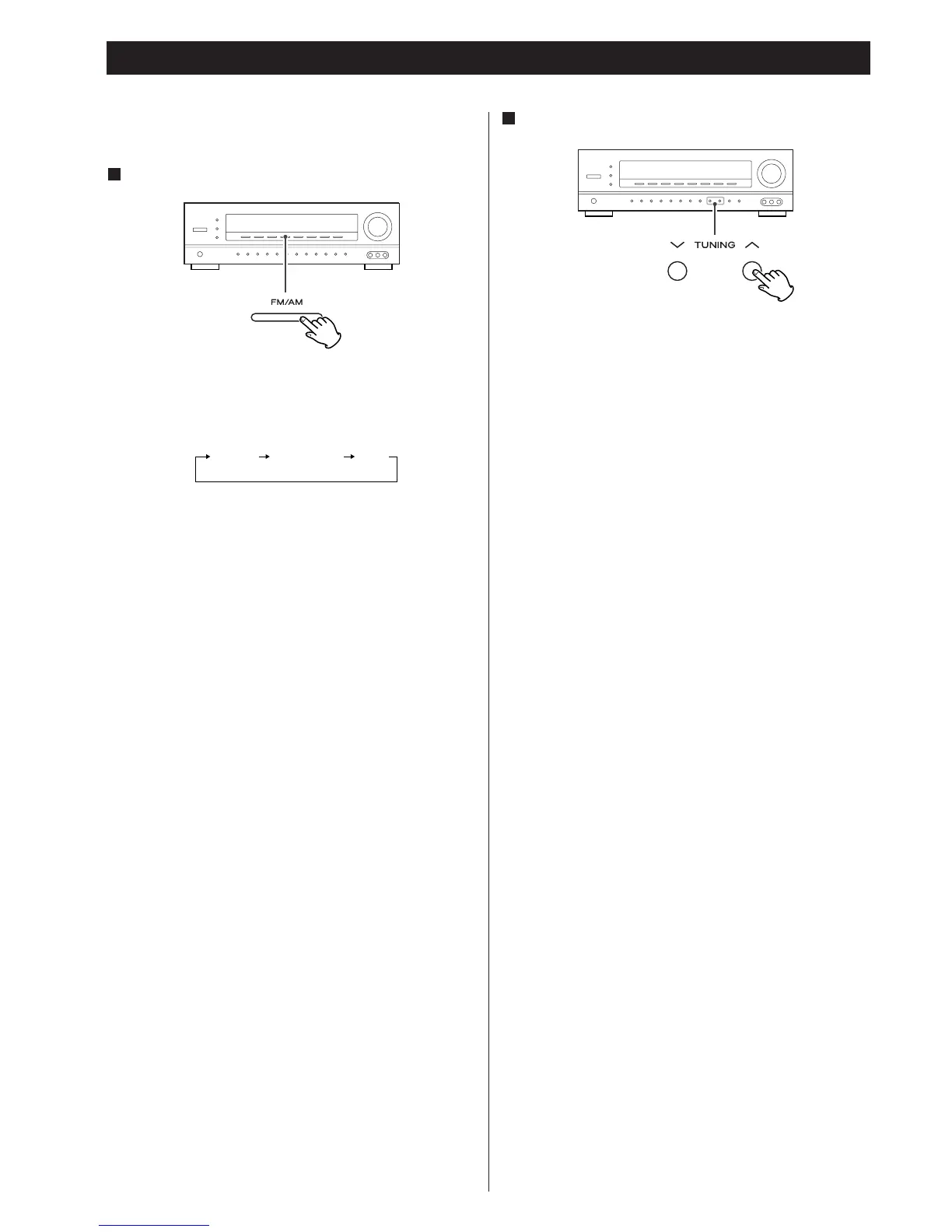
Hold down the TUNING button (‡ or °) for more than 0.5
seconds.
When a station is tuned in, the tuning process will stop
automatically.
If you want to stop the tuning process, press the TUNING
button (
‡ or °).
Selecting stations which cannot be tuned automatically
(manual selection)
When the TUNING button (‡ or °) is pressed momentarily
(0.5 second or less), the frequency changes by a fixed step.
Press the TUNING button (‡ or °) repeatedly until the
station you want to listen to is found.
< “TUNED” is displayed when a broadcast is correctly tuned in.
Select the station you want to listen to (auto selection).
2
Tuner
< Make sure the antennas have been connected (see page 4
and 5).
Select TUNER by pressing the FM/AM button.
1
Each time the FM/AM button is pressed, the mode is changed
as follows:
FM ST:
FM stereo broadcasts are received in stereo and the “ST”
indicator lights in the display.
< If the sound is distorted and the “ST” indicator flashes, the
signal is not strong enough for good stereo reception. In this
case, change to MONO mode.
FM MONO:
To compensate for weak FM stereo reception, select this
mode. Reception will now be forced monaural, reducing
unwanted noise.
AM:
AM broadcasts are received.



 To Next Page