Before use
~
Placement precautions
•
Place
the unit in a stable location near the audio
system
that will
be
used
with
it.
• Do
not
install this
unit
in a location
that
could become hot.
This
includes
places
that
are
exposed to direct sunlight or near
a radiator, heater, stove or other heating equipment. Moreover,
do not place it on
top
of
an
amplifier or other equipment that
generates heat. Doing
so
could
cause
discoloration, deformation
or malfunction.
Also
avoid locations that
are
subject to vibrations or exposed
to
excessive
dust, cold or moisture.
• When installing this unit,
leave
a little
space
(at
least 3 cm or 1
'?
between it and walls and other devices in order to allow good
heat dissipation.
If you put it
in
a
rack,
for example,
leave
at least 5 cm
(2'?
open
above and
10
cm
(4'?
open behind it. Failure
to
provide these
gaps could
cause
heat to build up inside and result in fire.
• Do not place
CDs,
CD-Rs,
cassette
tapes,
other audio equipment
or other items that
are
susceptible
to
heat on
top
of
the unit.
Doing
so
could damage these items.
• Do not put cloth on top
of
the unit or place the unit on
top
of
bedding or thick carpets. Doing
so
could
cause
the unit to over-
heat and damage
it.
• Do not move the unit during
use
.
• The voltage supplied
to
the
unit
should match
the
voltage
printed on the back
of
the unit. If you
are
in any
doubt
regarding
this matter, consult
an
electrician.
• Do not open the body
of
the unit
as
this might result in damage
to the circuitry or
cause
electric
shock.
If a foreign object should
get into the unit, contact your dealer.
• When removing the power plug from the wall outlet,
always
pull
directly on the plug; never yank on the cord.
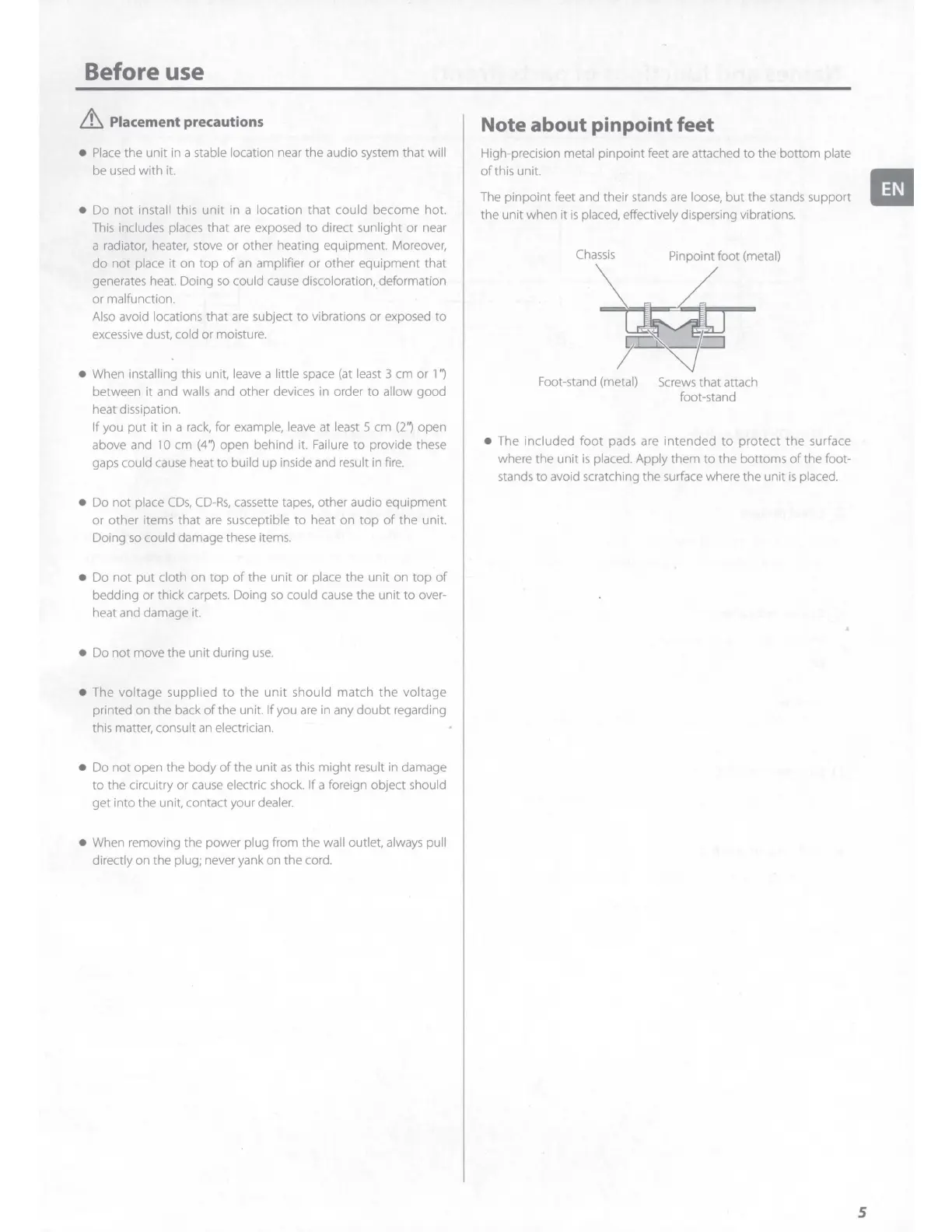
Note about pinpoint feet
High-precision metal pinpoint feet
are
attached
to
the bottom plate
of
this unit.
The pinpoint feet and their stands
are
loose,
but the stands support
the unit when it
is
placed, effectively dispersing vibrations.
Chassis
Pinpoint foot (metal)
Foot-stand (metal)
Screws
that attach
foot-stand
• The included
foot
pads are intended
to
protect the surface
where the unit
is
placed. Apply them
to
the bottoms
of
the foot-
stands
to
avoid scratching the surface where the unit
is
placed.
II
5



 To Next Page