- -
16
System Connections
Connecting to a PC
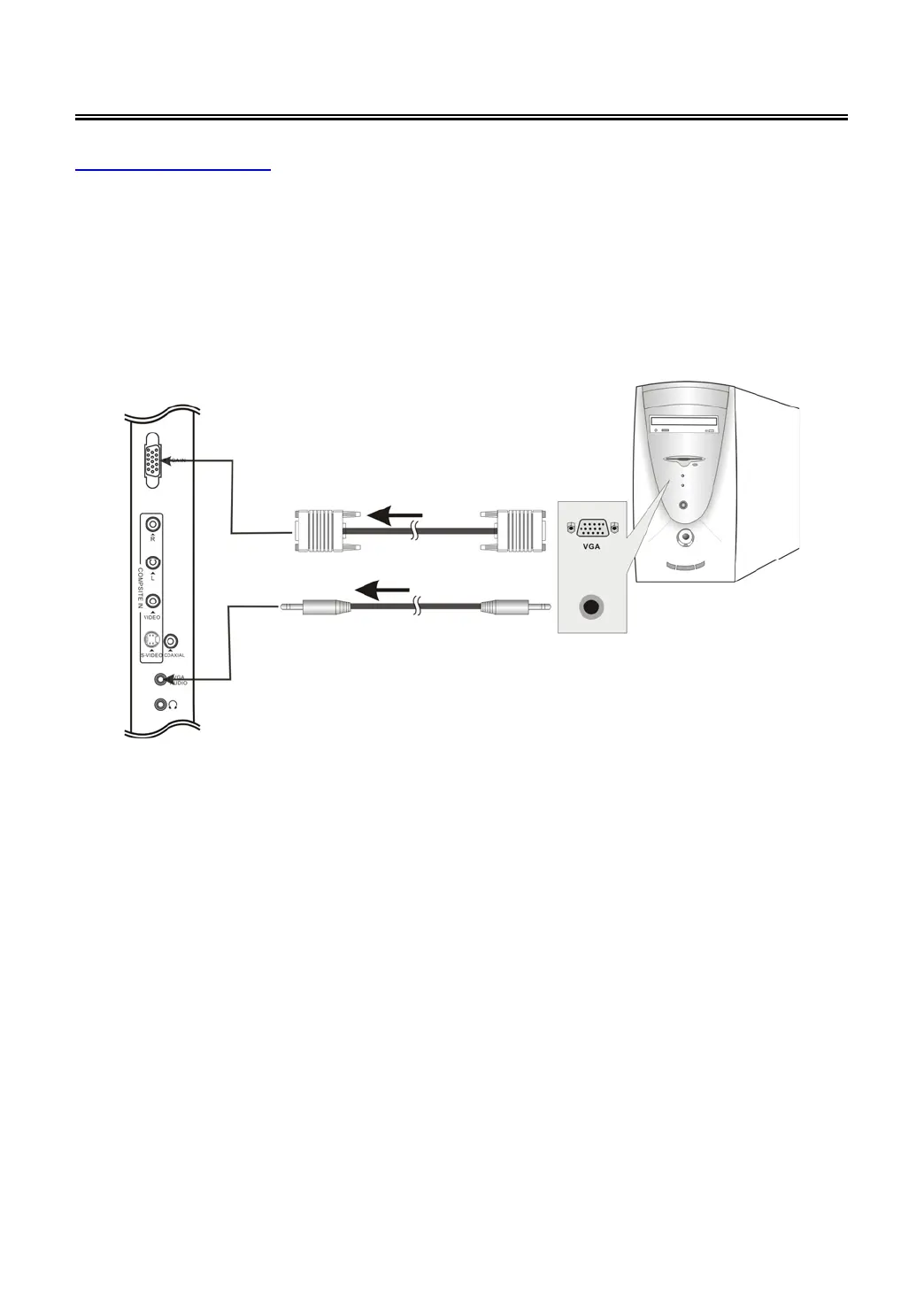
Follow the steps and figure below to connect PC to the unit.
1. Connect one end of the VGA cable to the VGA input jack on the jack panel of the unit and the
other end to the PC VGA output.
2. Connect one end of the audio cables to the PC audio input jack on the jack panel of the
television and the other end to the PC audio output jack.
3. Set the PC video resolution to match that of the television (typically 1024 x 768@60Hz).
After connection, turn on the power of the unit and the external AV signal source. Press INPUT
then direction buttons to select VGA mode
, and then press the ENTER button to confirm.



 To Next Page