15
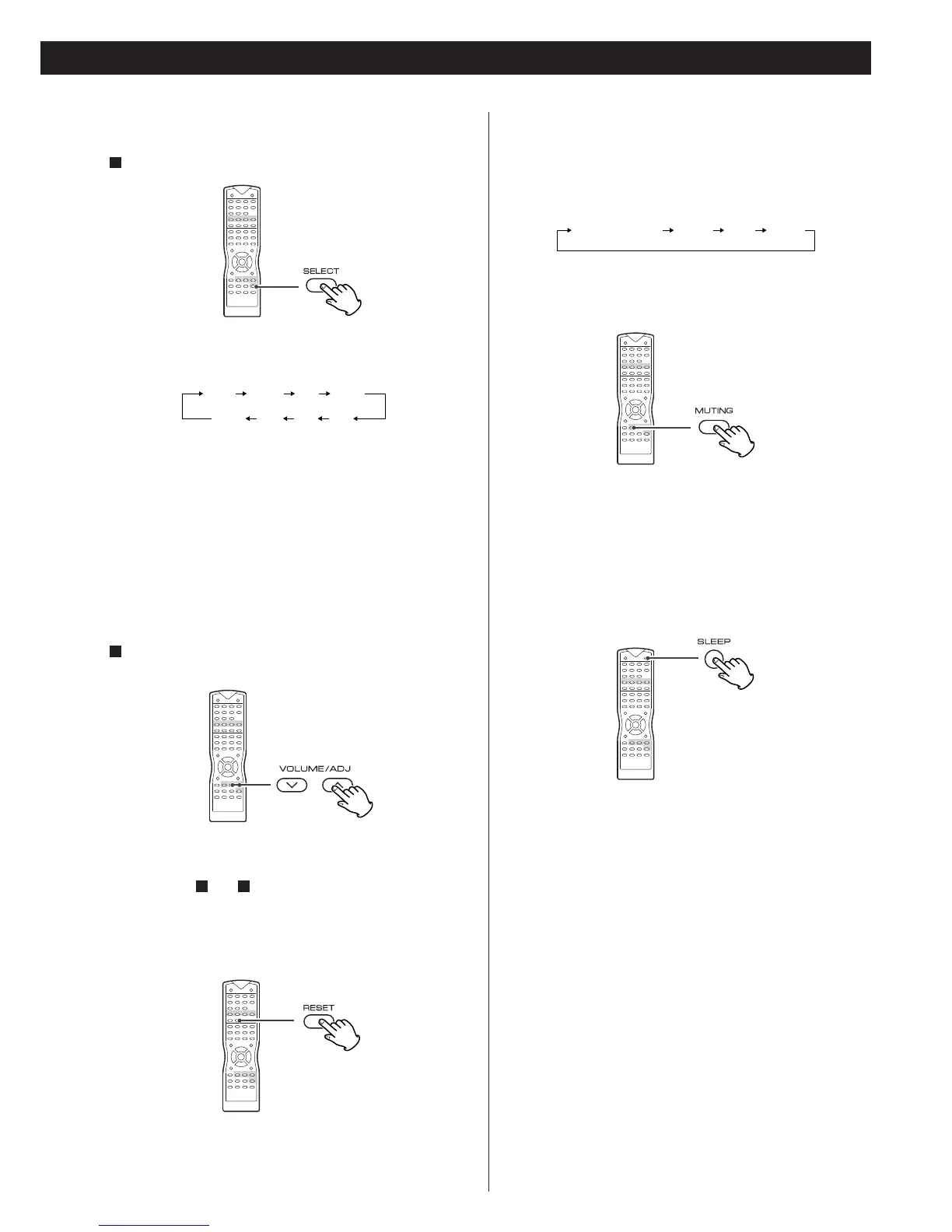
To mute the sound temporarily, press the MUTING button.
Press the MUTING button again to restore the sound. If you
change the volume during the muting, the muting will be
cancelled.
<
The level of speakers can be adjusted in 1 dB steps from -15
dB to +10 dB. The default setting is 0 dB.
Repeat step and to change other settings.
When all the configurations have been finished, leave the unit
idle for 3 seconds to exit the Channel Select mode.
21
Channel Level
Press the SELECT button.
1
FL: Front Left speaker
CNT: Center speaker
FR: Front Right speaker
SR: Surround Right speaker
SL: Surround Left speaker
SUB: subwoofer
<
When the listening mode is set to LT/RT, STEREO or VSS, the
center and surround speakers (CNT, SR, SL) will not appear on
the display (see page 16).
Within 3 seconds, press the VOLUME buttons to change the
level.
2
Muting
The power can be switched off after a specified amount of
time.
Press the SLEEP button repeatedly until desired time appears
on the display.
The sleep time can be changed by 10 minutes' step.
120 MIN (110, 100...or 10)
The SLEEP indicator lights, and the power will be switched off
120 (110, 100...or 10) minutes later.
OFF
Sleep timer is off.
<
If you want to check the remaining time, press the SLEEP
button once. The remaining time will be displayed for 3
seconds, and return to the normal display.
Sleep Timer
EEPS (Electronic Equalizer Preset System)
The EEPS button offers rock, pop, jazz and classic modes to
enhance your listening.
Each time the EEPS button is pressed, the mode is changed as
follows:



 To Next Page