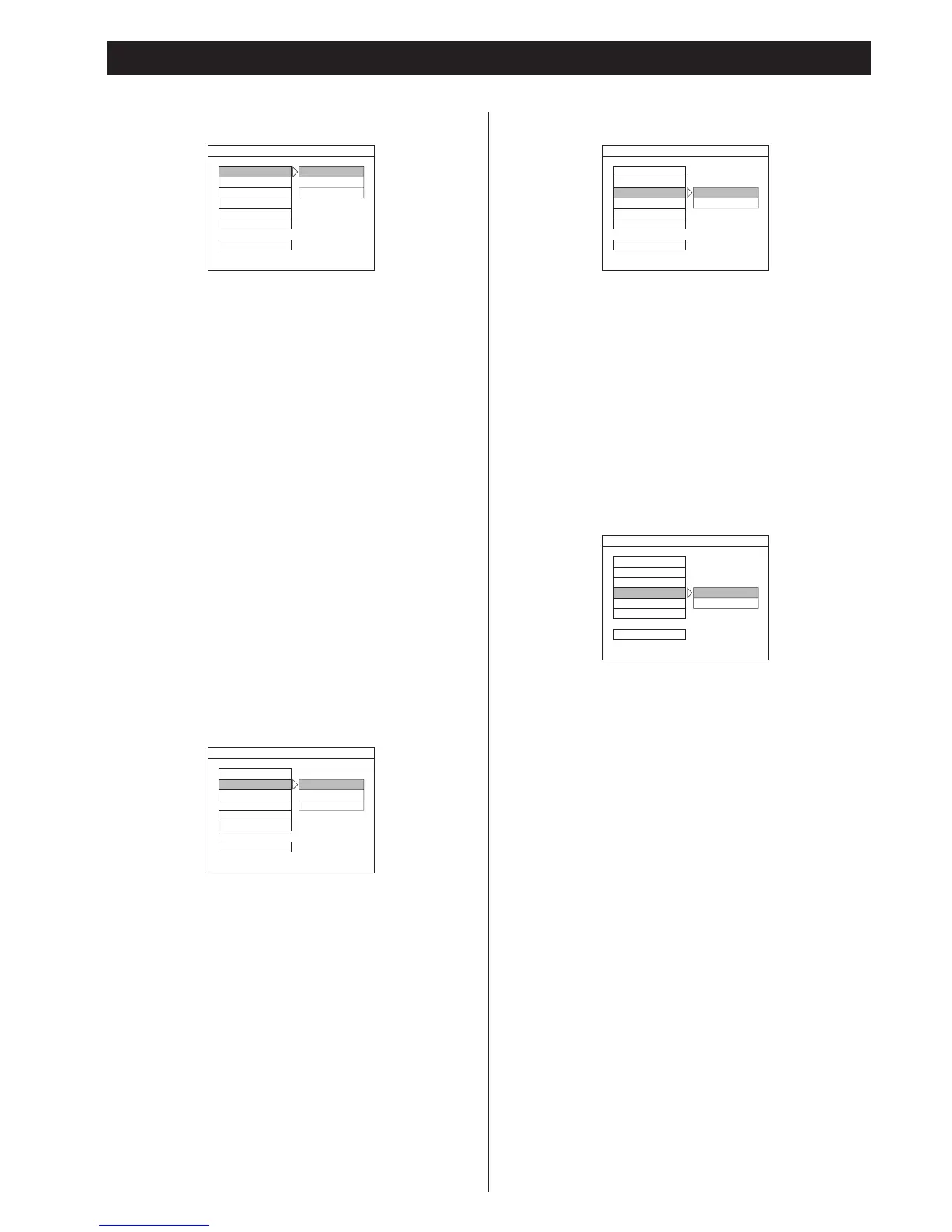
Select the aspect ratio to match your TV.
NORMAL/PS (Pan & Scan mode) (default)
When you connect a normal TV to the system, this setting
displays a wide picture on the whole TV screen with a portion
(right and left sides of the picture) automatically cut off.
NORMAL/LB (Letterbox mode)
When you connect a normal TV to the system, this setting
displays a wide picture with bands displayed on the upper and
lower portions of the screen.
WIDE (Wide-screen mode)
Use this setting when you connect a wide-screen TV to the
system.
<
Some wide-screen discs that do not permit Pan & Scan mode
playback are automatically played in Letterbox mode.
<
Depending on the DVD, 4:3 Letterbox may be selected
automatically instead of 4:3 Pan & Scan and vice versa.
<
You must also set the screen mode on your wide-screen TV to
"FULL".
<
If WIDE is selected and a normal TV is connected, 16:9 content
will appear distorted during playback (objects look thin).
TV Type
PAL (default):
Select PAL when a PAL TV(European standard) is connected.
NTSC:
Select NTSC When a NTSC TV is connected.
MULTI:
Select MULTI When a MULTI TV is connected.
Video Output
SCART (default):
Select this when your TV or monitor is compatible with RGB.
RGB video signal is output from the AV CONNECTOR.
S-VIDEO:
Select this when your TV or monitor is connected via the S-
VIDEO jack.
S-VIDEO signal is output from the S-VIDEO jack.
<
Regardless of the setting, the VIDEO OUT jack is always active.
Angle Mark
Select whether the angle mark appears on the TV screen or
not during playback of a multi-angles scene.
ON (default):
ANGLE MARK appears on the TV screen.
OFF:
ANGLE MARK does not appear.
You can change the angles using the ANGLE button. (see page
20)
Settings (General Setup)



 To Next Page