A
F
E
C
D
B
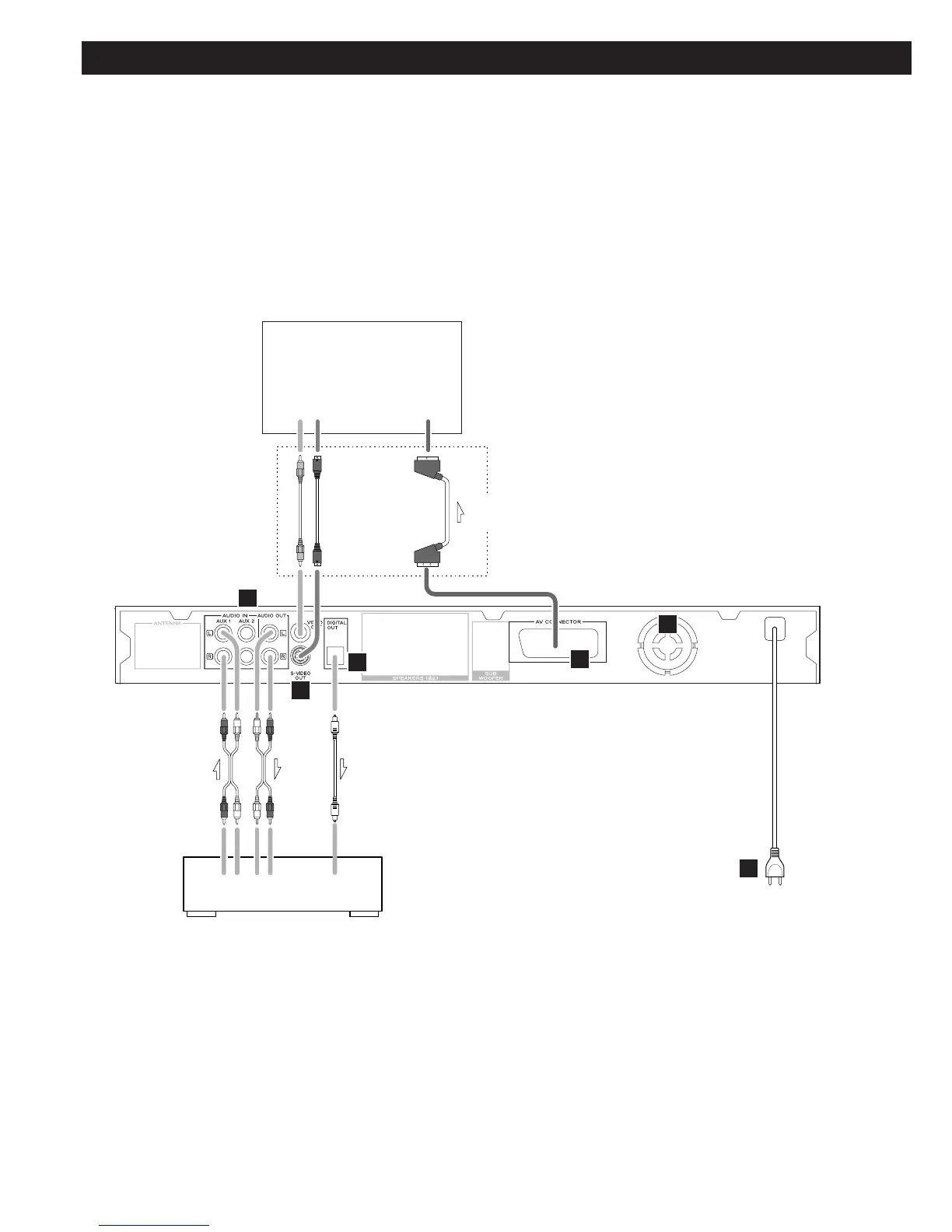
CD recorder, MD deck, Cassette tape deck, etc.
TV (Monitor)
CAUTION:
<
Switch off the power to all equipment before making connections.
<
Read the instructions of each component you intend to use with this unit.
<
Be sure to insert each plug securely. To prevent hum and noise, avoid bundling the
signal interconnection cables together with the AC power cord or speaker cables.
Optical digital cable
RCA cable
Wall socket
Connect one of
these cables
S-VIDEO cable
SCART cable
RCA cable



 To Next Page