25
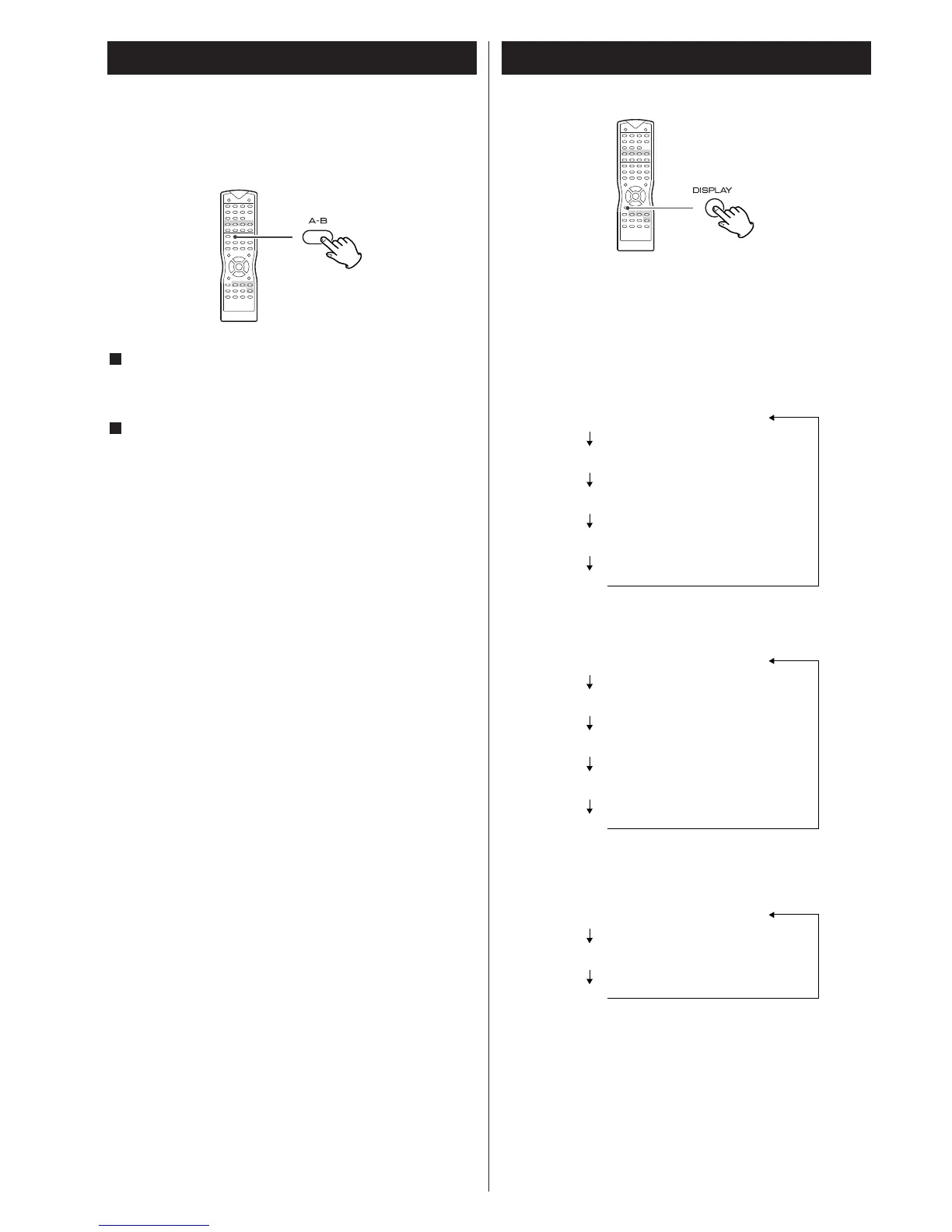
Start playback and designate the point at which the A-B
repeat should start (point A) by pressing the A-B button.
"A TO B SET A" appears on the screen.
When the point at which repeat playback should end (point B)
is reached, press the A-B button again.
"A TO B SET B" appears on the screen, and "A-B" lights on the
front panel display.
The designated section will be played repeatedly.
<
When playing a CD/VCD, the point A and B should be selected
from the same track.
<
When playing a DVD, the point A and B should be selected
from the same chapter.
<
There should be more than one second between A and B.
<
If one of the following buttons is pressed, A-B repeat mode will
be cancelled:
STOP (CD, VCD), STOP in the stop mode (DVD)
SKIP, A-B, OPEN/CLOSE, POWER, FUNCTION
2
1
Repeat Playback of a Designated Section
(A-B Repeat)
This function isn't available for MP3.
Display
Each time the DISPLAY button is pressed during playback,
following information will appear on the screen.
<
Select "OFF" to turn the time counter off.
Elapsed time of the current title
Remaining time of the current title
Elapsed time of the current chapter
Remaining time of the current chapter
(OFF)
DVD
Elapsed time of the current track
Remaining time of the current track
Elapsed time of the disc
Remaining time of the disc
(OFF)
VCD/CD
Elapsed time of the current track
Remaining time of the current track
(OFF)
VCD(PBC)/MP3



 To Next Page