18
DVD VCD CD MP3 JPEG
Playback 2
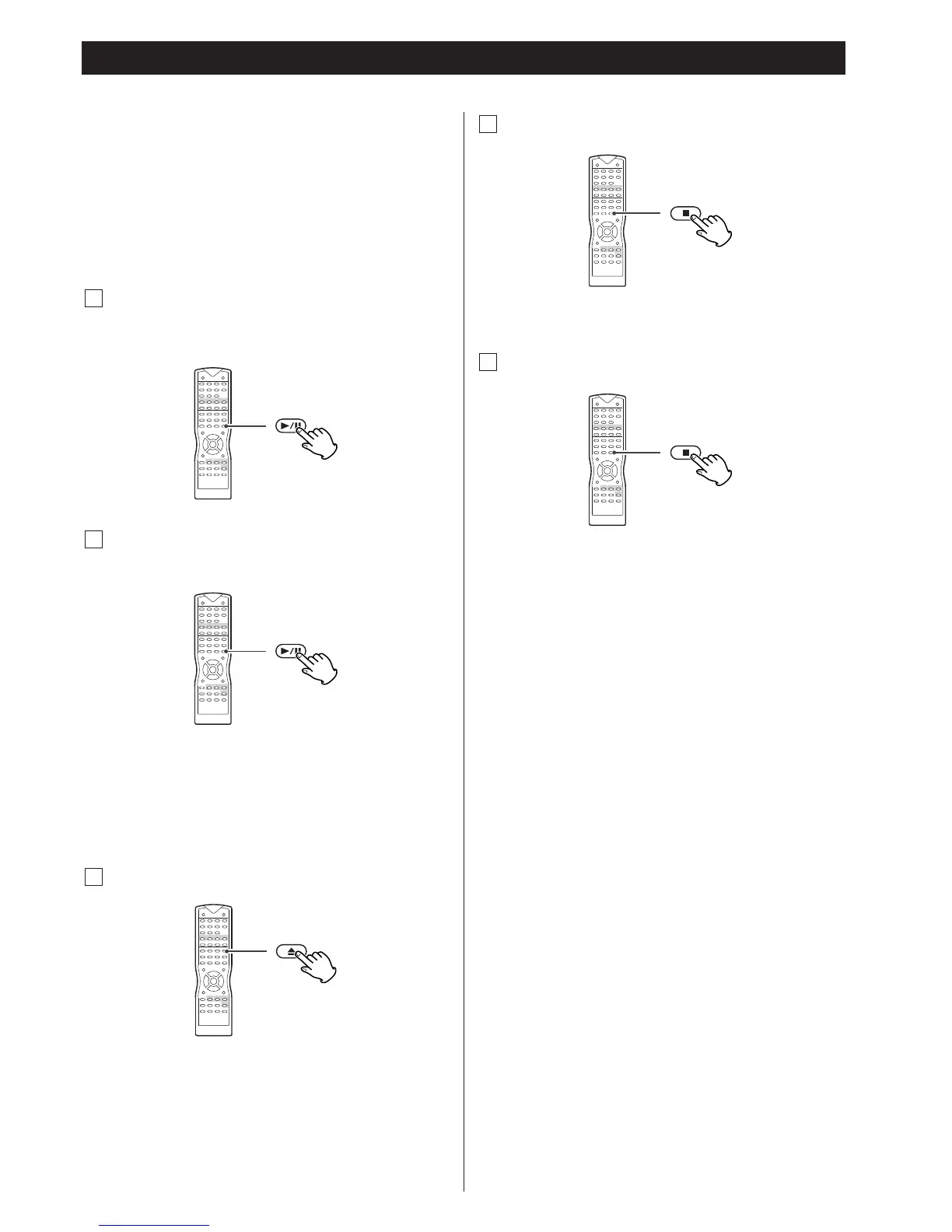
To start playback
In the stop mode, press the PLAY/PAUSE button (y/J).
A
To suspend playback temporarily
(pause mode)
B
Press the PLAY/PAUSE button (y/J) during playback.
The video will stop on a single frame on DVD, VCD and JPEG
discs, and music will interrupt on MP3 and CD discs.
To resume playback, press the PLAY/PAUSE button (y
/J).
Play will continue from where you paused the playback.
To open the disc tray
C
Press the OPEN/CLOSE button (L) to open and close the
disc tray.
<
When the function isn't set to "DVD", this button doesn't
work.
Press the STOP button (H
).
To stop playback of CD, VCD, MP3 and
JPEG
D
JPEG
When a disc containing JPEG files is loaded, slide show will
start.
<
Press the PBC button (in the stop mode) to turn on or off the
MP3 MENU.
<
Press the
g
/
t
buttons to rotate the picture.
<
Press the
5
/
b
buttons to mirror the picture.
If you press the STOP button (H
) during playback of DVD,
"PRESS PLAY TO CONTINUE" briefly appears on the screen,
and the unit enters RESUME mode.
If you want to cancel the RESUME mode and stop playback
completely, press the STOP button (H
) again.
How to resume playback
During playback of DVD, press the STOP button (H) at the
point where you want to interrupt playback.
"PRESS PLAY TO CONTINUE" briefly appears on the screen,
and the time counter of the front panel display stops.
Press the PLAY/PAUSE button (y
/J) to start playback from
the interrupted point.
<
This function may not work with some discs.
<
If one of the following buttons is pressed, resume function
will be cancelled:
STOP in the stop mode, OPEN/CLOSE, POWER
FUNCTION (AUX1, AUX2, TUNER)
To stop and resume playback of DVD
E



 To Next Page