2323
ENGLISH
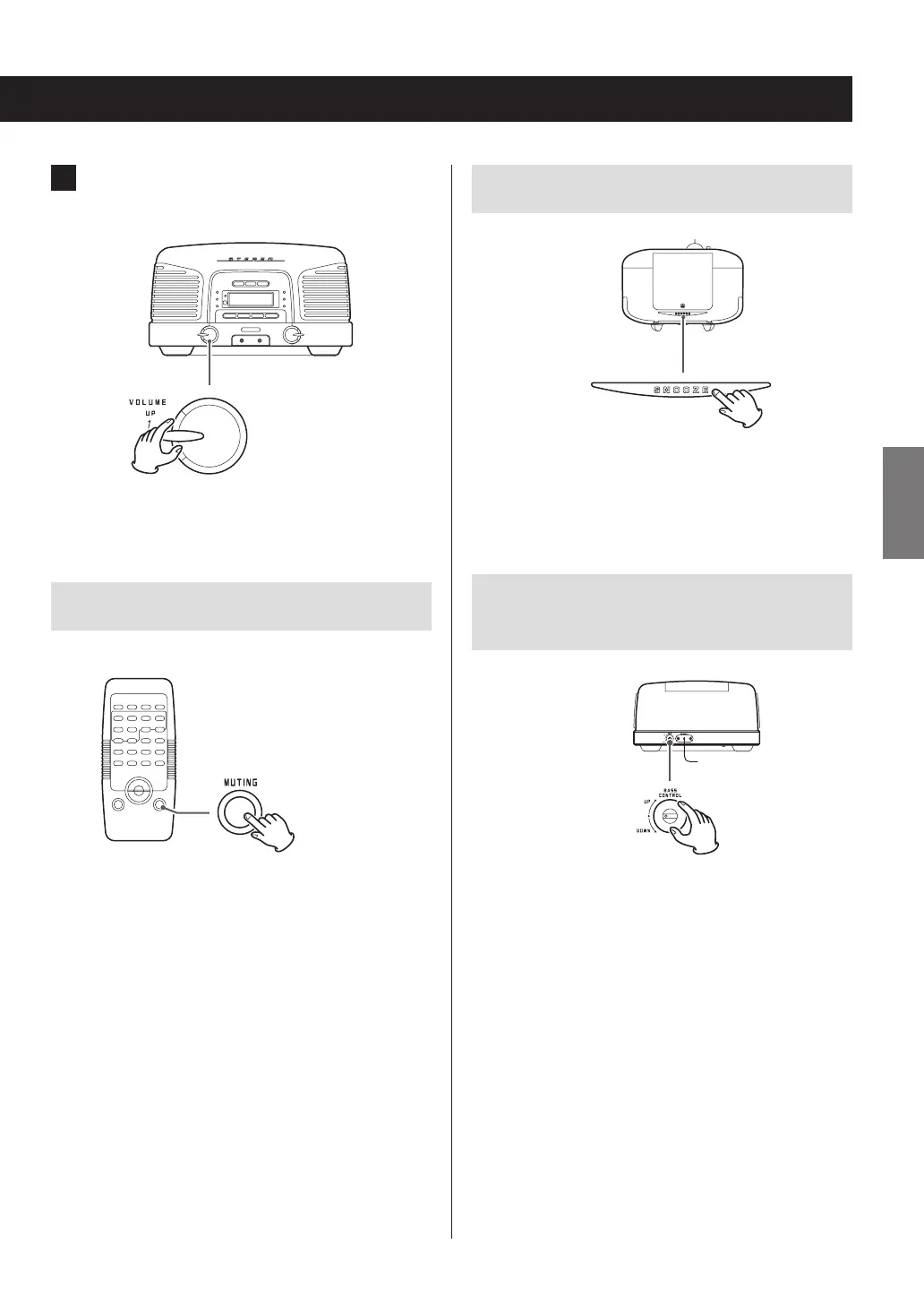
3 Start playback and turn the VOLUME knob
to adjust the volume.
Turn up to raise the volume or down to lower the
volume.
Muting the output
To mute the sound temporarily, press the MUTING button.
Press the MUTING button again to restore the sound.
o When the sound is muted, “MUTING” is shown on the
display.
o If you change the volume or source when the sound is
muted, muting will be canceled.
Using the dimmer
Top
Press the SNOOZE button to change the brightness of the
display.
This function also works when the unit is in standby.
Adjusting the level of low frequency
sounds
Rear
Turn the BASS CONTROL knob on the back to adjust the
volume of the subwoofer on the bottom of the unit.



 To Next Page