3333
ENGLISH
You can connect the audio output jack or headphones jack
of a portable audio player or other device to this unit and
listen to its audio playback through this unit.
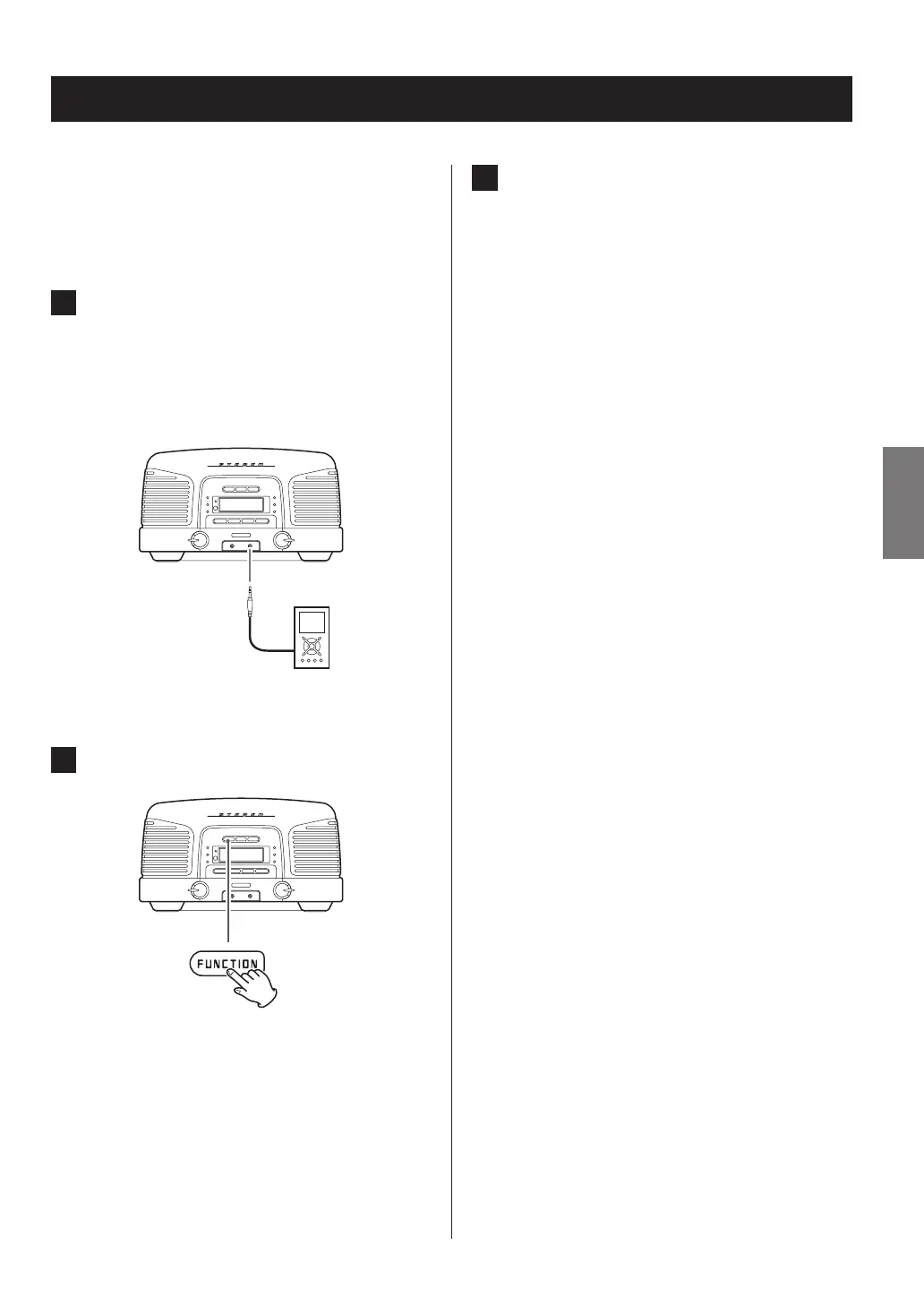
1 Use the included stereo mini plug cable to
connect this unit’s analog audio input jack
(AUX) with the headphones jack (or audio
output jack) of a portable audio player or
other device.
2 Press the FUNCTION button to select “AUX”.
Listening to a connected device
3 After playback starts, adjust the volume of
both this unit and the connected device.
o If the volume is not raised on an audio player when
its headphones jack is connected to this unit, no
sound will be output from this unit.
o If you raise the volume level of the connected
device too high, the sound might distort. If this
occurs, lower the volume of the connected device
until distortion stops and then adjust the volume
on this unit.



 To Next Page