3131
ENGLISH
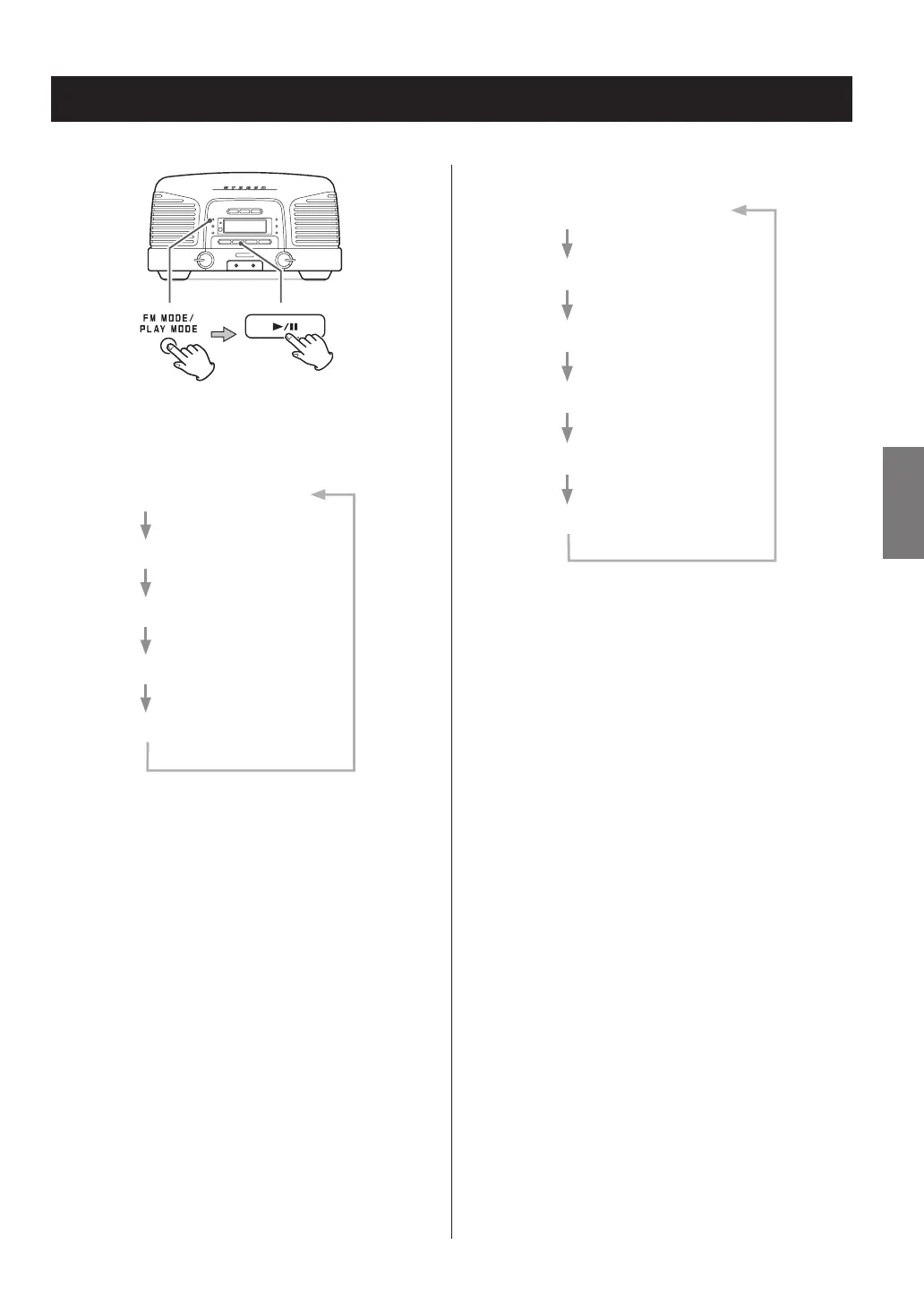
When the CD function is active, press the PLAY MODE button
to cycle through the following playback modes.
Audio CD
REPEAT (single track repeat)
REPEAT ALL (all track repeat)
SHUFFLE
INTRO
OFF (normal playback)
Repeat, shuffle and intro playback (1)
MP3/WMA disc
REPEAT (single file repeat)
REPEAT ALL (all file repeat)
REPEAT FOLDER
SHUFFLE
INTRO
OFF (normal playback)
Press the play/pause (y/9) button when the mode you
want to select appears to start playback.
o You can also change the playback mode by pressing
the PLAY MODE button during playback.
o Any of the following operations will end playback mode.
e The unit enters standby mode
e The FUNCTION button is pressed, changing the source
e The stop (8) button is pressed
e The disc cover is opened



 To Next Page