3030
Adding tracks to the end of the
program
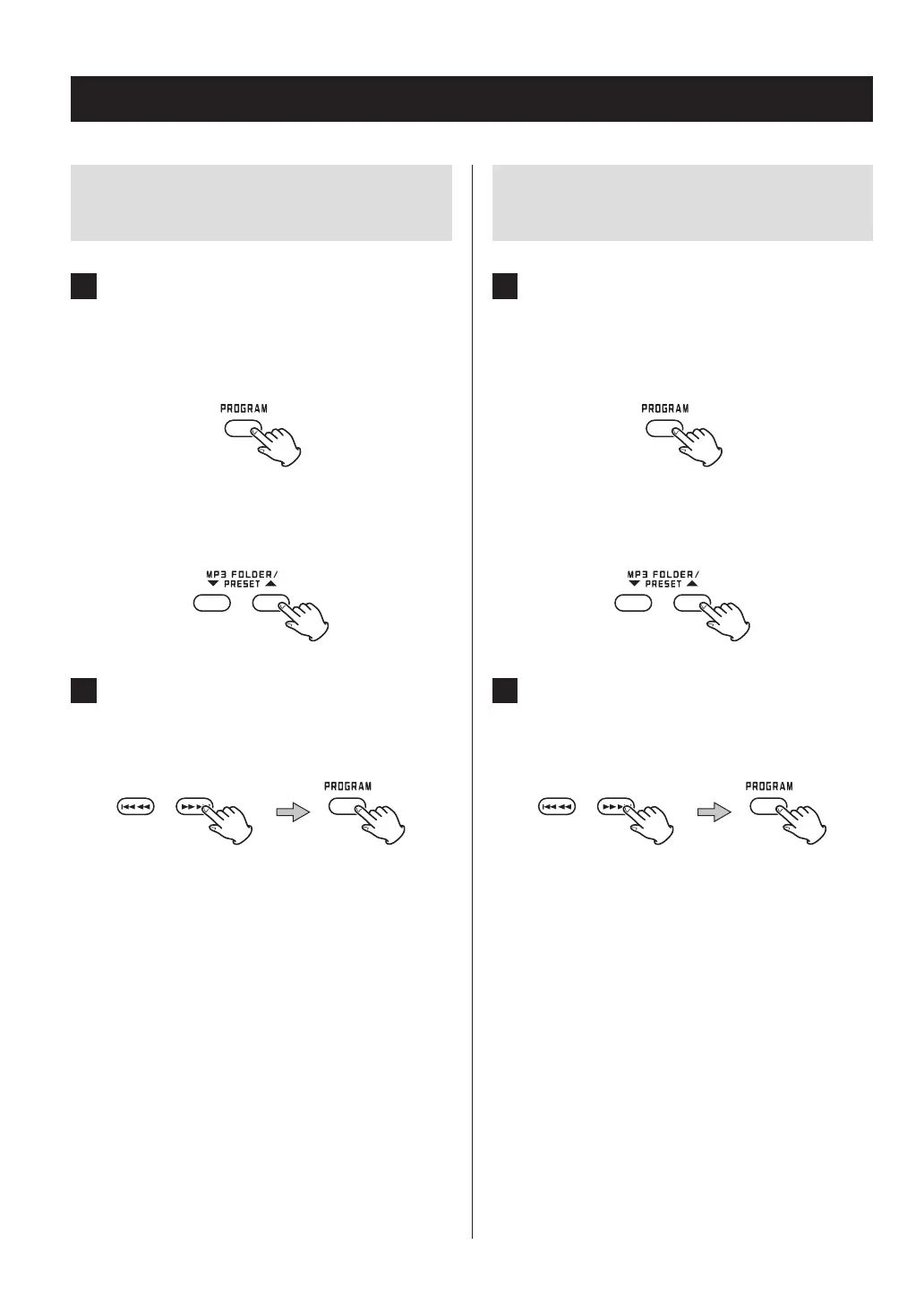
1 When stopped, press the PROGRAM but-
ton repeatedly to show the number “PXX”,
which is one higher than the last program
number.
When programming MP3/WMA files
Use the MP3 FOLDER (5/b) buttons to select the
folder that contains the file you want to add.
2 Press the skip (.m/,/) buttons
to select the track/le you want to add and
press the PROGRAM button.
The track/file is added to the end of the program.
Changing or adding a track/file to
the program
1 When programmed playback is stopped,
press the PROGRAM button repeatedly until
the program number of the track/file you
want to change appears on the display.
When programming MP3/WMA files
Use the MP3 FOLDER (5/b) buttons to select the
folder that contains the file you want to replace.
2 Press the skip (.m/,/) buttons
to select the track/le you want to add and
press the PROGRAM button.
The selected track/file is added at the selected pro-
gram number, replacing the file that was there.
Programmed playback (2)



 To Next Page