2222
Setting the clock (2)
In this section, we explain the basic procedures for using all
the functions.
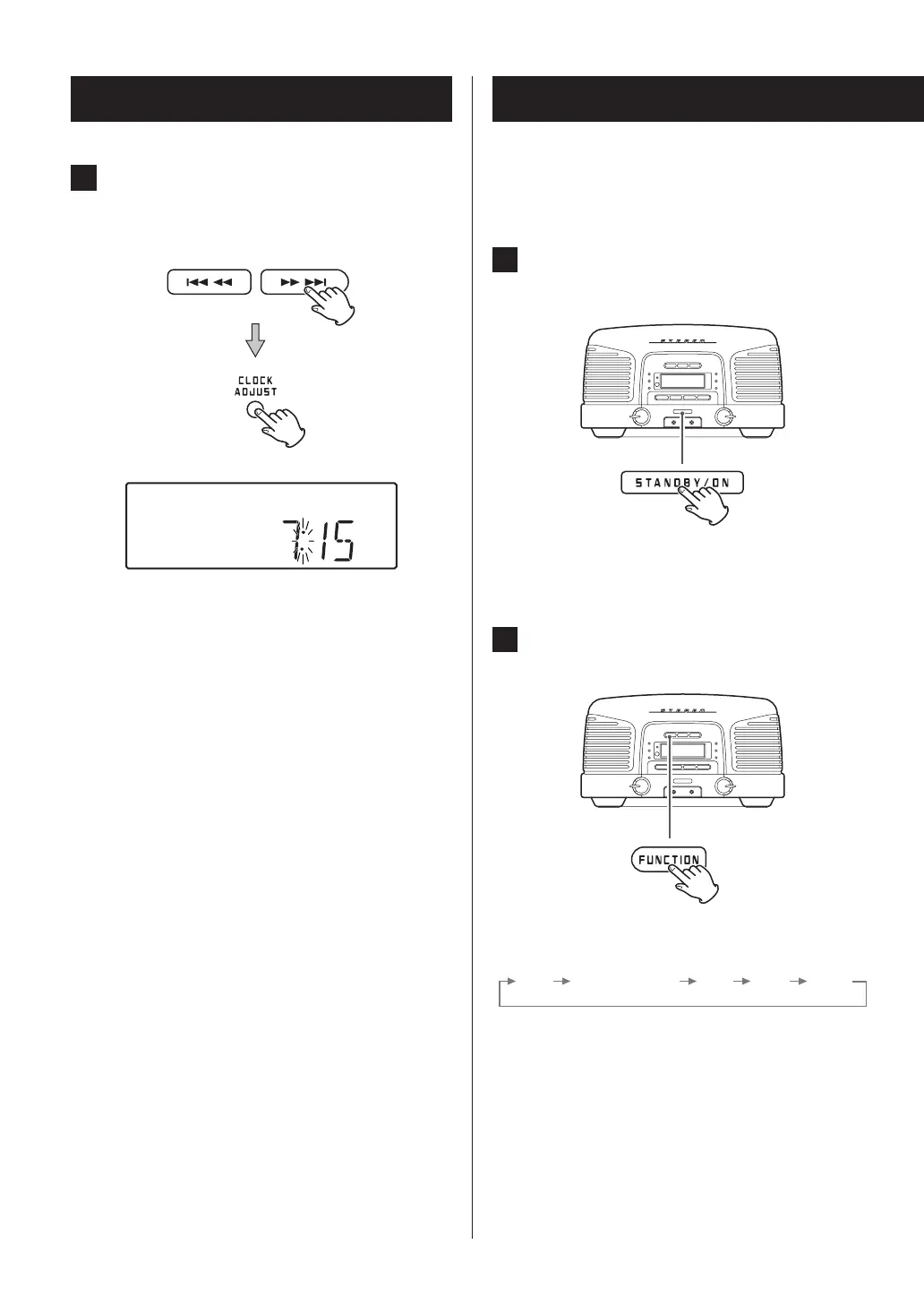
1 Press the STANDBY/ON button to turn the
unit on.
2 Press the FUNCTION button to switch the
source.
Press this button to cycle through playback sources in
the following order.
Basic operation
4 Press the ,/ button to set the cur-
rent minute and press the CLOCK ADJUST
button.
The clock will start from the set minute at 0 seconds.
o The clock is always shown when the unit is off
(standby) and when the function is set to AUX
(external input). At other times, press the DISPLAY
button to show the clock for a few seconds.
o If the backup battery (page 15) dies, the unit’s
clock and wakeup timer settings will be erased
if a power outage occurs or the power cord is
unplugged from an outlet.



 To Next Page