2828
When the function is CD, you can program up to 32 tracks/
files in the order that you want to play them back.
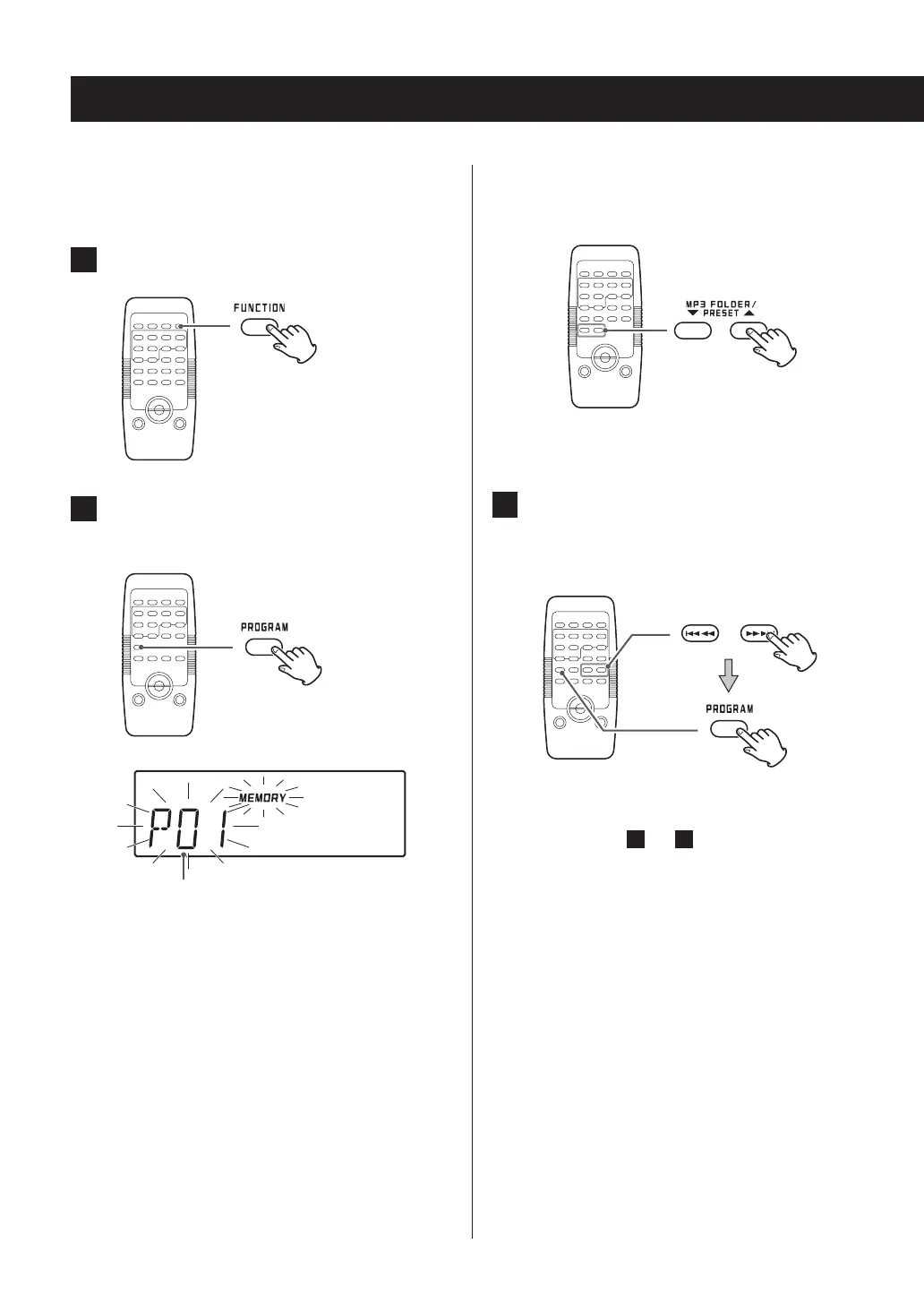
1 Press the FUNCTION button to select “CD”.
2 Press the PROGRAM button when playback
is stopped.
Program number
The program number and the MEMORY indicator blink
on the display.
o To exit programmed playback mode, press the stop
(8) button once.
Programmed playback (1)
When programming MP3/WMA files
Use the MP3 FOLDER (5/b) buttons to select the
MP3/WMA disc folder.
o This unit treats MP3/WMA files that are not in folders
as being in the 001 (ROOT) folder.
3 Press the skip (.m/,/) buttons
repeatedly to select a track/file and press
the PROGRAM button.
The selected track/file is programmed and “P02”
appears.
o Repeat steps
2
and
3
until you have programmed
all the desired tracks/files.
o To cancel programmed playback after program-
ming, press the stop (
8
) button once.



 To Next Page