2525
ENGLISH
Playback (1)
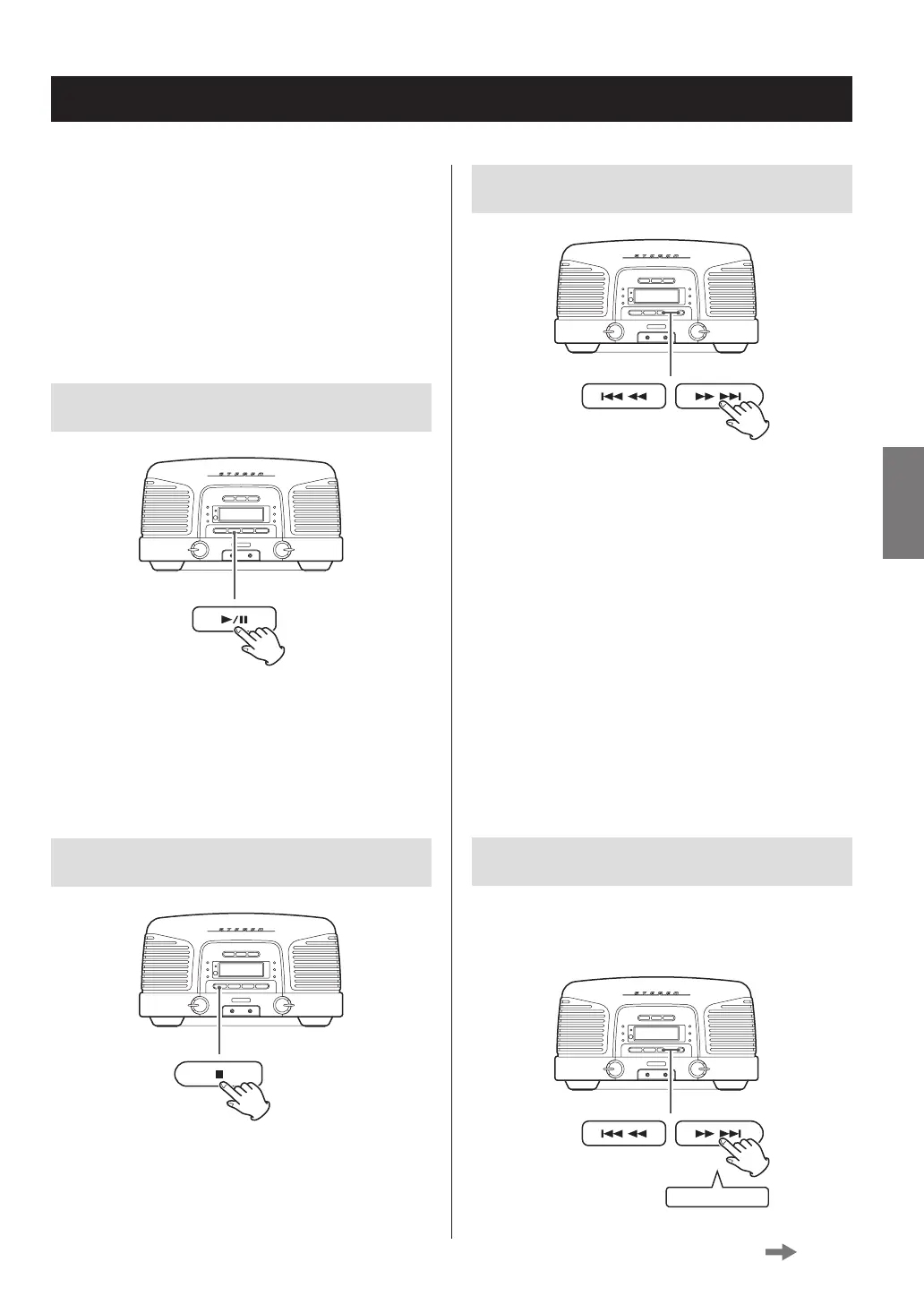
Skipping tracks/files
During playback and when paused, press a skip
(.m/,/) button to skip to the previous or next
track/file. Keep pressing until you reach the track/file you want.
Playback will start from the beginning of the selected
track/file.
When stopped, press a skip (.m / ,/) button
repeatedly until the desired track/file is found and press the
play/pause (y/9) button to start playback.
o During playback and when paused, press the skip
(.m) button once to return to the beginning of
the track/file being played. To play an even earlier track/
file, continue pressing the skip (.m) button.
o During programmed playback (page 28), the next or
previous track/file in the program will be played.
Searching forward/backward
During playback, press and hold a search (.m/,/)
button to search backward/forward. At the point where you
want to listen, press the play/pause (y/9) button.
Press and hold
When the function is CD or Bluetooth, the following opera-
tions are possible.
o The connected device must support AVRCP (Audio/
Video Remote Control Profile).
o Depending on the Bluetooth device being used, remote
control operation might not be supported or actual
operations might differ.
Pausing playback
During playback, press the play/pause (y/9) button to
pause playback.
When paused, press the play/pause (y/9) button to
restart playback.
Stopping playback
Press the stop (8) button.
Continued on the next page



 To Next Page