2929
ENGLISH
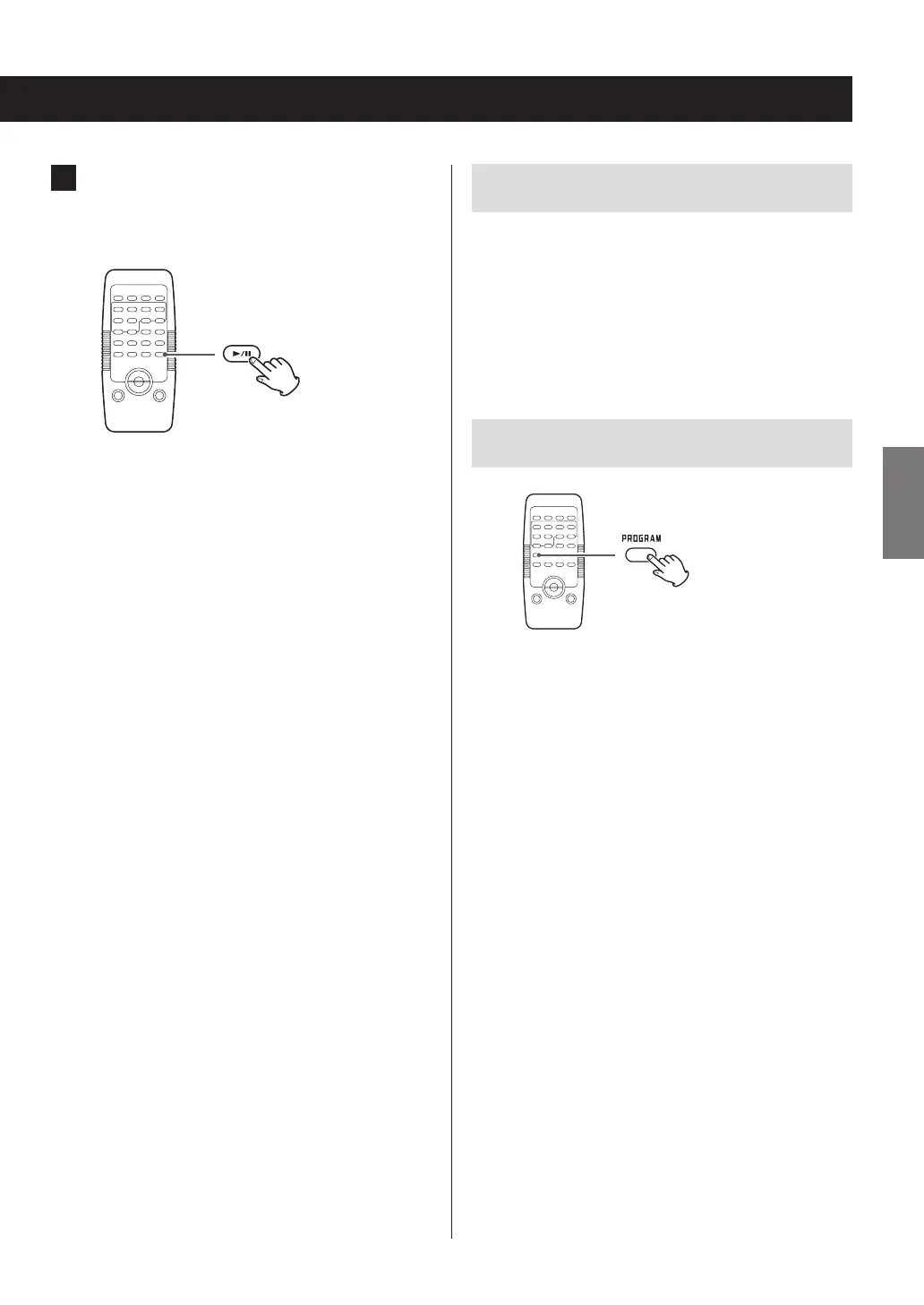
4 When programming has been finished,
press the play/pause (y/9) button to start
programmed playback.
o To cancel programmed playback, press the stop (8)
button once. The program contents will be retained in
this case.
o After programmed playback has completed or has been
stopped, press the play/pause (y/9) button to play
the program again.
o During programmed playback, use the skip (.m/
,/) buttons to select different tracks/files in the
program.
o Shuffle playback and intro playback (page 32) cannot
be used during programmed playback.
o Press the stop (8) button twice to exit programmed
playback mode.
o If the entire program has not been cleared, you can
press the PROGRAM button and then the play/pause
(y/9) button to start program playback using the
track order last programmed.
Clearing the entire program
Any of the following operations will clear all the tracks from
the program.
e The unit enters standby mode
e The FUNCTION button is pressed, changing the source
e The disc cover is opened
Checking the programmed order
When the unit is stopped, press the PROGRAM button
repeatedly. The track/file number and program number will
be shown on the display.



 To Next Page