4343
ENGLISH
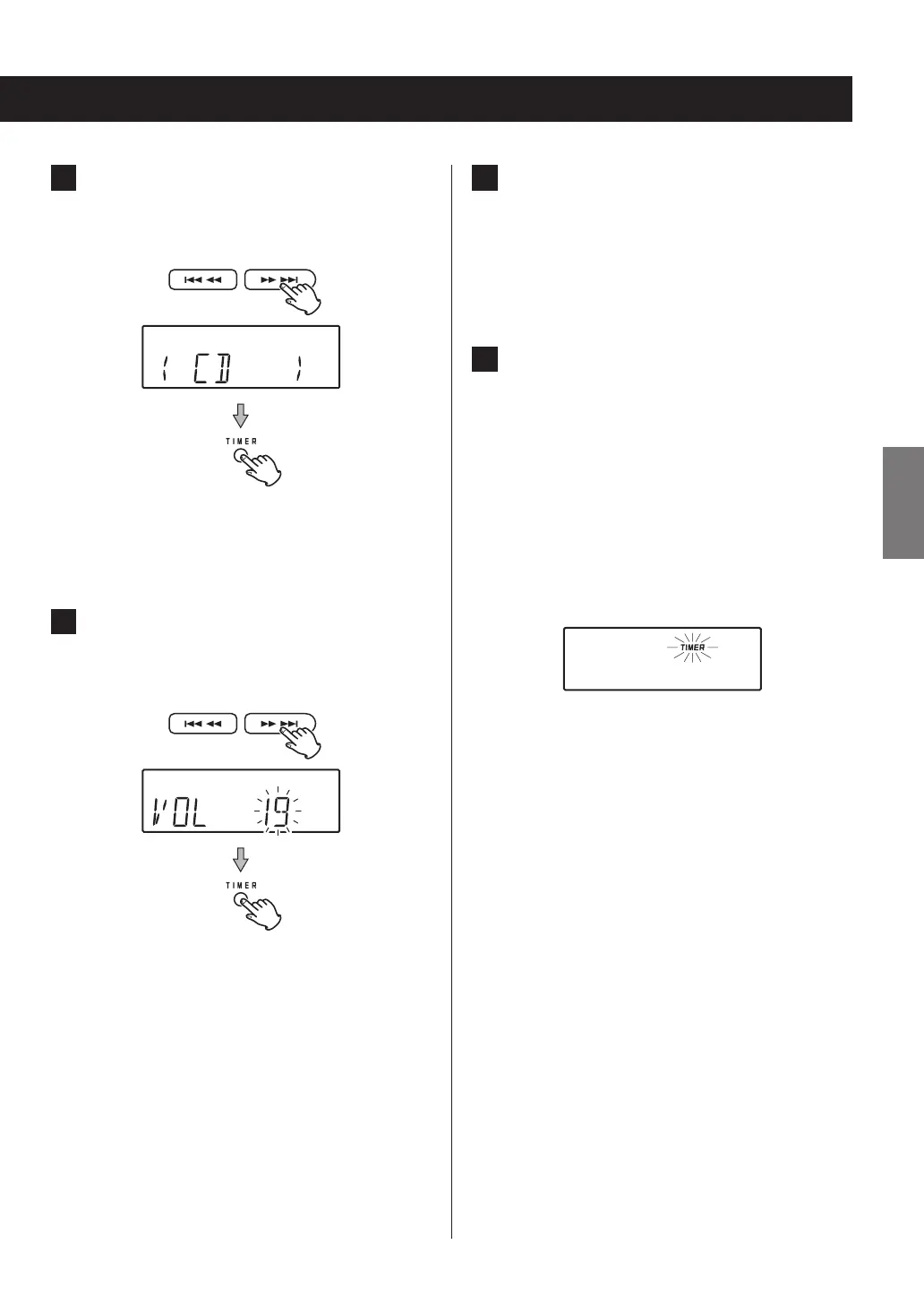
6 Press the skip (.m/,/) buttons
to select the playback source and press the
TIMER button.
“AUX” and “BLUETOOTH” cannot be set.
Select BUZZER for an electronic alarm sound.
7 Press the skip (.m/,/) but-
tons to set the volume and press the TIMER
button.
The TIMER indicator appears on the display, and the
display returns to showing the mode used before
starting timer setting.
8 Prepare the playback source.
If you have selected “CD”, place a disc. (If no disc is
loaded, the timer will use the tuner (FM) as the play-
back source instead.)
If you have selected “AM” or “FM”, tune in a station.
9 Press the STANDBY/ON button to put the
unit into standby.
The timer will not function if the unit is not off
(standby).
This completes wakeup timer setting.
o If the backup battery (page 15) dies, the timer
setting will be erased if a power outage occurs or
the power cord is unplugged from an outlet.
o At the timer on time, operation starts and the
TIMER indicator blinks.



 To Next Page