Dimmer
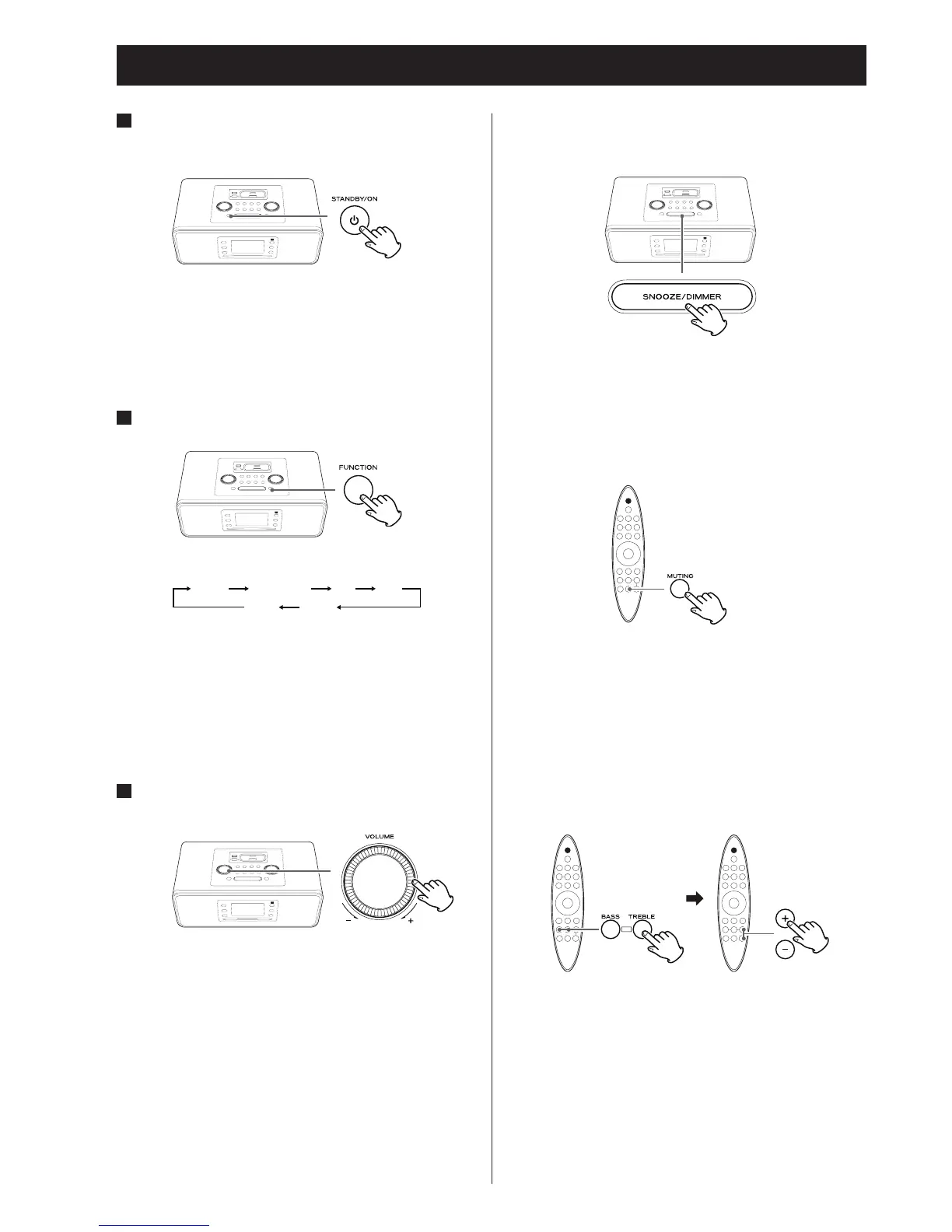
You can change the brightness of the front panel display and
buttons.
Use the DIMMER button to set the brightness to one of four
levels
• Setting is ended if the ST
ANDBY / ON button is pressed.
Muting
You can mute the sound temporarily.
To mute the sound, press the MUTING button.
Press the MUTING button again to unmute the sound.
• “MUTING” appears on the display while muting is engaged.
•
If you change the volume or source when the sound is
muted, it will be unmuted.
Adjusting the bass and treble
You can adjust the bass and treble between “–4” and “+4”.
Press the BASS or TREBLE button, and then, within 4 seconds,
press the volume buttons (– or +) to adjust the bass or treble
level.
KEY BUZZER ON / OFF
The key sound can be disabled by pressing the MENU/DISPLAY
button more than 3 seconds in standby mode.
1
Press the STANDBY / ON button to turn the unit
on.
• The unit turns on with the source that was last selected.
• If an iPod / iPhone that is in playback mode is inserted into
the Dock, the SR-3DAB will automatically turn on and start
iPod / iPhone playback.
2
Press the FUNCTION button to select a source.
• If you select “iPod” when no iPod / iPhone is docked, the iPod
indicator on the display blinks.
• T
o listen to an external source connected to the AUX IN jack,
select AUX.
3
Play the source, and adjust the volume using
the VOLUME knob.
The volume can be adjusted from MIN (0) to MAX (40).
Basic Operation



 To Next Page