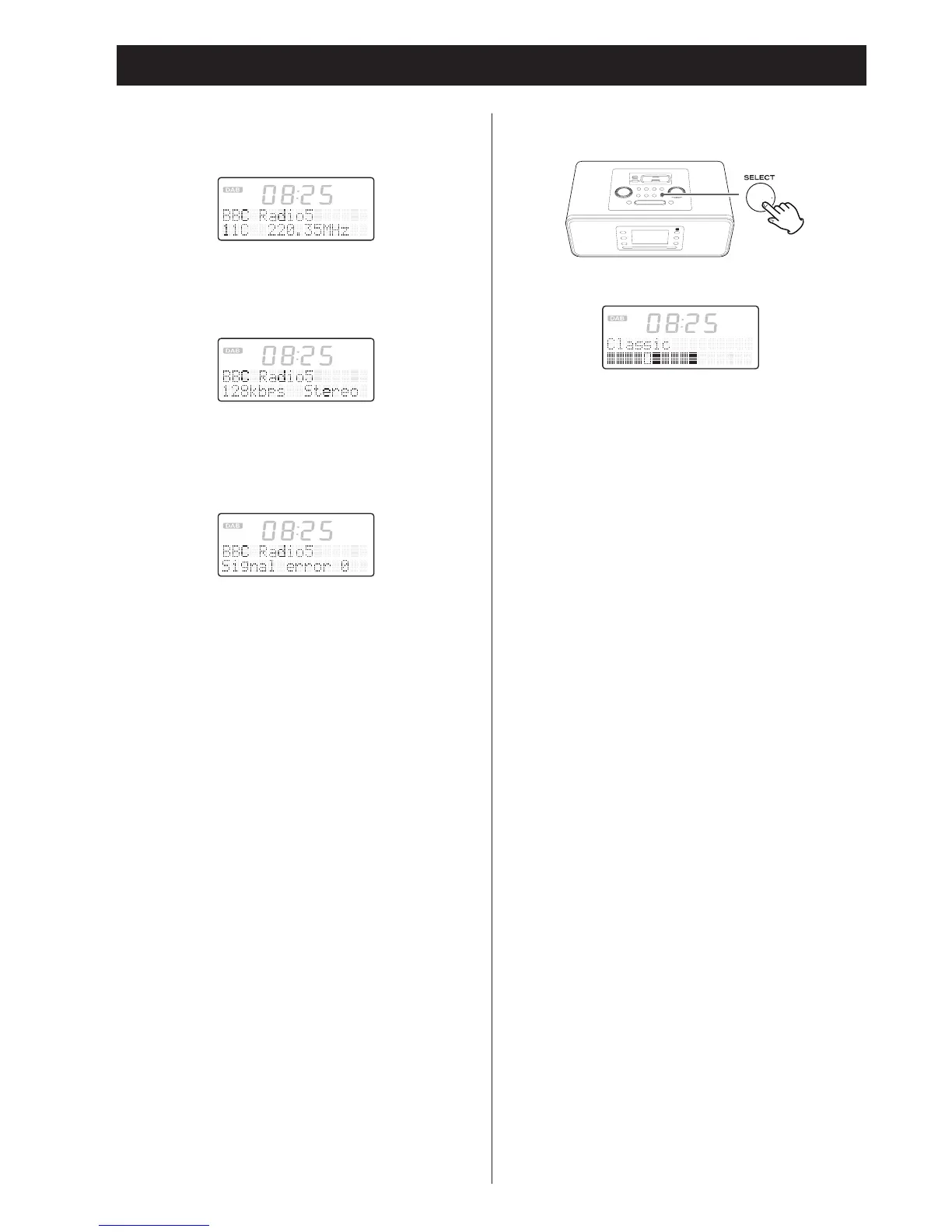
Channel and frequency
This displays the channel and frequency of the currently playing
broadcast.
Bitrate
The bitrate and sound mode of the broadcast currently being
received is displayed.
Signal error rate
This displays the digital bit error rate (0-100) of the currently
tuned channel. The lower the figure the better the quality of the
received broadcast.
In addition, if the unit is put into information mode by pushing
the STANDBY/ON button, the information display will reappear
the next time that the power is turned on.
Signal strength display
You can check the signal strength of the current station.
In DAB mode, press the SELECT button.
The signal strength indicator appears.
• To return to the standard display, press the SELECT button
again or press the INFO button.


 To Next Page