A Coaxial two-way speakers
These coaxial two-way units provide an excellent
sense of stereo positioning.
B Display
This shows the volume, input source and menu.
C Control Dial
Use to adjust the volume. Turn clockwise to increase
the volume. Turn counterclockwise to decrease the
volume.
In addition, use it in various setting operations.
D STANDBY/ON button (¤)
Press to put the unit into standby mode or turn it
on (page12).
When on, the ring around the Control Dial lights.
E SOURCE button
Use to select the input source (page13).
F MENU button
Use to make various settings (page23).
G ENTER button
Press to confirm the selected item.
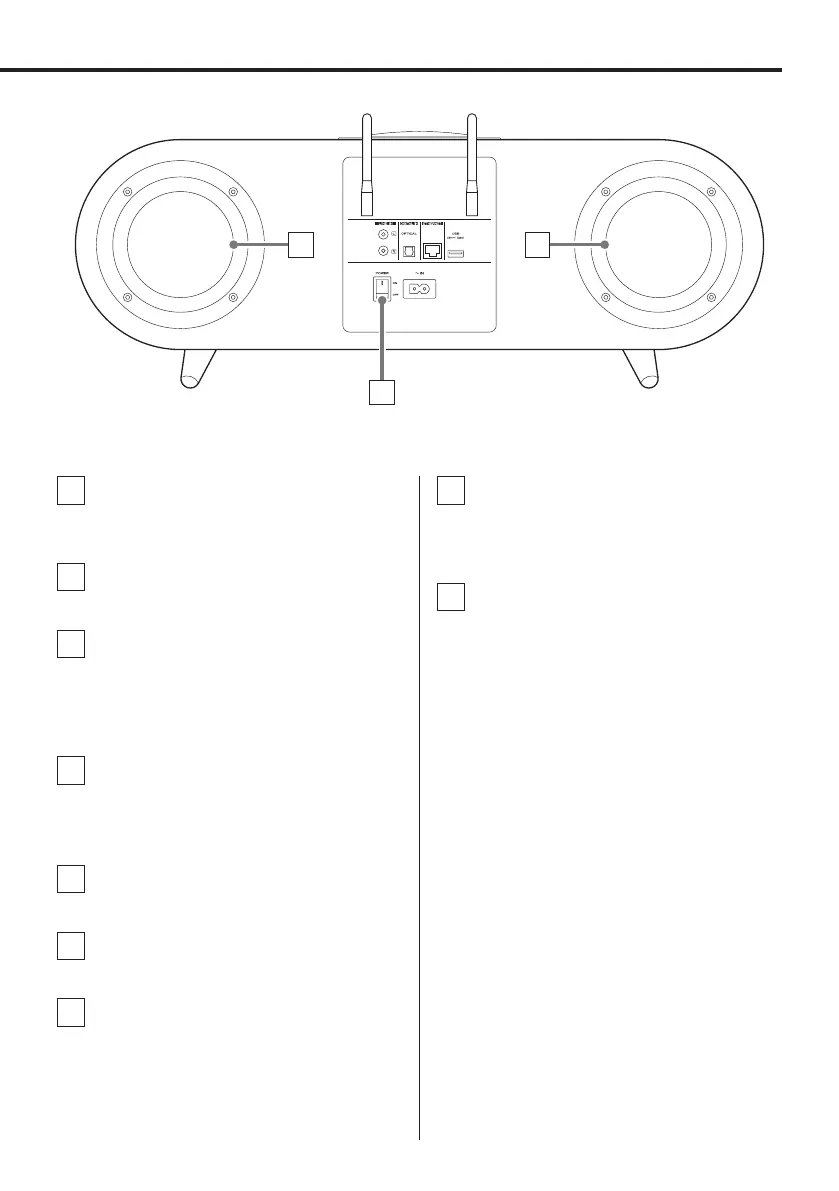
Rear
H H
H Passive radiators
These primarily amplify low frequencies.
Since these move backward and forward, make sure
that no cables or other objects touch them.
I Main POWER switch
Use to turn the unit on and off.
o If this main POWER switch is not on, pressing
the standby/on (¤) button will not turn the
unit on.
Names and functions of parts
11



 To Next Page