Basic operation
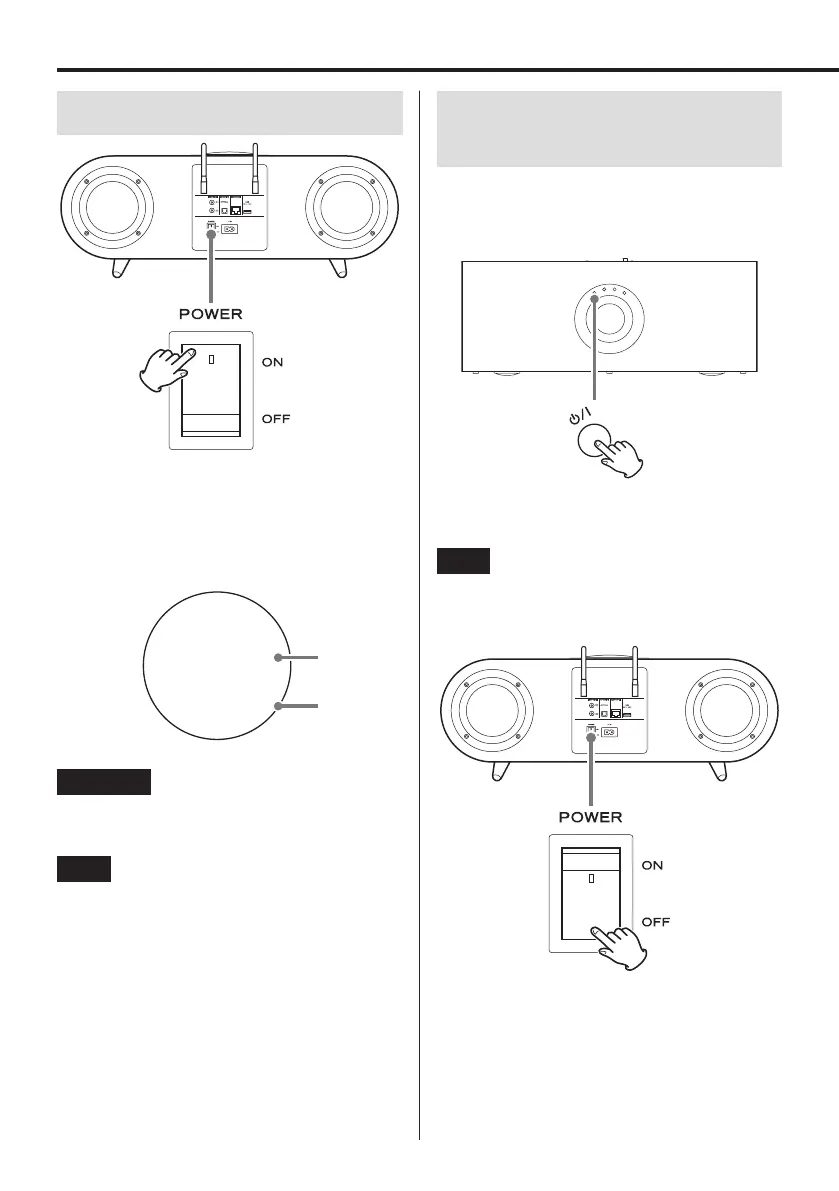
Turning the main power on
When the main POWER switch is set to ON, a progress
bar will appear on the display and the unit will start up.
Do not press any other buttons until the unit complete
starting up. The Home Screen shown below appears after
the unit starts up.
Display example
50
Wi-Fi
Volume
Input source
ATTENTION
The volume will be set to 50 immediately after the main
POWER switch is set to ON.
NOTE
After turning the main power on immediately after pur-
chase or after resetting the unit to its defaults, “Wi-Fi” will
appear blinking on the display. If connected to a network
using a LAN cable, however, “ETHERNET” will appear as
the input source.
Turning the unit on and putting it
into standby
When the unit is on, press the standby/on
(¤) button to put it into standby. Press it
once more to turn it on again.
o When the unit is in standby, starting playback from an
app will automatically turn it on.
NOTE
The unit consumes standby power when in standby
mode. To eliminate standby power consumption, set the
main POWER switch on the rear panel to OFF.
12



 To Next Page