Using as an AirPlay speaker
1 Select this unit as the audio output device on the iPhone or iPod, for example.
Example with iPhone
Swipe up from the bottom of the screen to open the Control Center, and tap the AirPlay icon.
Tap “WS-A70 xxxxxx” in the list.
NOTE
When using AirPlay, “Wi-Fi” will appear at the bottom of the display.
2 Play audio using the music app, for example.
Listening to audio from digital playback devices (DIGITAL IN)
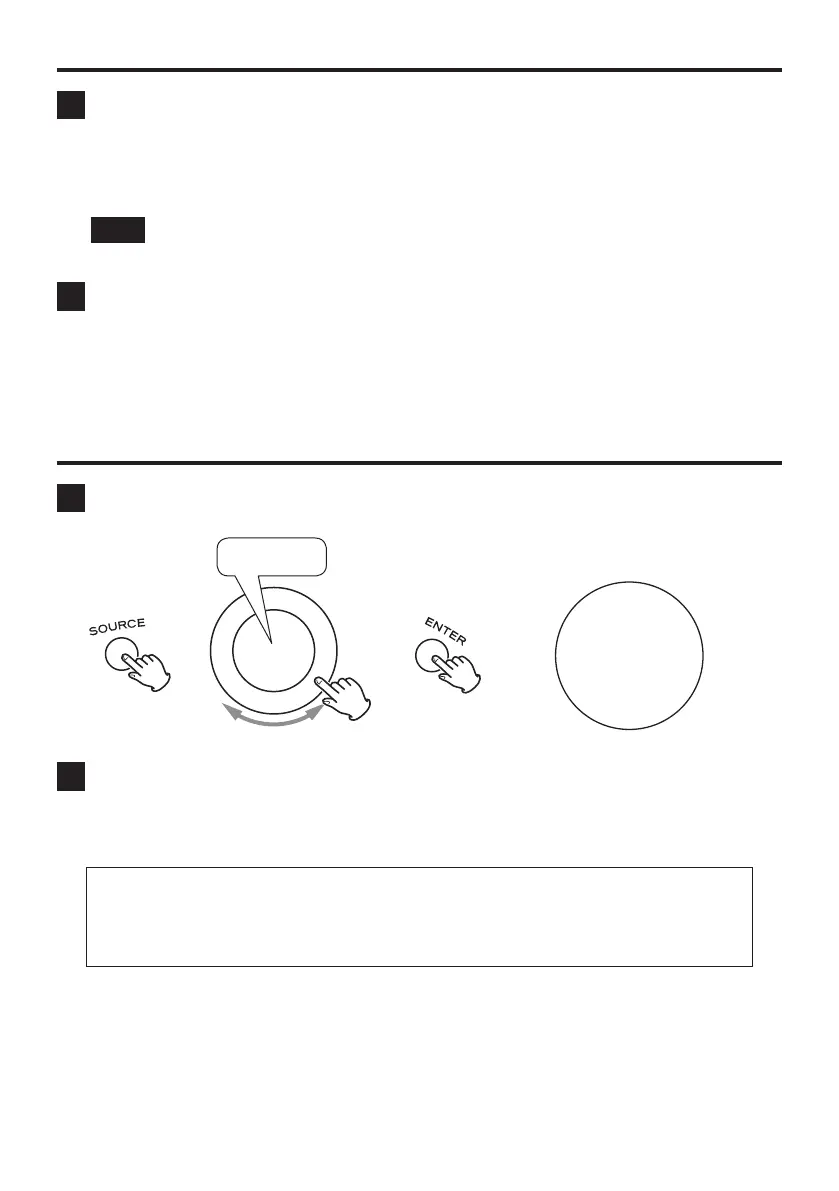
1 Press the SOURCE button, and select DIGITAL IN.
DIGITAL IN
“DIGITAL IN” will appear at the bottom
of the display.
e e
50
DIGITAL IN
2 Play audio on the digital playback device.
For playback procedures, refer to the operation manual of that device.
ATTENTION
This unit only supports the linear PCM format. Inputting signals in other formats could cause noise or
sound output to stop. If this happens, set the output of the device being used to linear PCM. For details,
refer to the operation manual of that device.
21



 To Next Page