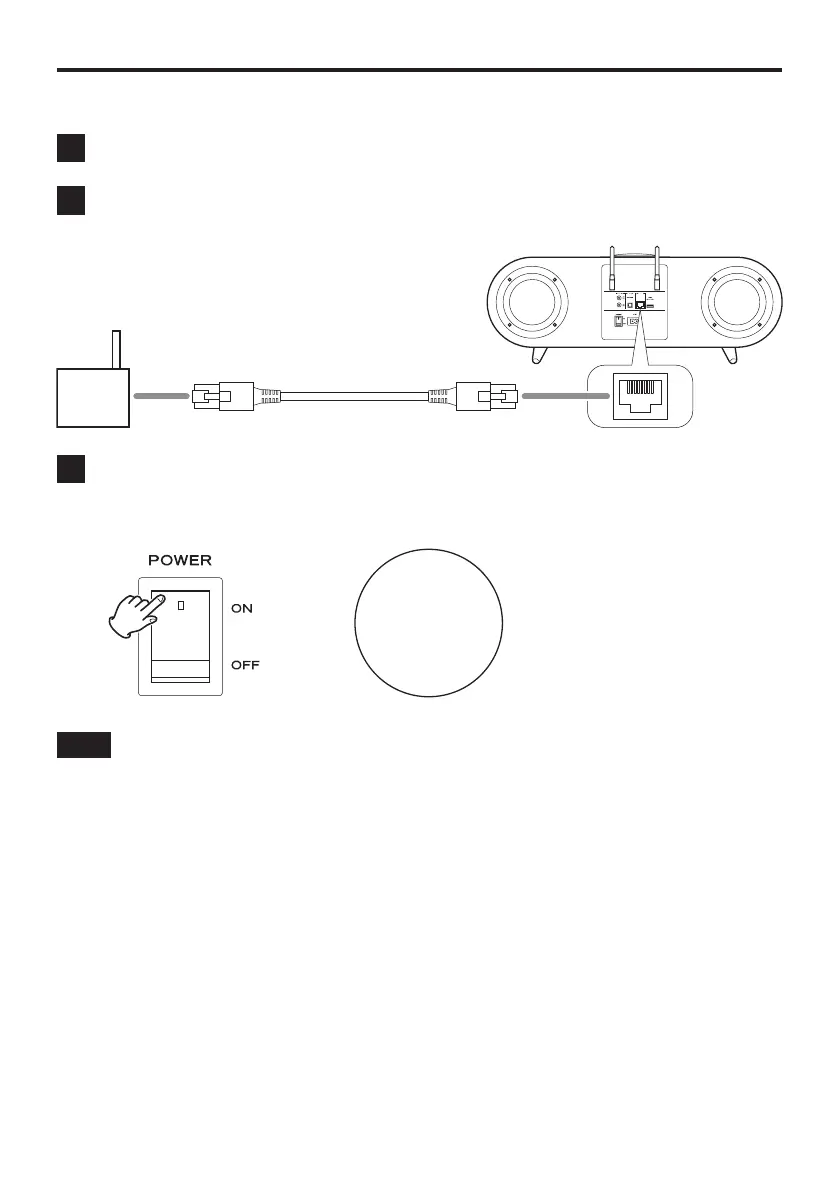
C) Use a LAN cable to connect
1 Set the main POWER switch on this unit to OFF.
2 Connect the LAN cable.
Rear
Broadband router, etc.
Commercially-available LAN cable
3 Set the main POWER switch on this unit to ON.
After the unit starts up, “ETHERNET” will appear at the bottom of the
display.
e
50
ETHERNET
NOTE
When a LAN cable is connected, this unit’s Wi-Fi function will be disabled.
Preparations (continued)
20



 To Next Page