A) Use “SET UP NEW AIRPLAY SPEAKER” for an iPhone or other iOS device
1 Turn this unit on.
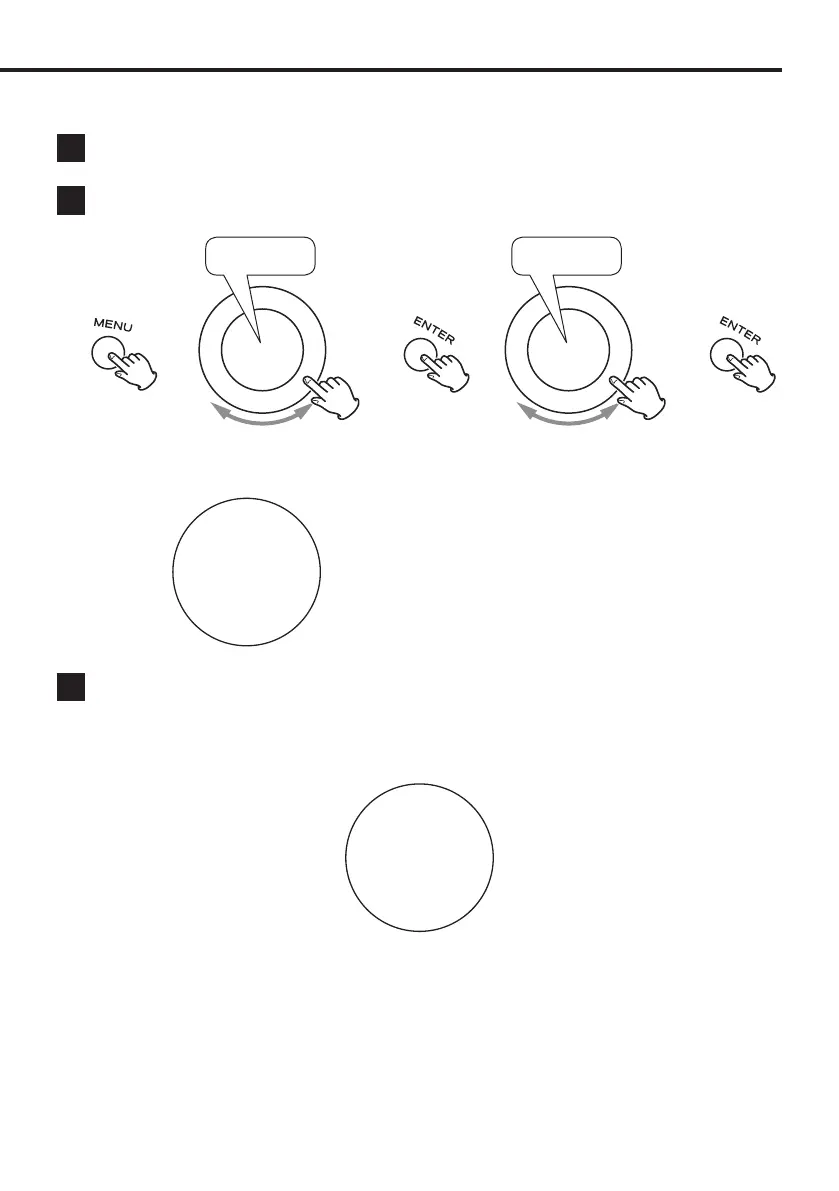
2 Press the MENU button, and select “Wi-Fi CONF” > “iOS(WAC)”.
Wi-Fi CONF iOS(WAC)
e e e e
When “iOS(WAC)” appears on the display, the unit is
ready for connection.
iOS(WAC)
3 On the iPhone or other iOS device, open “Settings” > “Wi-Fi”.
Swipe up, and select “WS-A70xxxxxx” under “SET UP NEW AIRPLAY SPEAKER”. Then, follow the instructions that are
shown on the device to complete connection setup.
After connection completes, “Wi-Fi” will appear at the bottom of the display.
50
Wi-Fi
Preparations
19



 To Next Page