Preparations
Installing TEAC HR AirCast
The dedicated TEAC HR AirCast allows you to use smartphones as remote controls for this unit.
Search for TEAC HR AirCast on Google Play or the App Store, or access one of the addresses below, and install the app.
https://play.google.com/store/apps/
details?id=com.teac.teachraircast
https://itunes.apple.com/us/app/teac-hr-aircast/
id1204063749?l=ja&ls=1&mt=8
Connecting to a network
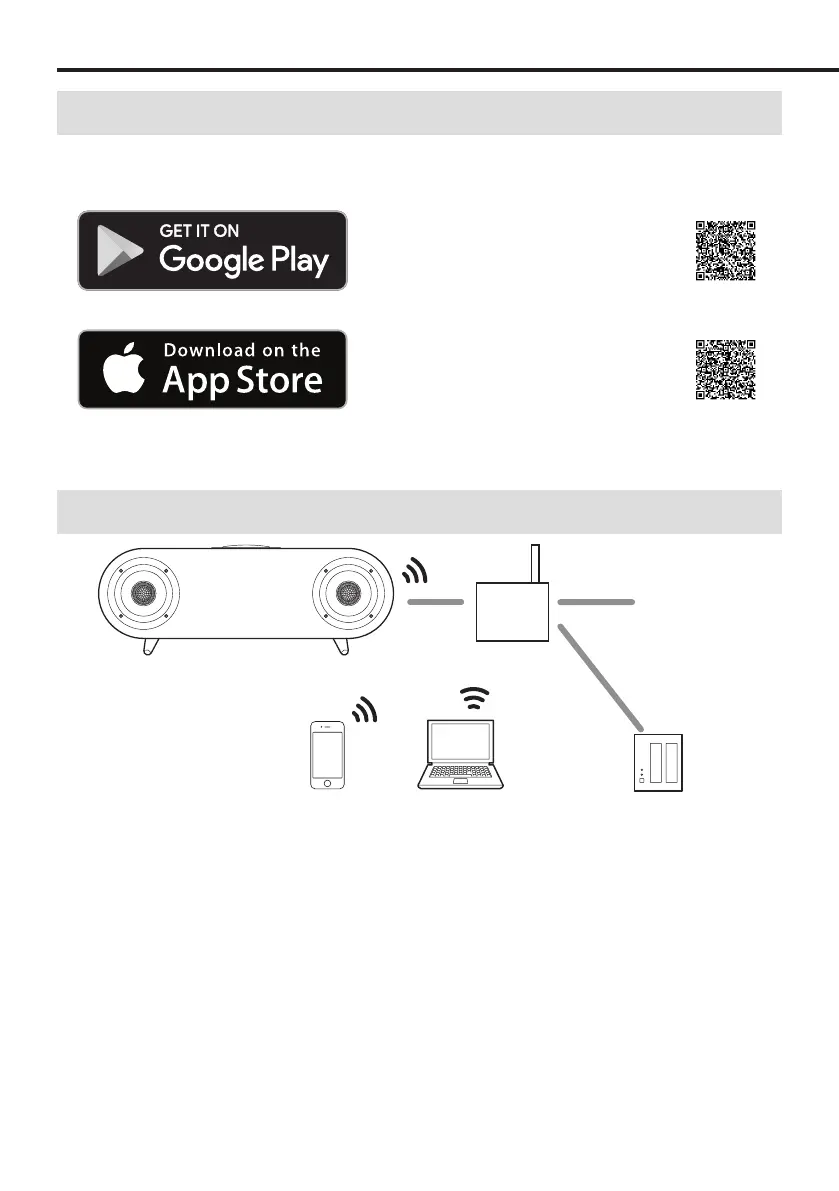
Internet
Wi-Fi™ router
By connecting this unit to a network, you can enjoy music from a media server and listen to Internet radio.
There are several ways to connect to a network as shown below.
A) Use “SET UP NEW AIRPLAY SPEAKER” for an iPhone or other iOS device (page19)
This method is simple when using an iPhone.
B) Use the Google Home app
Select this method when using an Android smartphone, for example. For details, refer to the Network Application
Manual.
C) Use a LAN cable to connect (page20)
Wired connections enable stable network connections because they are not affected by electromagnetic wave
conditions.
18



 To Next Page