TECDrive TEC-3 User Guide Revision 1.20
www.tecmotors.co.uk/tecdrive
6. Parameters
6.1. Standard Parameters
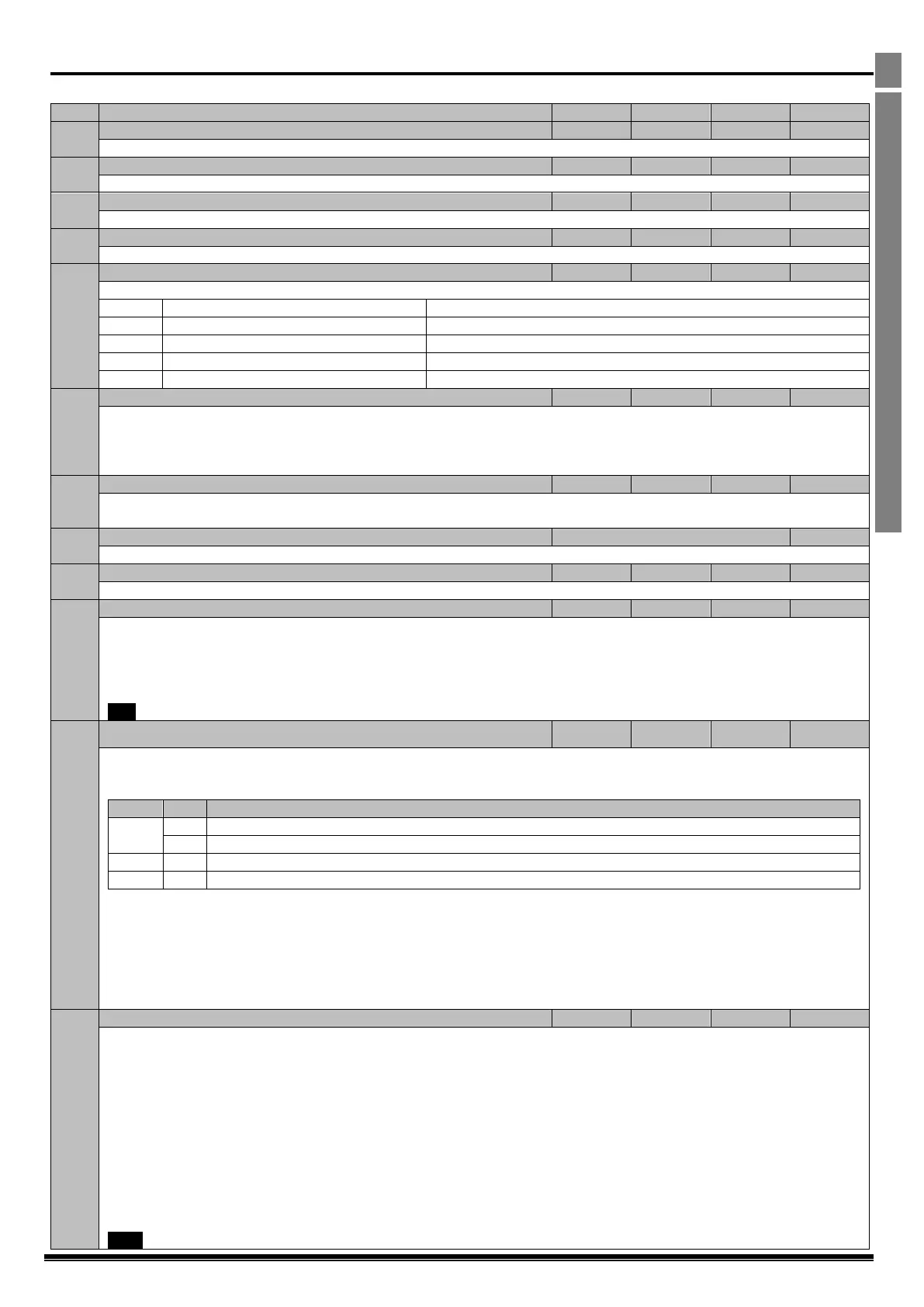
Maximum Frequency / Speed Limit
Maximum output frequency or motor speed limit – Hz or RPM. If P-10 >0, the value entered / displayed is in RPM
Minimum Frequency / Speed Limit
Minimum speed limit – Hz or RPM. If P-10 >0, the value entered / displayed is in RPM
Acceleration ramp time from zero Hz / RPM to base frequency (P-09) in seconds.
Deceleration ramp time from base frequency (P-09) to standstill in seconds. When set to 0.00, the value of P-24 is used.
Stopping Mode / Mains Loss Response
Selects the stopping mode of the drive, and the behaviour in response to a loss of mains power supply during operation.
Ride Through (Recover energy from load to maintain operation)
Fast Ramp to Stop (P-24), Coast if P-24 = 0
Ramp to Stop (P-04) with AC Flux Braking
Fast Ramp to Stop (P-24), Coast if P-24 = 0
0 : Disabled
1: Enabled. When enabled, the Energy Optimiser attempts to reduce the overall energy consumed by the drive and motor by
reducing the output voltage during constant speed, light load operation. The Energy Optimiser is intended for applications where
the drive may operate for some periods of time with constant speed and light motor load, whether constant or variable torque.
Motor Rated Voltage / Back EMF at rated speed (PM / BLDC)
For Induction Motors, this parameter should be set to the rated (nameplate) voltage of the motor (Volts).
For Permanent Magnet or Brushless DC Motors, it should be set to the Back EMF at rated speed.
This parameter should be set to the rated (nameplate) current of the motor
This parameter should be set to the rated (nameplate) frequency of the motor
This parameter can optionally be set to the rated (nameplate) RPM of the motor. When set to the default value of zero, all speed
related parameters are displayed in Hz and the slip compensation (where motor speed is maintained at a constant value regardless
of applied load) for the motor is disabled. Entering the value from the motor nameplate enables the slip compensation function, and
the TECDrive display will now show motor speed in RPM. All speed related parameters, such as Minimum and Maximum Speed,
Preset Speeds etc. will also be displayed in RPM.
Note If P-09 value is changed, P-10 value is reset to 0
Low Frequency Torque Boost Current
Low frequency torque can be improved by increasing this parameter. Excessive boost levels may however result in high motor
current and increased risk of tripping on Over Current or Motor Overload (refer to section 10.1)
This parameter operates in conjunction with P-51 (Motor Control Mode) as follows :-
Boost is automatically calculated according to autotune data
Voltage boost = P-11 x P-07.This voltage is applied at 0.0Hz, and linearly reduced until P-09 / 2
Voltage boost = P-11 x P-07.This voltage is applied at 0.0Hz, and linearly reduced until P-09 / 2
Boost current level = 4*P-11*P-08
For IM motors, when P-51 = 0 or 1, a suitable setting can usually be found by operating the motor under very low or no load
conditions at approximately 5Hz, and adjusting P-11 until the motor current is approximately the magnetising current (if known) or
in the range shown below.
Frame Size 1 : 60 – 80% of motor rated current
Frame Size 2 : 50 – 60% of motor rated current
Frame Size 3 : 40 – 50% of motor rated current
Frame Size 4 : 35 – 45% of motor rated current
0: Terminal Control. The drive responds directly to signals applied to the control terminals.
1: Uni-directional Keypad Control. The drive can be controlled in the forward direction only using the internal keypad, or an
external remote Keypad.
2: Bi-directional Keypad Control. The drive can be controlled in the forward and reverse directions u using the internal keypad, or
an external remote Keypad. Pressing the keypad START button toggles between forward and reverse.
3: Modbus Network Control. Control via Modbus RTU (RS485) using the internal Accel / Decel ramps
4: Modbus Network Control. Control via Modbus RTU (RS485) interface with Accel / Decel ramps updated via Modbus
5: PI Control. User PI control with external feedback signal
6: PI Analog Summation Control. PI control with external feedback signal and summation with analog input 1
7: CAN open Control. Control via CAN (RS485) using the internal Accel / Decel ramps
8: CAN open Control. Control via CAN (RS485) interface with Accel / Decel ramps updated via CAN
9: Slave Mode. Control via a connected Invertek drive in Master Mode. Slave drive address must be > 1.
NOTE When P-12 = 1, 2, 3, 4, 7, 8 or 9, an enable signal must still be provided at the control terminals, digital input 1



 To Next Page