8. Control Interface
8.1. Controls
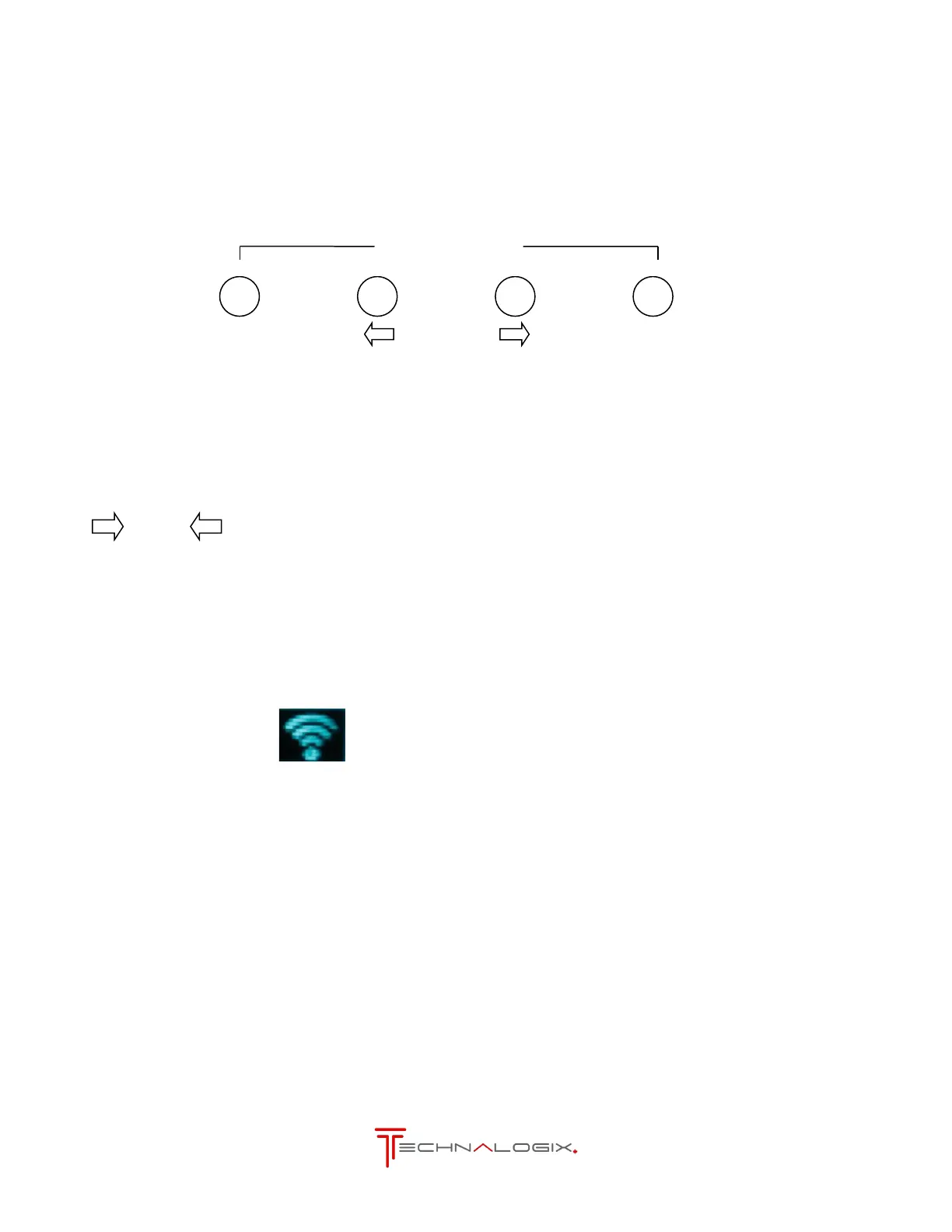
The four control button are located directly below the display screen as shown above. Control options
for various screens are shown below.
Changes screen to previous tree or cancels a setting change without
changing the setting
Changes between screens or settings
Changes screens; Selects settings to change and saves a changed setting
From any screen, the FM transmitter carrier can be turned on or off. To toggle
carrier status, simultaneously touch the Back and Next buttons. Carrier
status is shown in the bottom right corner of the display
Symbol present indicates carrier is on
The same result occurs by turning on or off the system via the web or SNMP
interface, or through controlling of the Remote Port. The power supplies will
remain active while the carrier is turned off. The fans will power down after 1
minute
If the PLL has locked onto the carrier frequency LOCK will be displayed.
While the is no lock the unit will stay at minimum output power level.
In the event of a fault condition the unit will try to fold back to a safe level,
sound an audible alarm and display the event on the screen. This message
will replace the Technalogix logo.
Possible messages are OVERDRIVE, HIGH VSWR and HIGH TEMP



 To Next Page