EasyManua.ls Logo

Technalogix TXF Series - Audio Levels; Sca Levels

Default Icon
50 pages
Print Icon
To Next Page IconTo Next Page
To Previous Page IconTo Previous Page
Loading...
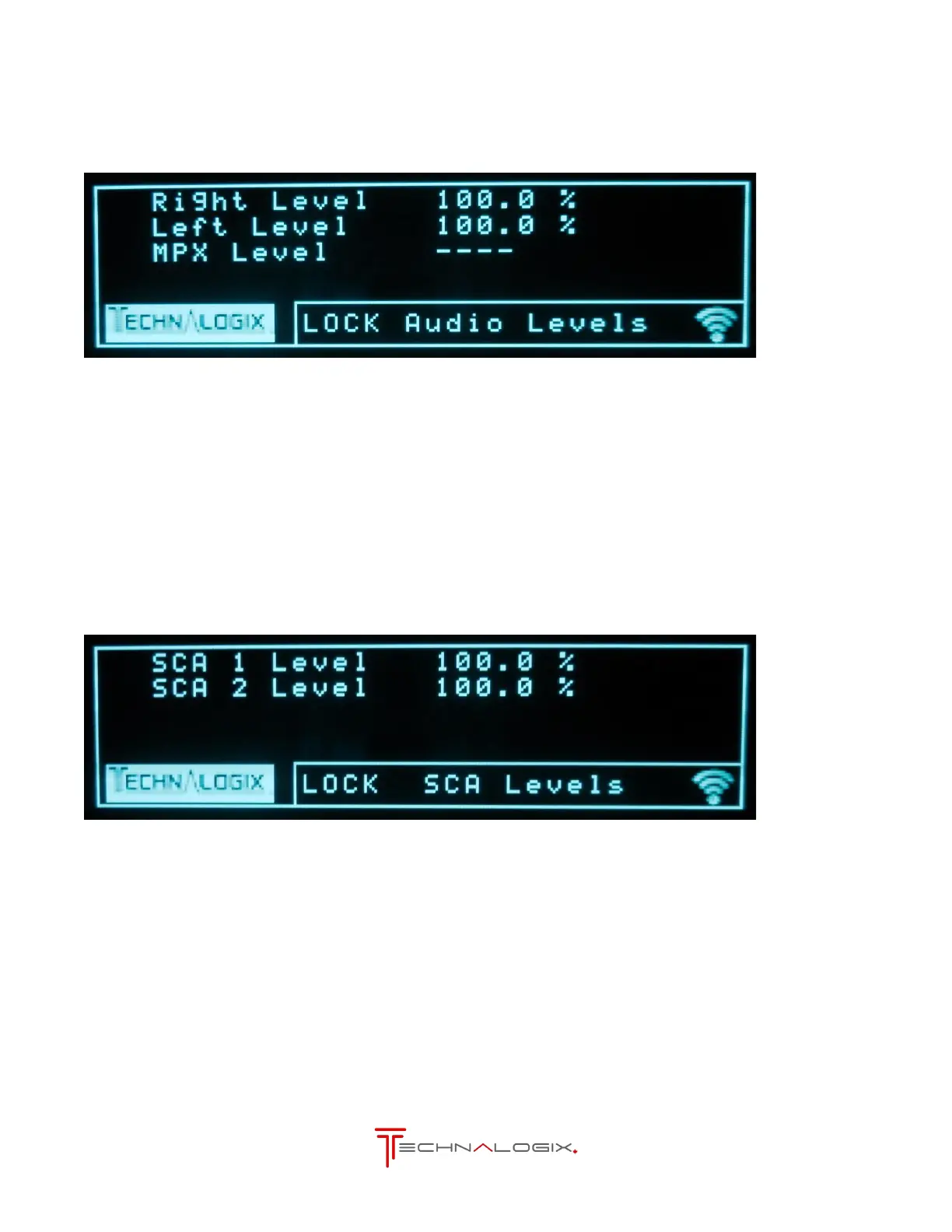
8.8. Audio Levels
Attenuation can be added to the Audio inputs on this screen. Only the audio inputs currently active
are shown and can be changed. Right and left level apply to all the digital inputs as well as analog.
Controls from Audio Levels Screen
Goes to INPUTS screen
Goes to SCA Levels screen
Next/Enter:
Enters selection mode to change options above
Back:
Goes to the Currents screen
8.9. SCA Levels
Attenuation can be added to the SCA inputs on this screen. SCA inputs are connected to the BNC
connector on the back
Controls from SCA Levels Screen
Goes to Audio Levels screen
Goes to Units screen
Next/Enter:
Enters selection mode to change options above
Back:
Goes to the Currents screen