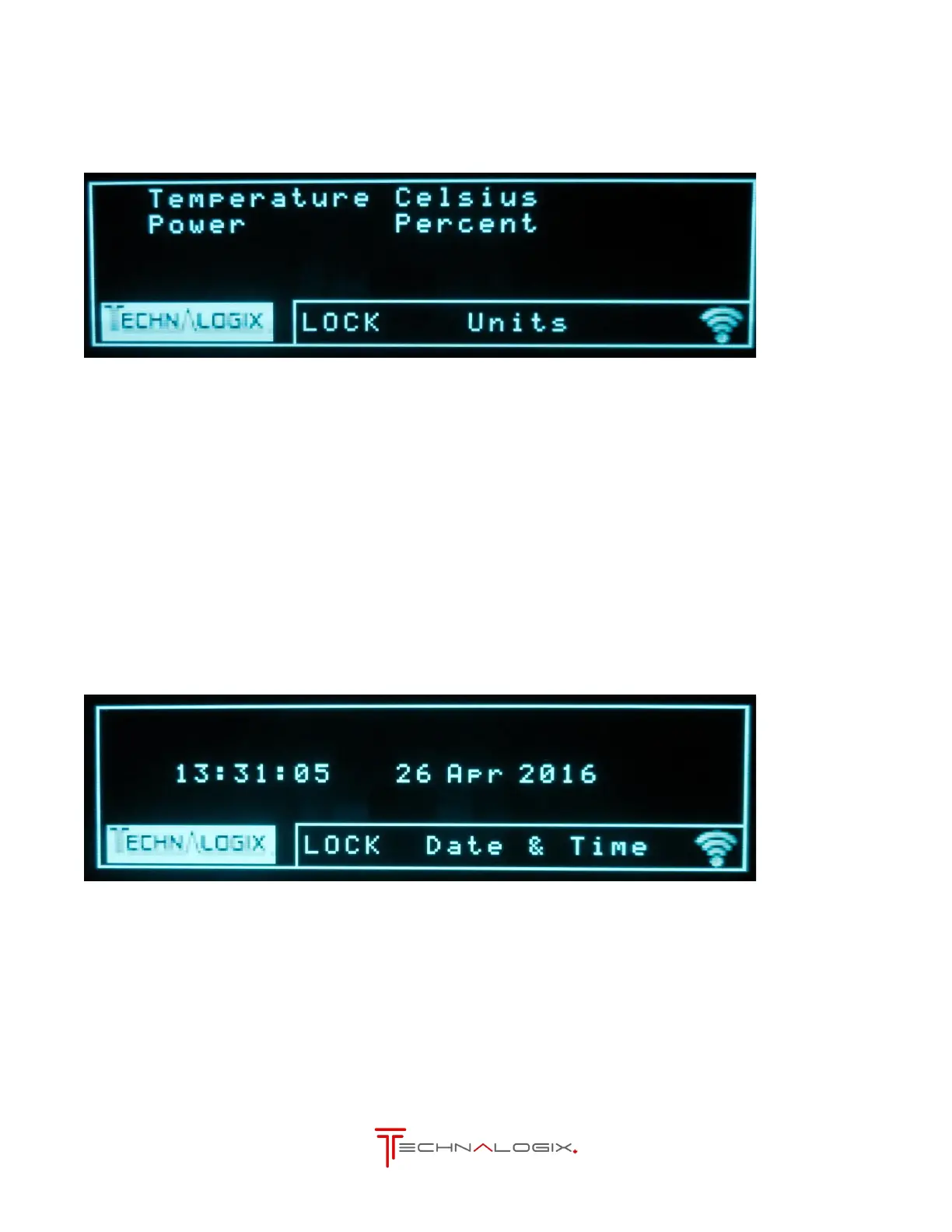
Can set the displayed temperature to Celsius or Faherenheit.
Can set the displayed power to Watts or percent of full scale.
Controls from Units Screen
Goes to SCA Levels screen
Goes to Date & Time screen
Enters selection mode to change options above
Goes to the Currents screen
8.11. Date & Time
Shows the date and time the unit’s clock is currently set to and allows it to be changed.
Controls from Units Screen
Goes to Event History screen
Enters selection mode to change date and time
Goes to the Currents screen



 To Next Page