8.4. Currents Screen
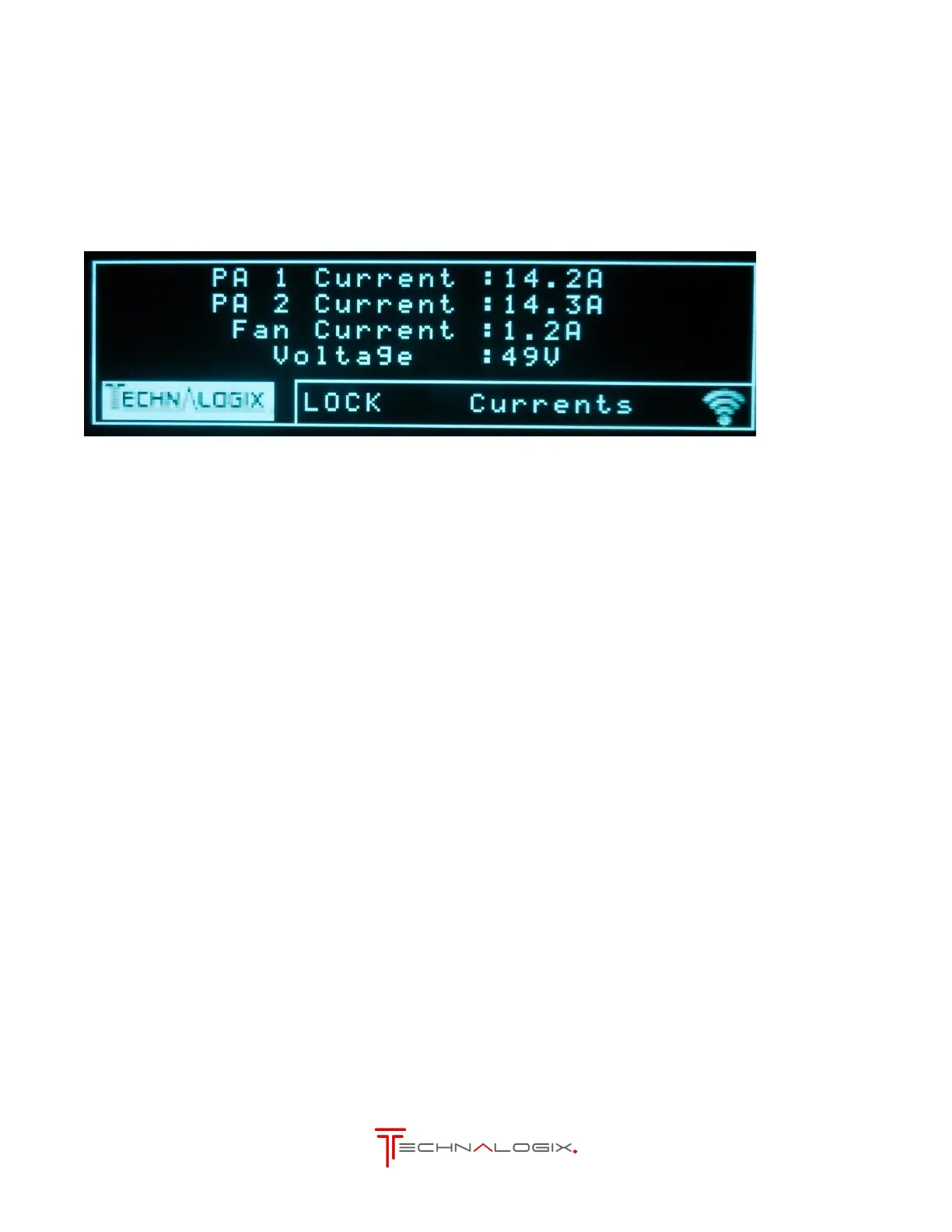
This screen allows the user to view voltage and current readings. A sample Power Supplies Screen is
displayed below:
Currents shown are total current or spIit current and the cooling fan current. Split current can be for
multiple amplifier pallets or multiple devices on one pallet. In the case of multiple pallets in the chain,
typically the user should see matching of the final pallets to within approximately 10%. Anything outside
this range is usually a sign that there may be an issue. Our team would be glad to walk you through any
troubleshooting issues or questions you may have.
DC supply voltages are nominally 24 or 48Vdc depending on the system.



 To Next Page