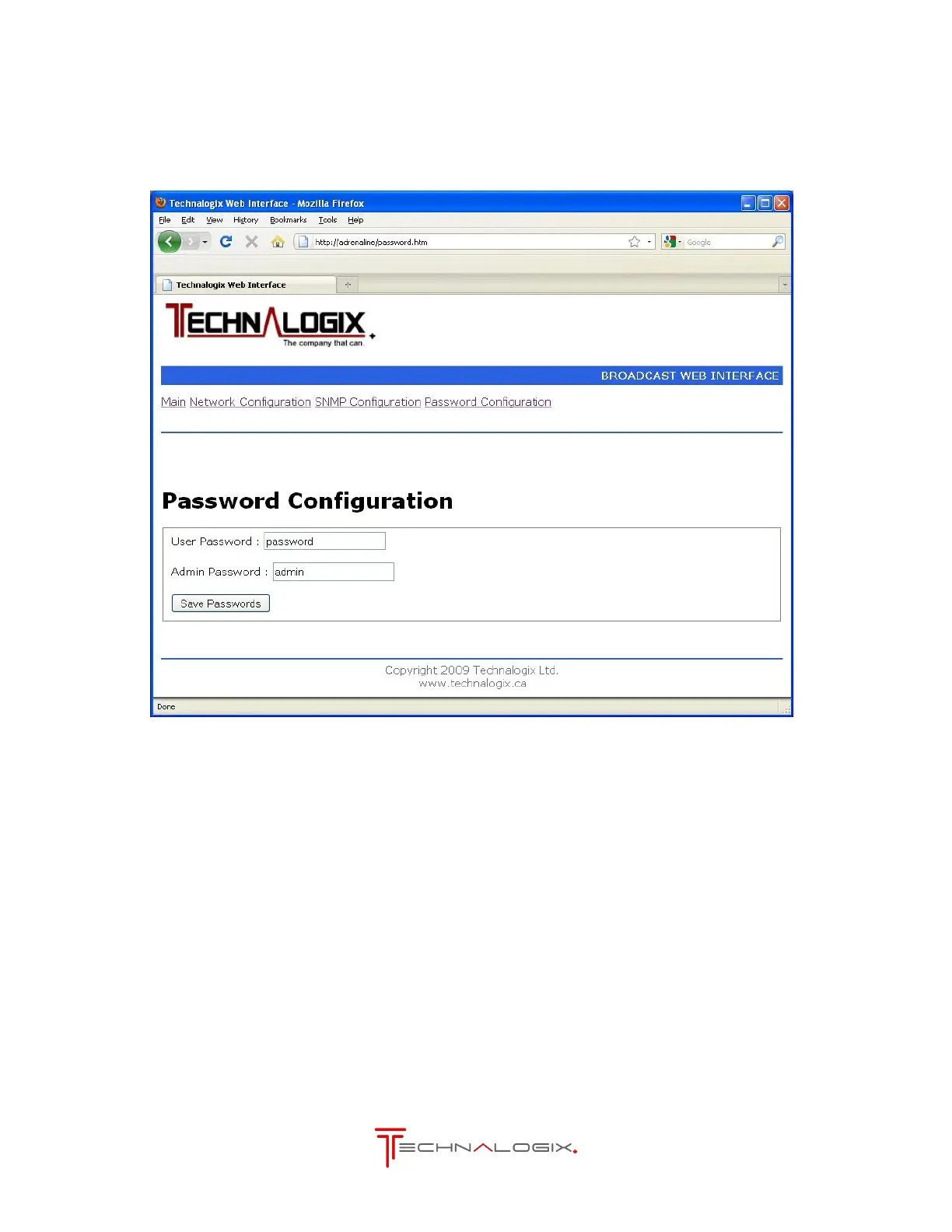
3.3. Password Configuration
This page allows the setting of the web browser’s User or Admin password, as illustrated below.
The User account allows access only to the main page. The Admin account allows access to
the main and all the configuration pages.
Passwords are to be a maximum of 7 characters long. Don’t forget your password. Resetting
your password may cause a loss of all settings.



 To Next Page