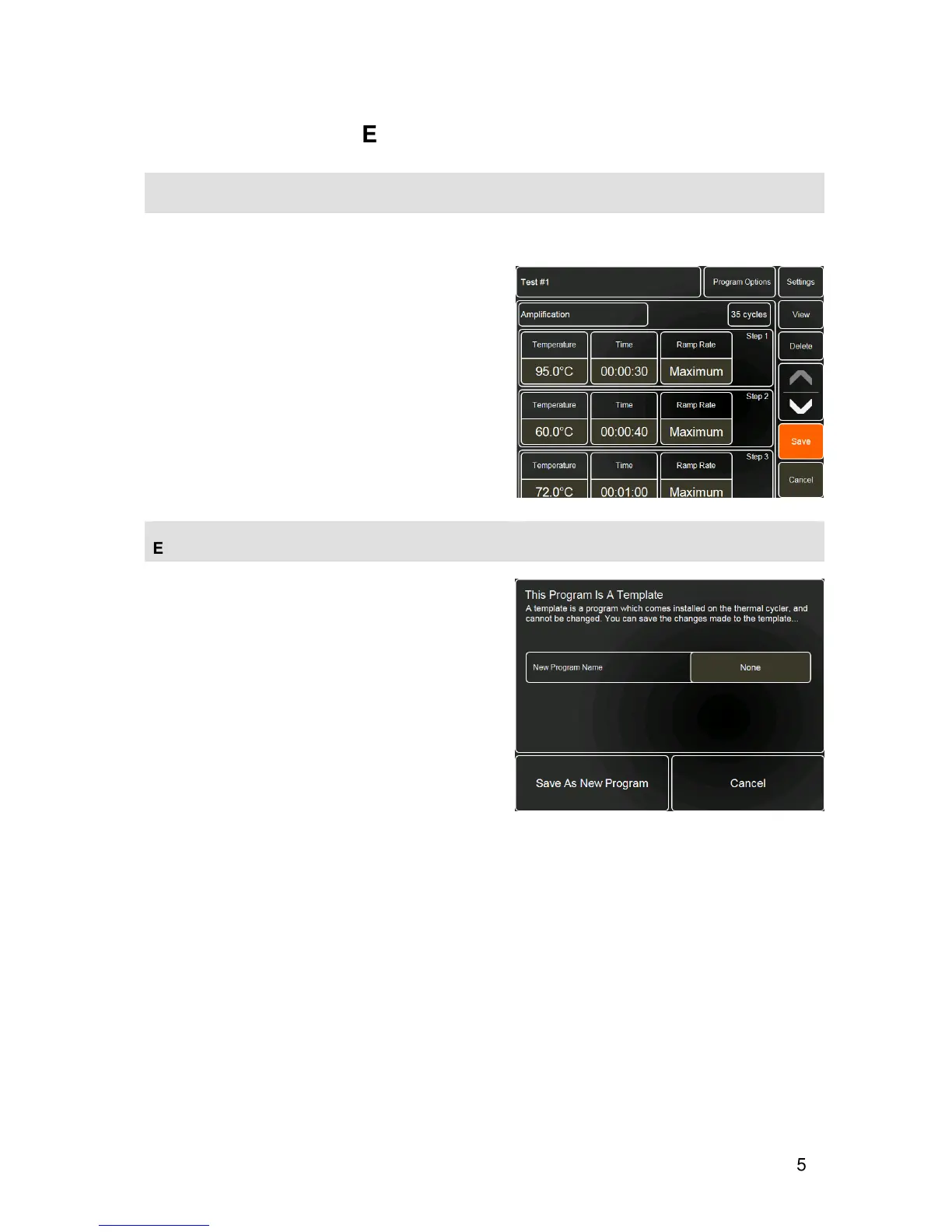
To edit a selected program, touch the
Edit
button.
Any of the Program Options, Settings or thermal
cycling parameters can be edited.
•
Once all the required changes have been made,
touch
Save
.
Note: this will overwrite the existing program.
To copy a program for editing, please see section
VIEW FILES
.
EDITING TEMPLATES
Editing templates can be a quick method of creating a
program by just changing a few key parameters.
However it is not possible to save changes to the
templates installed on the thermal cycler.
If the edited program is a template, touching
Save
will
open the message box shown opposite.
•
Touch the
None
button next to New Program
Name and enter a name for the edited program.
•
Touch
Save As New Program
to save the
changes.
The re-named program will now be listed in the
program list.


 To Next Page