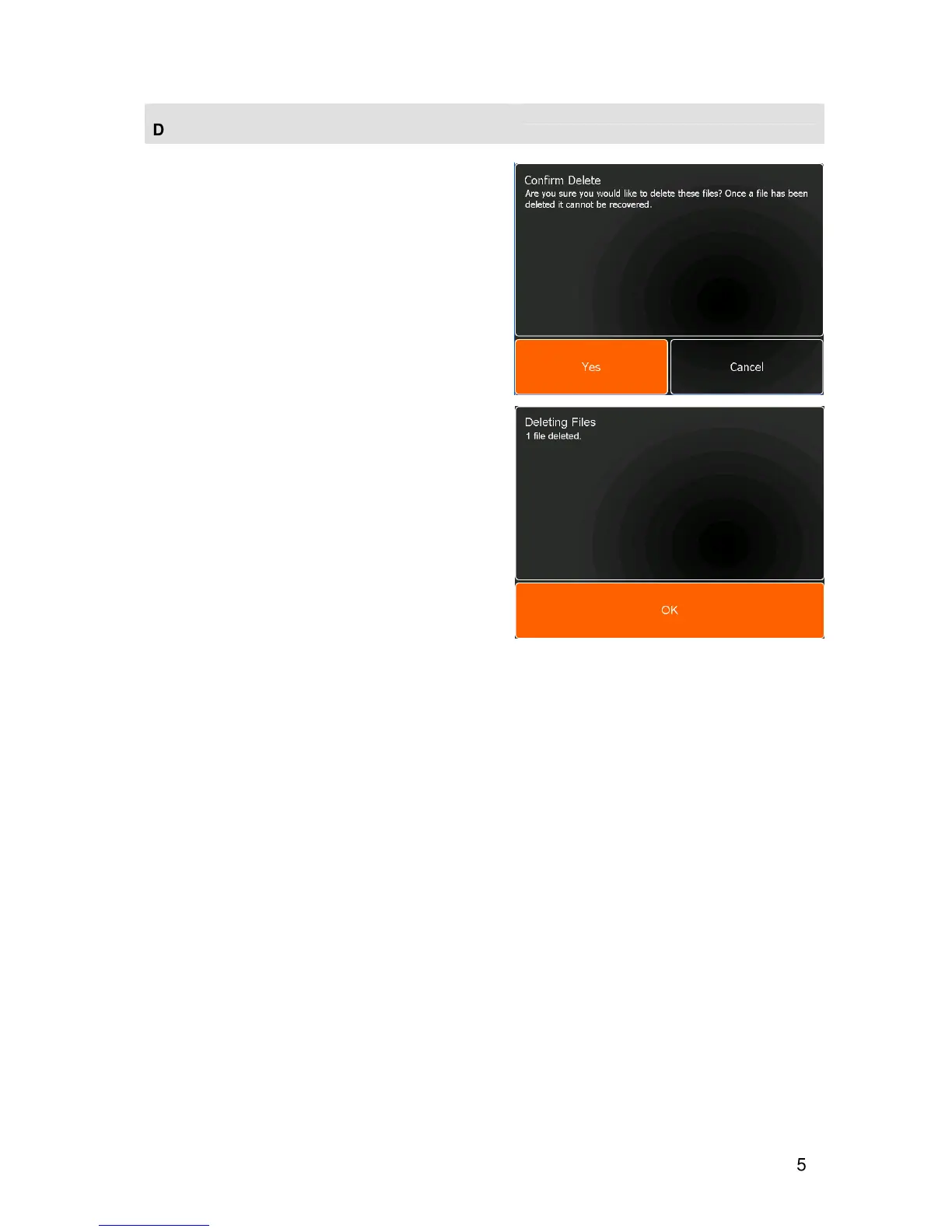
DELETING FILES
Unused or old files can be permanently deleted from
the unit or a USB memory stick.
•
Select one or more files for deleting by touching the
appropriate file button.
Note
: Multiple file selection is optional and can be set
up in the User Preferences section of the Settings
Module.
or
•
Touch
Select All
to select all files.
•
Touch
Delete
. A message box will appear asking
for confirmation of delete.
•
Touch
Yes
to confirm the delete.
•
Touch
Cancel
to abort the delete.
If the delete is confirmed, a message box will confirm
that the files have been deleted.
•
Touch
OK
.


 To Next Page