51
EDITING PASSWORD PROTECTED PROGRAMS
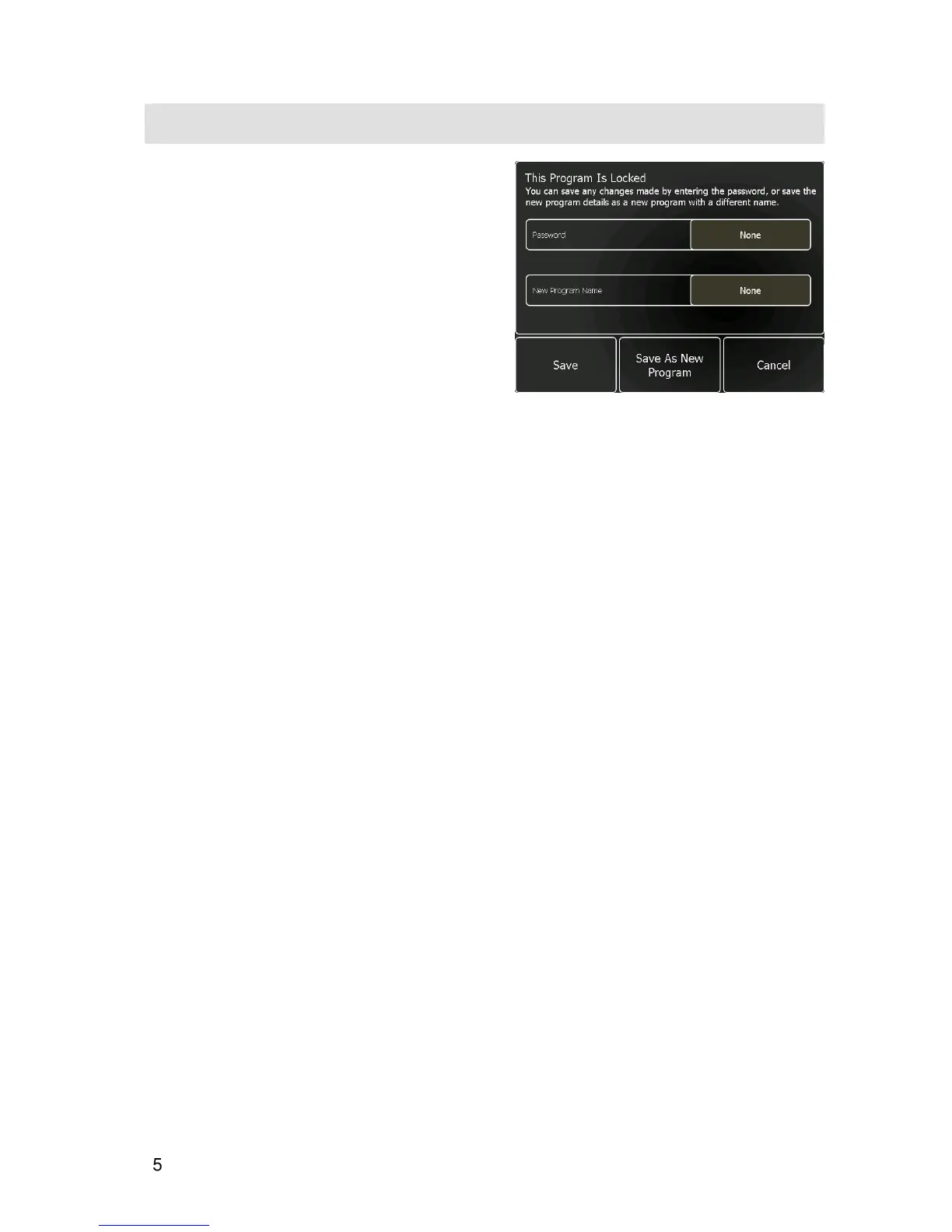
If the edited program is password protected, touching
Save
will open the message box shown opposite. To
save the changes either:
•
Touch the
None
button next to Password and
enter the correct password followed by
Save
.
Note: this will overwrite the existing program.
or
•
Touch the
None
button next to New Program
Name and enter a new name for the edited
program, followed by
Save as a New Program
.
The re-named program will now be listed as a
separate program in the program list.


 To Next Page