EasyManua.ls Logo

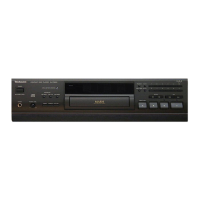
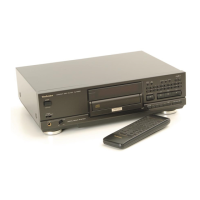
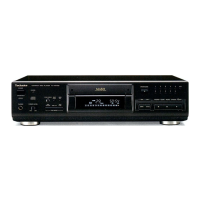
Technics SL-PS740A - Location of Controls

Technics SL-PS740A
33 pages
Print Icon
To Next Page IconTo Next Page
To Previous Page IconTo Previous Page
Loading...
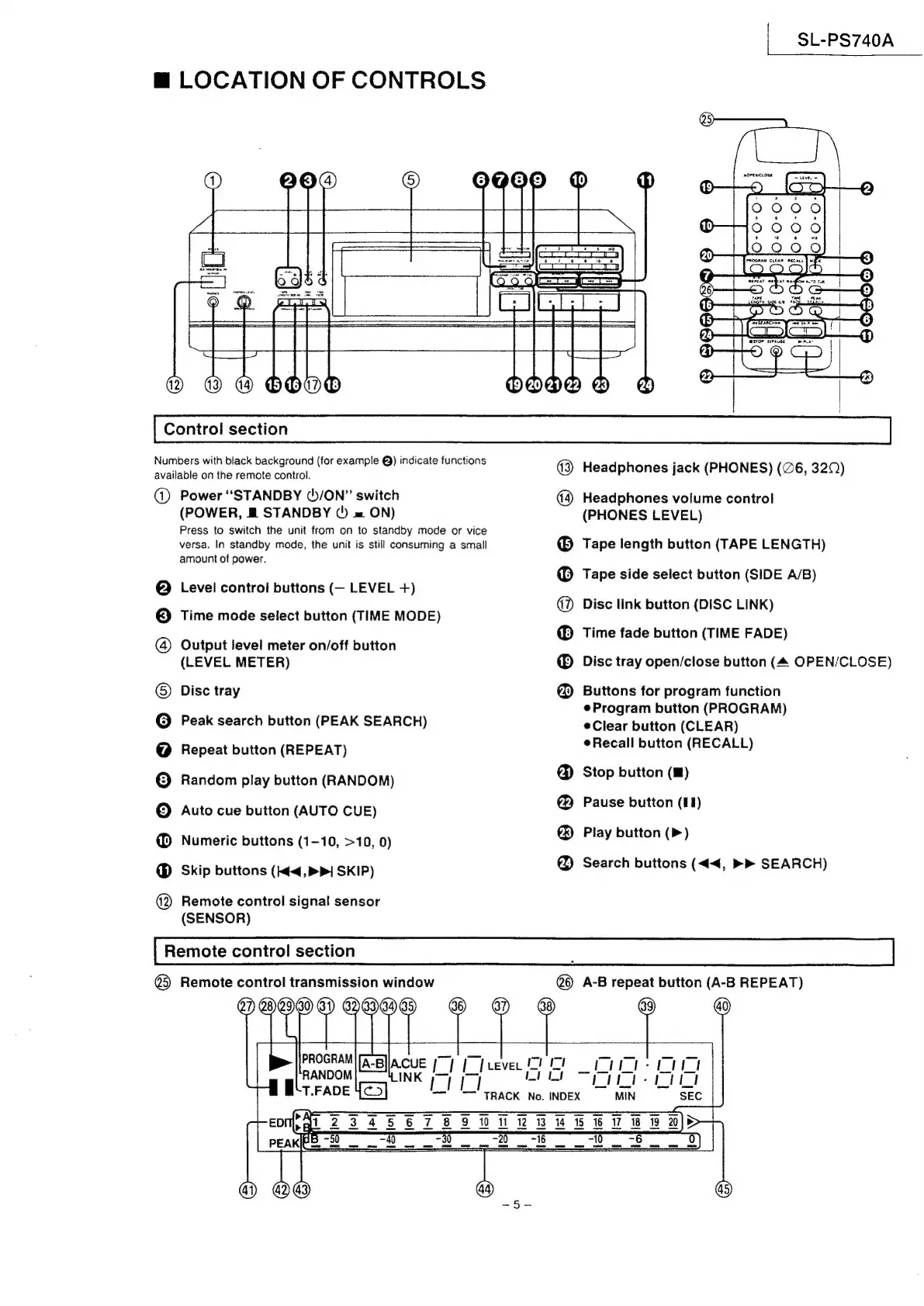
LOCATION
OF
CONTROLS.
BDO
10
11
SL-PS740A
snares
C1
del
=
©
©.
ae
—_
4)
4
49
OBBHADO
Control
section
WODD
24
Numbers
with
black
background
(for
example
@)
indicate
functions
available
on
the
remote
control.
@
eeqgodge®
20°90
Power
“STANDBY
()/ON”
switch
(POWER,
M&
STANDBY
()
»
ON)
Press
to
switch
the
unit
from
on
to
standby
mode
or
vice
versa.
In
standby
mode,
the
unit
is
still
consuming
a
small
amount
of
power.
Level
control
buttons
(—
LEVEL
+)
Time
mode
select
button
(TIME
MODE)
Output
level
meter
on/off
button
(LEVEL
METER)
Disc
tray
Peak
search
button
(PEAK
SEARCH)
Repeat
button
(REPEAT)
Random
play
button
(RANDOM)
Auto
cue
button
(AUTO
CUE)
Numeric
buttons
(1-10,
>10,
0)
Skip
buttons
(<4,
>|
SKIP)
@2)
Remote
control
signal
sensor
(SENSOR)
Remote
control
section
©
8eee
868
868886
Headphones
jack
(PHONES)
(@6,
320)
Headphones
volume
control
(PHONES
LEVEL)
Tape
length
button
(TAPE
LENGTH)
Tape
side
select
button
(SIDE
A/B)
Disc
link
button
(DISC
LINK)
Time
fade
button
(TIME
FADE)
Disc
tray
open/close
button
(4
OPEN/CLOSE)
Buttons
for
program
function
eProgram
button
(PROGRAM)
Clear
button
(CLEAR)
Recall
button
(RECALL)
Stop
button
()
Pause
button
(91)
Play
button
(>)
Search
buttons
(<<,
»»
SEARCH)
er)
Remote
control
transmission
window
@
A-B
aoe
button
(A-B
REPEAT)
heaven
ie
oe
a
|
Se
No.
INDEX
Tt
ied
ad
PROGRAM
|A-B}
aerg
mt
So
itt:
LILi-
it
MIN
$s

Related product manuals