08
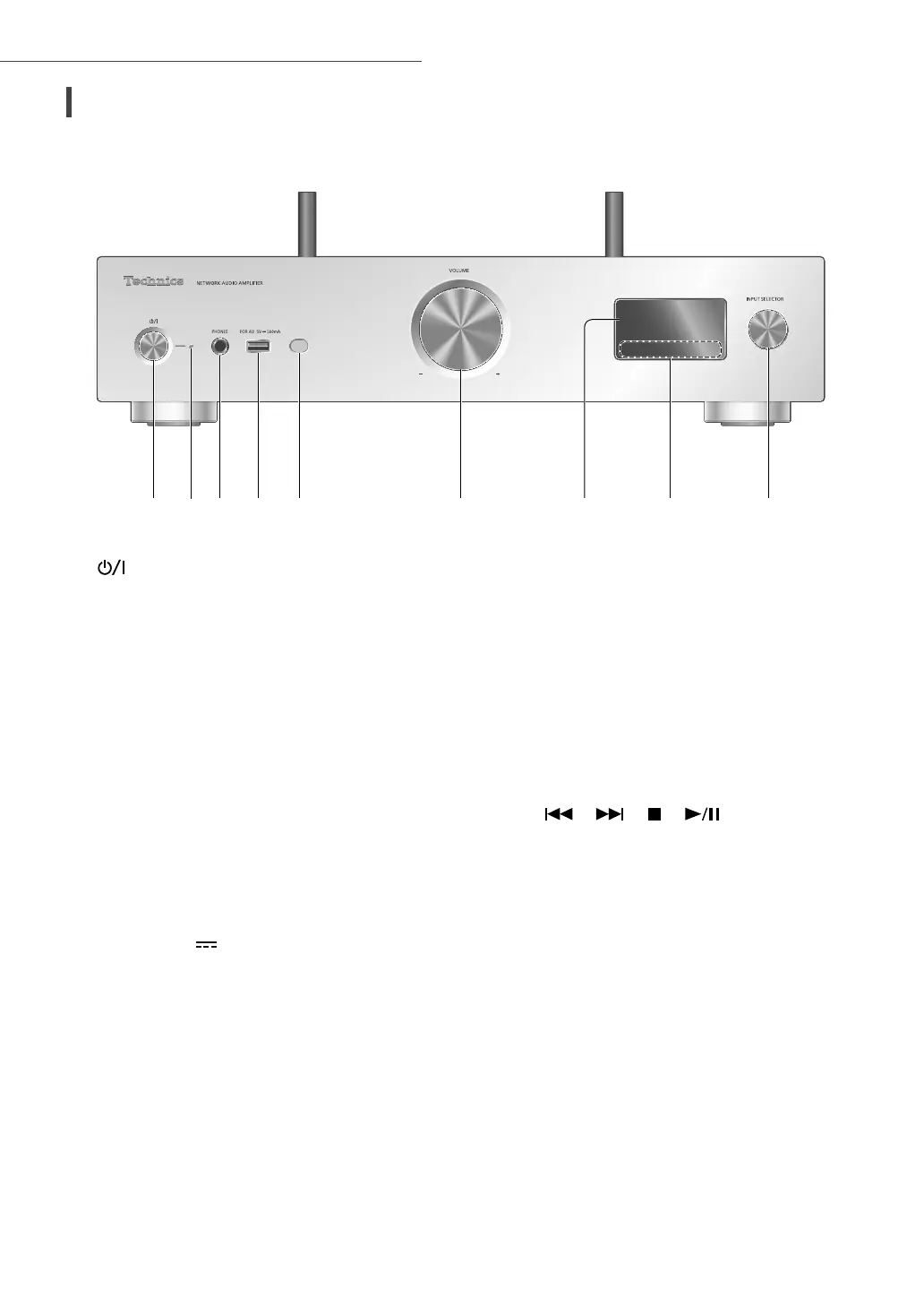
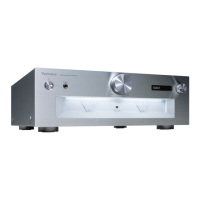
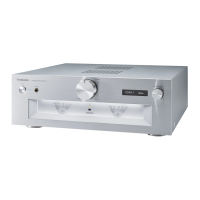
Control reference guide
01 [ ] Standby/on button
• Press to switch the unit from on to standby
mode or vice versa. In standby mode, the
unit is still consuming a small amount of
power.
02 Power indicator
• Blue: The unit is on.
• Off: The unit is off.
- Red: The unit is in standby mode.
03 Headphones jack
• When a plug is connected, the speakers
and PRE OUT terminals do not output
sound.
• Excessive sound pressure from earphones
and headphones can cause hearing loss.
• Listening at full volume for long periods
may damage the user’s ears.
04 USB-A terminal (USB-A)
(For AV) (5 V
500 mA)
• You can connect a USB device to the unit
and play back music stored on the USB
device.
• You can connect the USB flash memory
with new firmware and update the
firmware for this unit. For details, refer to
the following website.
www.technics.com/support/firmware/
05 Remote control signal sensor
• Reception distance:
Within approx. 7 m directly in front
• Reception angle:
Approx. 30° left and right
06 Volume knob
• -- dB (min), -99.0 dB to 0 dB (max)
07 Display
• Input source, playback status, etc. are
displayed.
08 Touch switches
• [
], [ ], [ ], [ ]:
Playback operation buttons
• Each time you press the switch, a beep
sound will be heard.
09 Input selector knob
• Turn this knob clockwise or anticlockwise to
switch the input source.
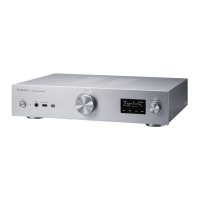
This unit (front)


 To Next Page